Seedance 2.5 AI Video Generator
Seedance 2.5 is ByteDance's next audio-video model for longer single-pass storytelling. Run text, image, video or reference to video—clips up to 30 seconds at 1080p, dense multimodal references (on the order of ~50), and optional native audio.
- Free credits on signup
- No credit card to start
- No watermark
- Nothing to install
Seedance 2.5 at a glance
- Clip length
- 4-30s
- Max resolution
- 1080p
- Frame shapes
- 7 + Auto
- Input modes
- 4
What Seedance 2.5 Can Do
Longer takes up to 30s, denser multimodal references, and four entry points—tuned for clips that need room to finish a beat.
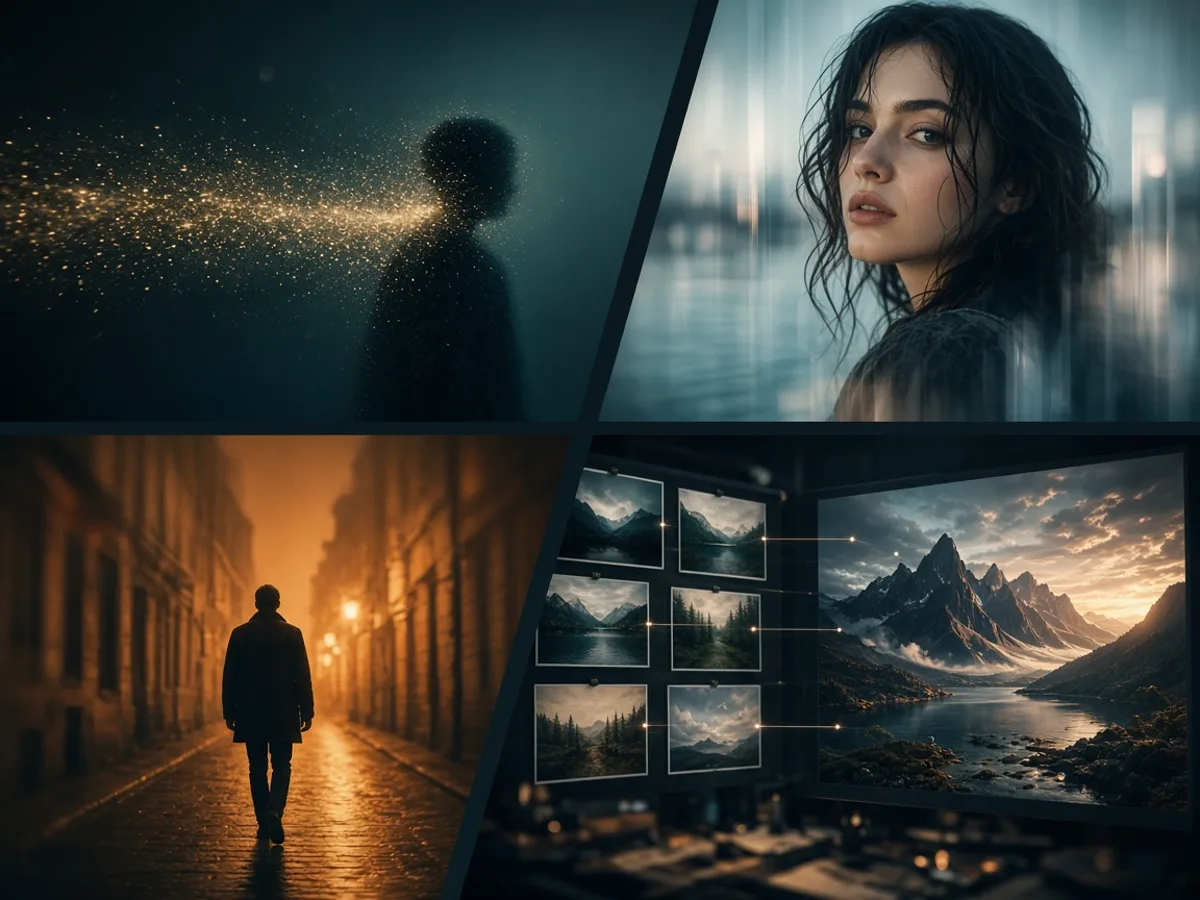
Four Modes, One Seedance 2.5 Model
Text to video, image to video, video to video, and reference to video all share Seedance 2.5. Switch material without learning a second tool.
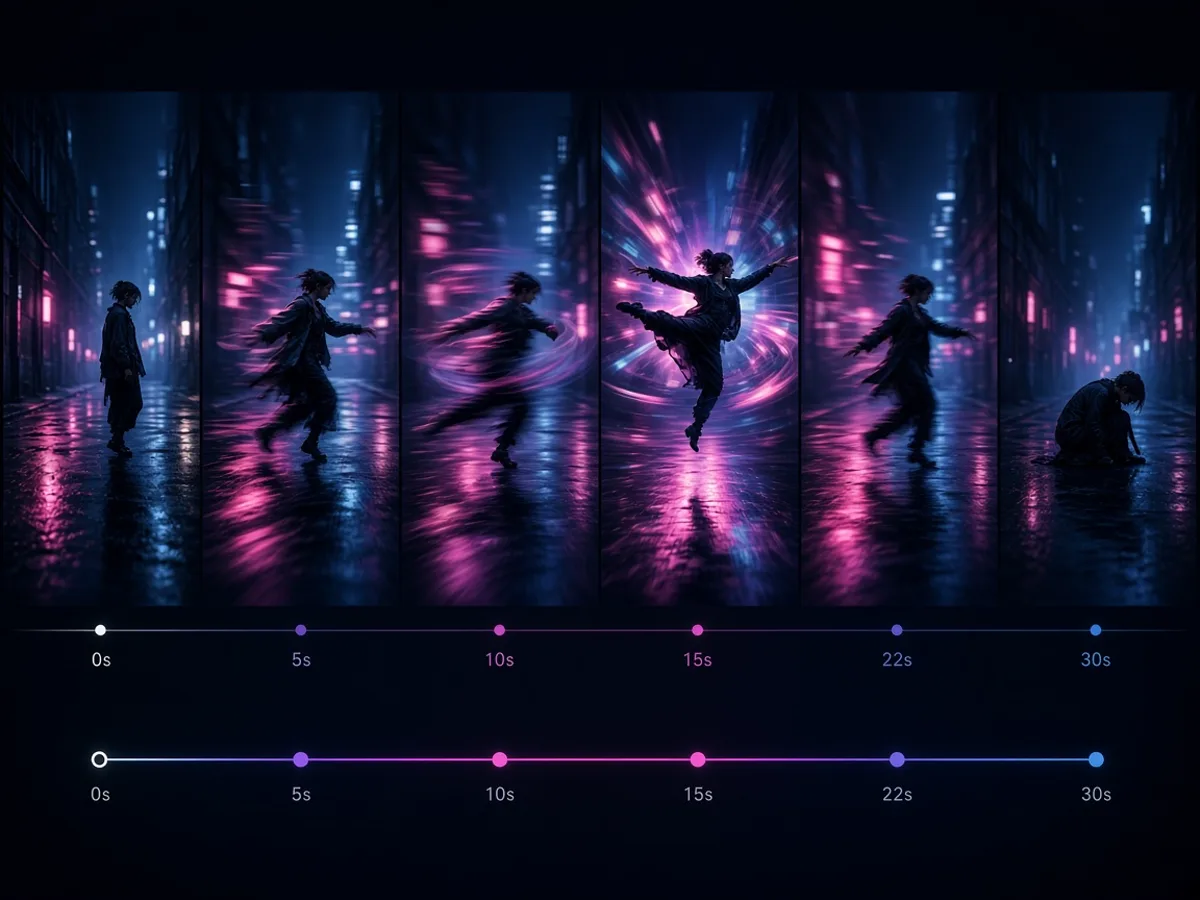
Clips From 4 to 30 Seconds
Finish a dialogue beat or product demo in one generation—Seedance 2.5 stretches to 30 seconds so you are not stitching three short clips.
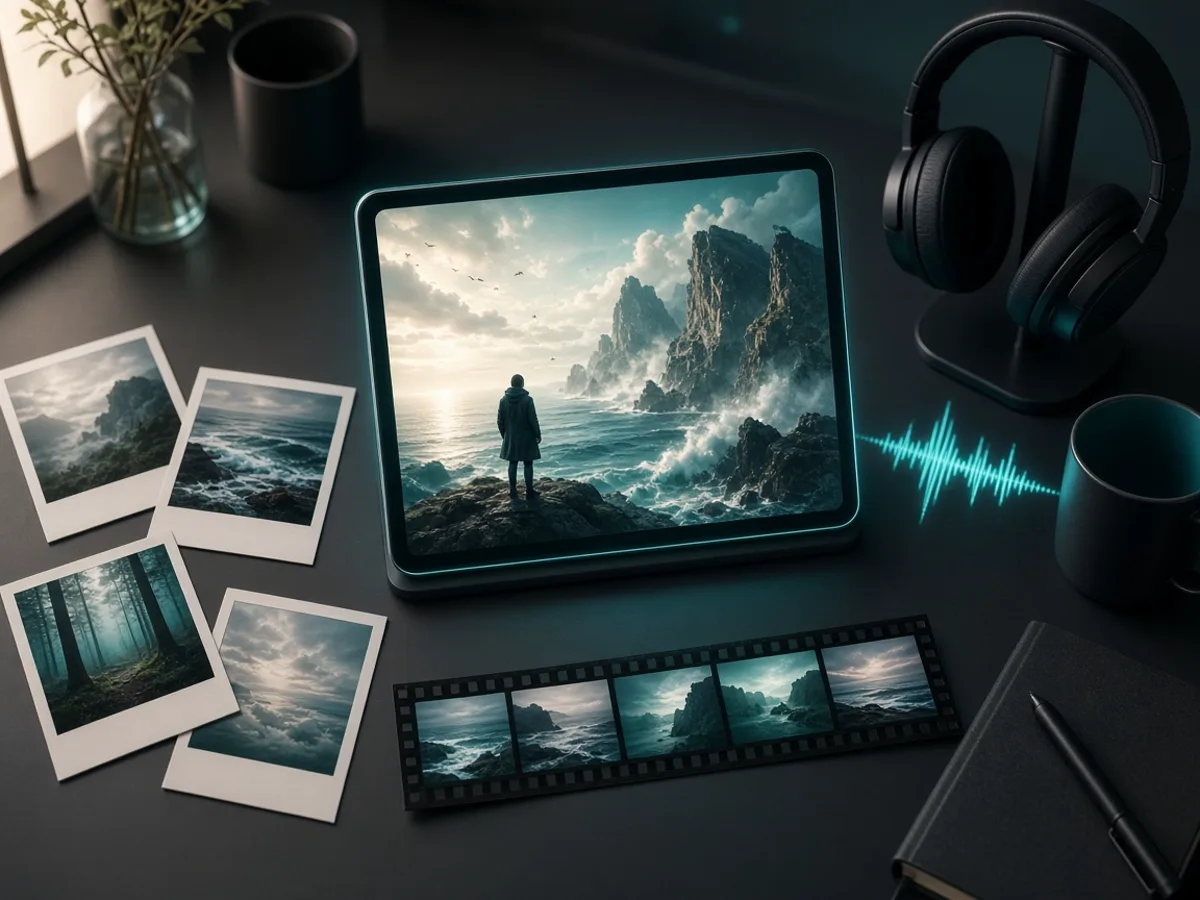
Multimodal References at Scale
Pack faces, products, pacing boards and style stills into one Seedance 2.5 pass—on the order of ~50 multimodal references when the brief is dense.
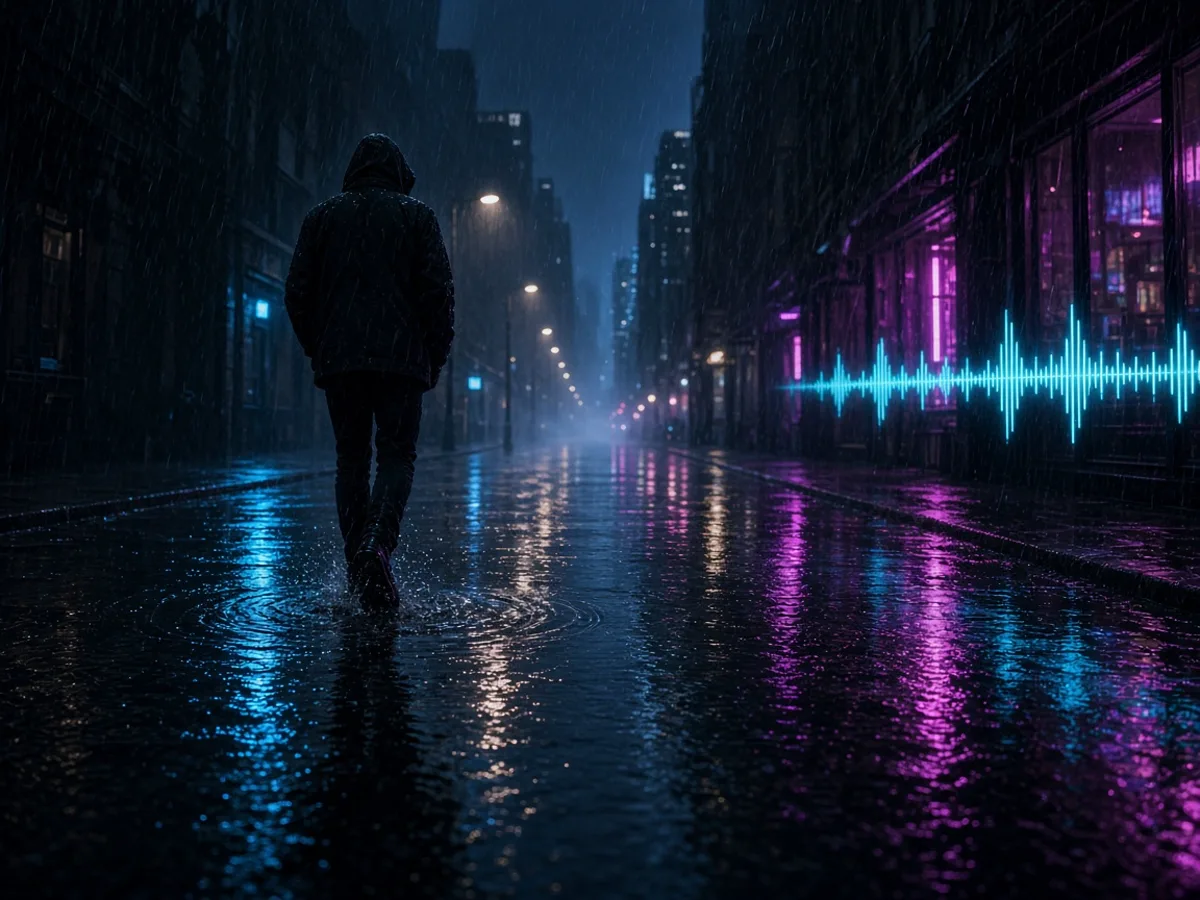
Native Audio With the Picture
Turn generate-audio on and Seedance 2.5 produces sound in the same pass as the frames, so footsteps and dialogue land closer to the motion.
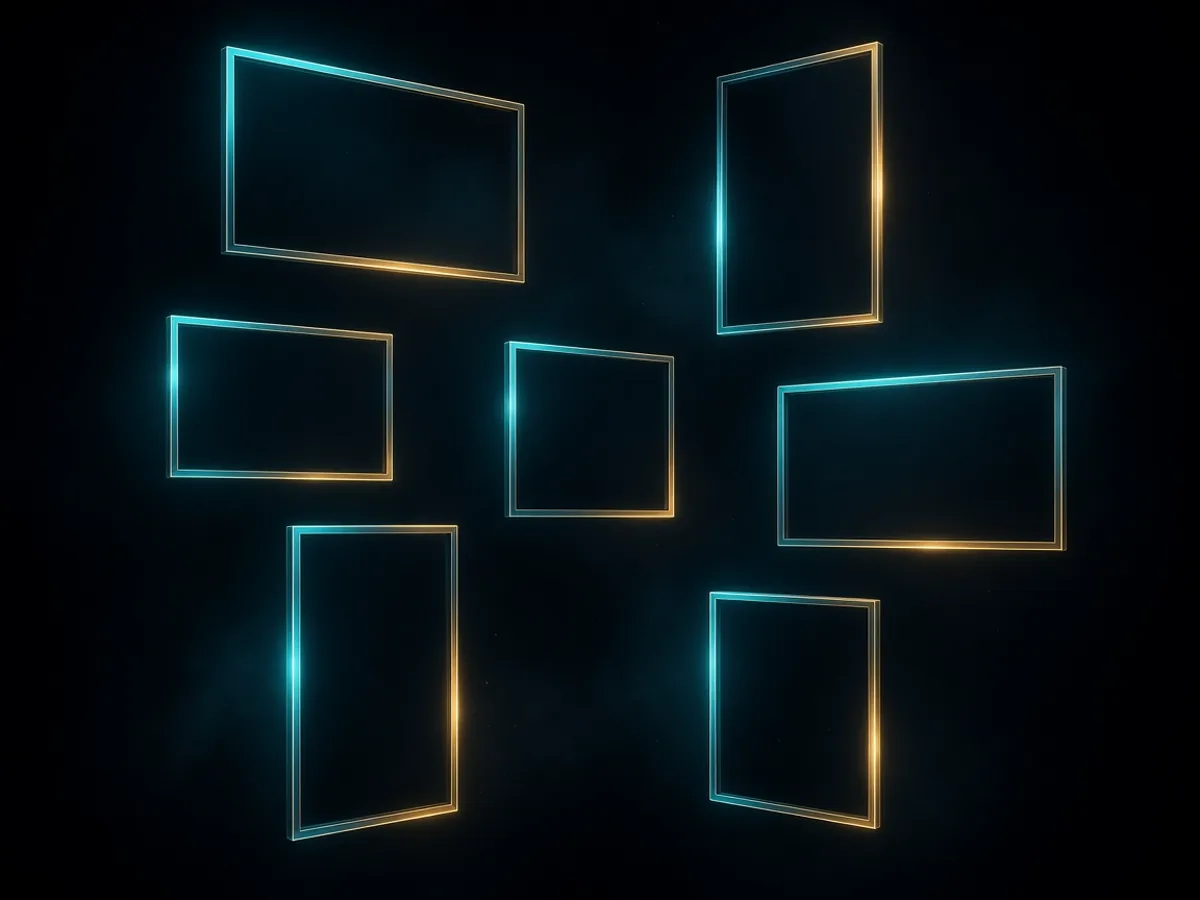
Seven Shapes Plus Adaptive Framing
Pick 16:9, 9:16, 1:1, 4:3, 3:4, 21:9, or Auto. Choose the frame the platform wants before you spend credits cropping later.
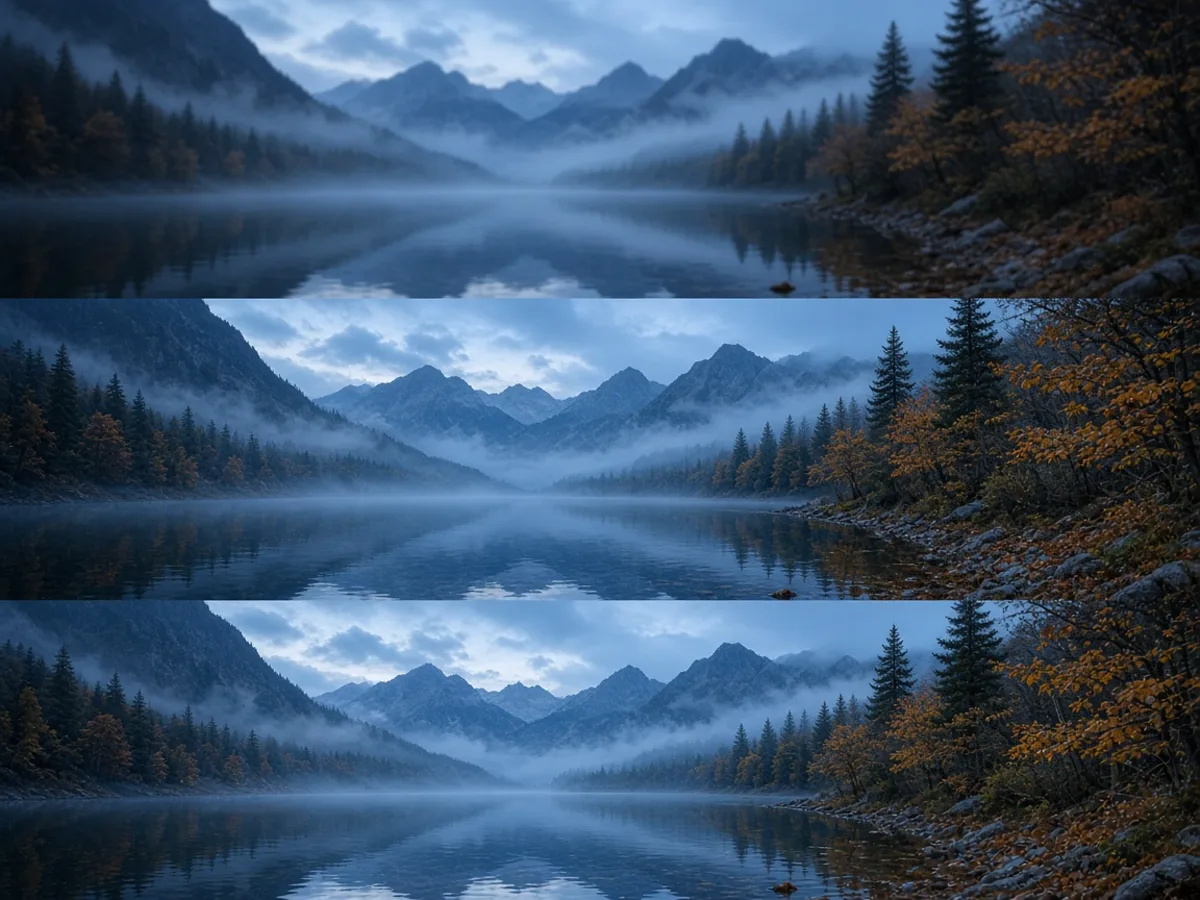
480p, 720p or 1080p Output
Draft cheap at 480p, then re-run winners at 720p or 1080p. Higher resolution costs more credits per second — the generate button shows the estimate before you commit.
How to Use Seedance 2.5
Three steps to a first longer take:
 01
Open the Mode That Matches Your Material
Idea only? Stay on text to video. Have a still? Image to video. Need consistency across faces, products or pacing? Reference to video is the tab this page opens on.
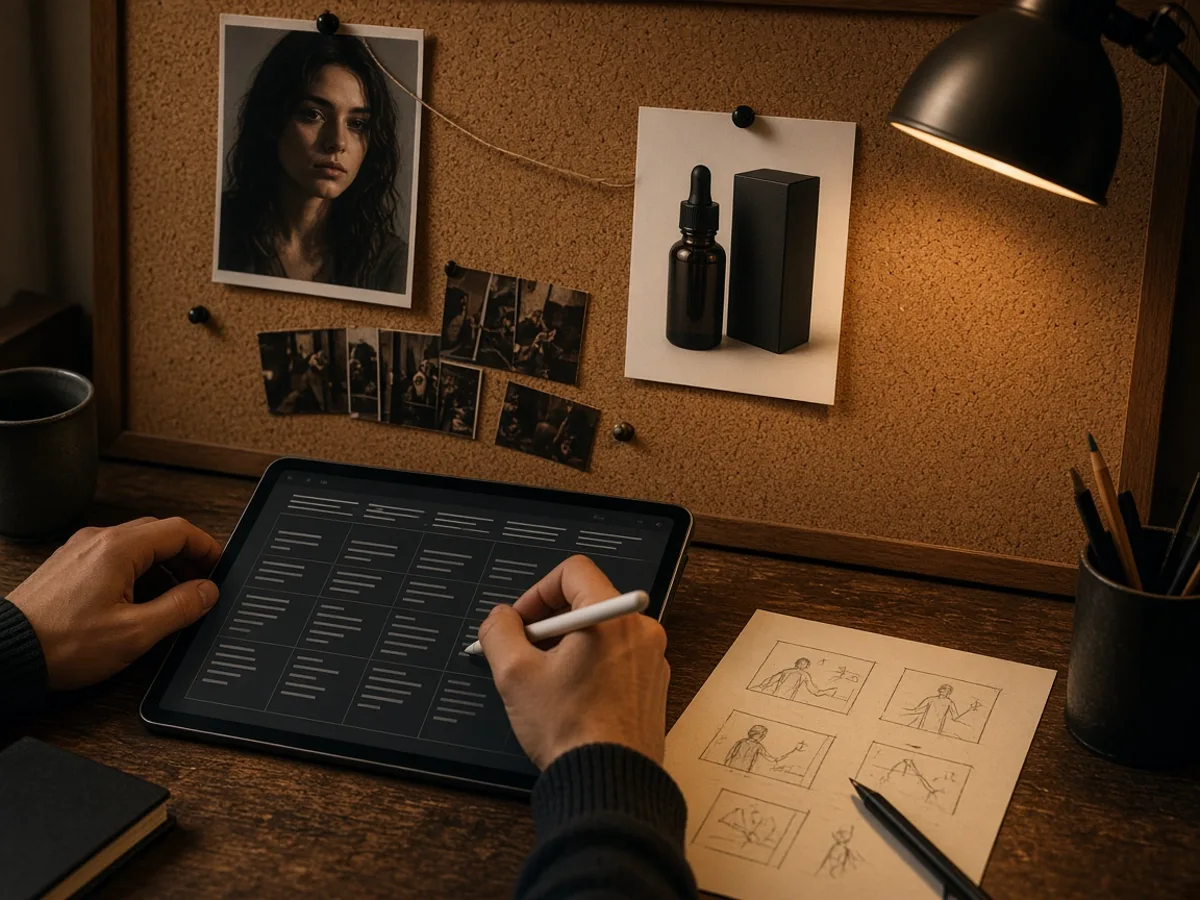 02
Write One Clear Beat, Then Attach References
Name the subject, one camera move, and the lighting. Upload anything that must stay fixed — a face, a packshot, a short reference clip — instead of hoping the prompt alone holds it.
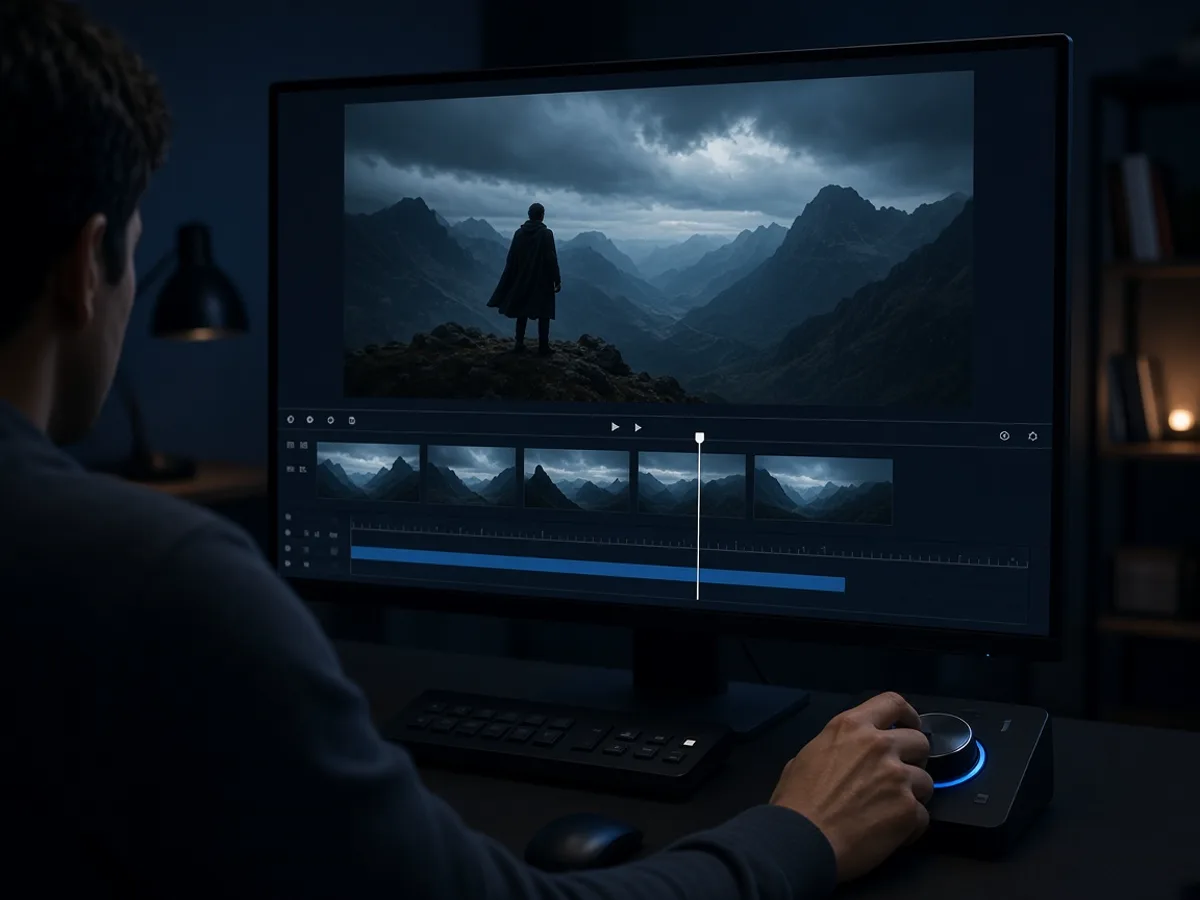 03
Set Length and Resolution, Then Iterate Once
Duration goes from 4 to 30 seconds. Generate, watch, change a single variable, and run again. That is how you learn what Seedance 2.5 actually responds to.
What People Make With Seedance 2.5
Jobs where a fifteen-second ceiling used to force an awkward cut.
Longer Pre-Roll Spots
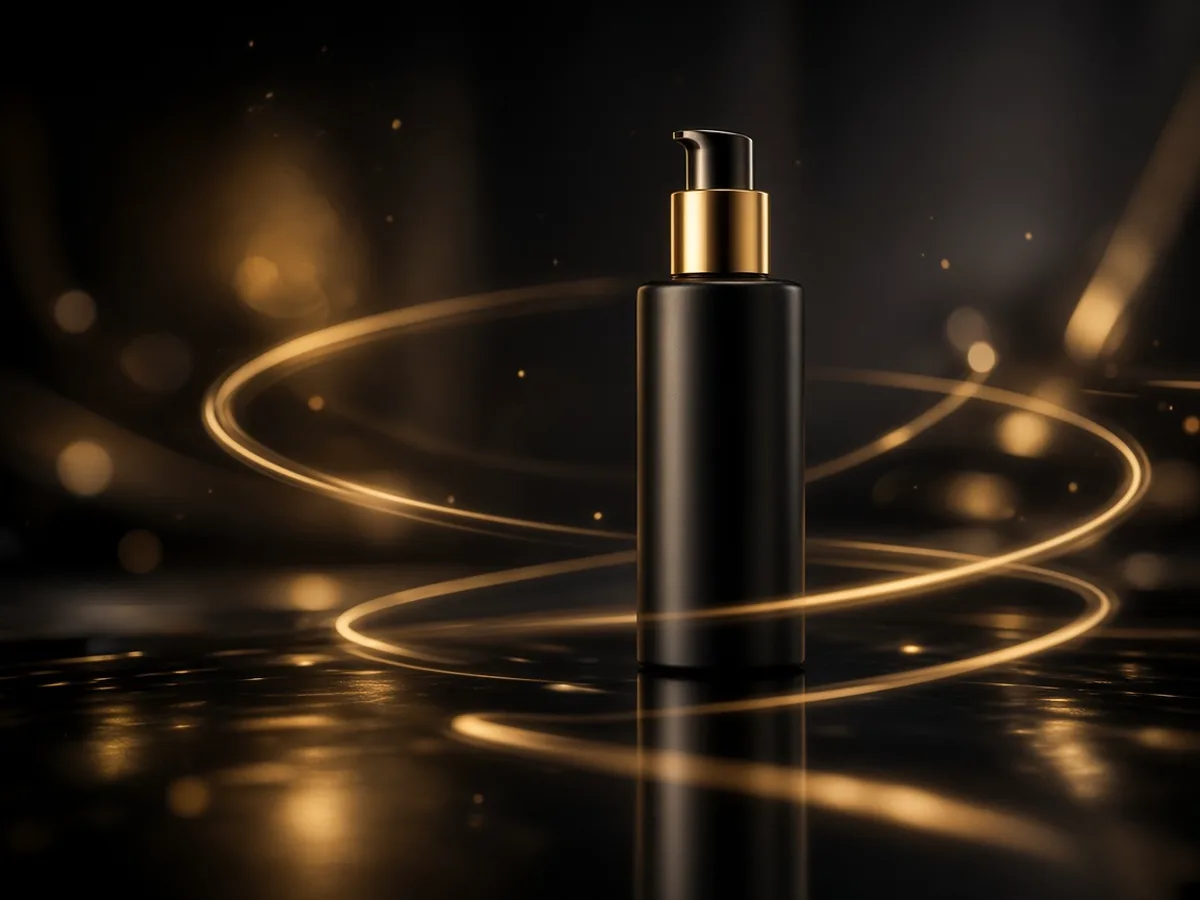
Thirty seconds is a full mid-roll beat. Write the arc, pin the product as a reference, and generate a spot you can drop into a campaign without splicing three short clips.
- Product stays on model — Reference images keep the label from drifting between beats.
- Cut-ready shapes — 21:9 for pre-roll, 9:16 for the same story on phones.
Multi-Beat Social Stories
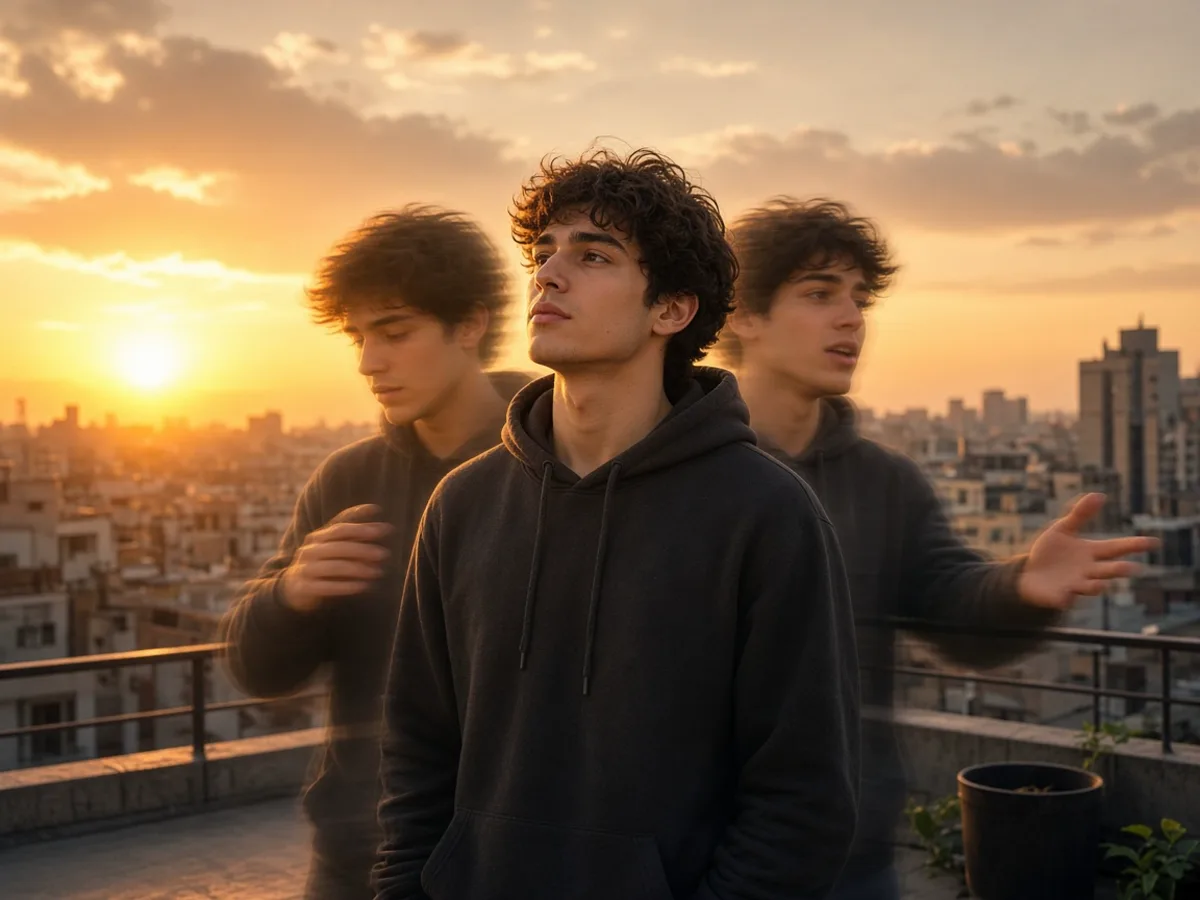
Shorts that need a setup, a turn, and a button can live in one Seedance 2.5 take instead of three five-second generations glued together.
- Draft at 480p — Explore pacing cheaply, then re-run the winner at 1080p.
- Sound in the same pass — Enable audio so the clip is closer to postable on first export.
Characters That Hold Across a Longer Take
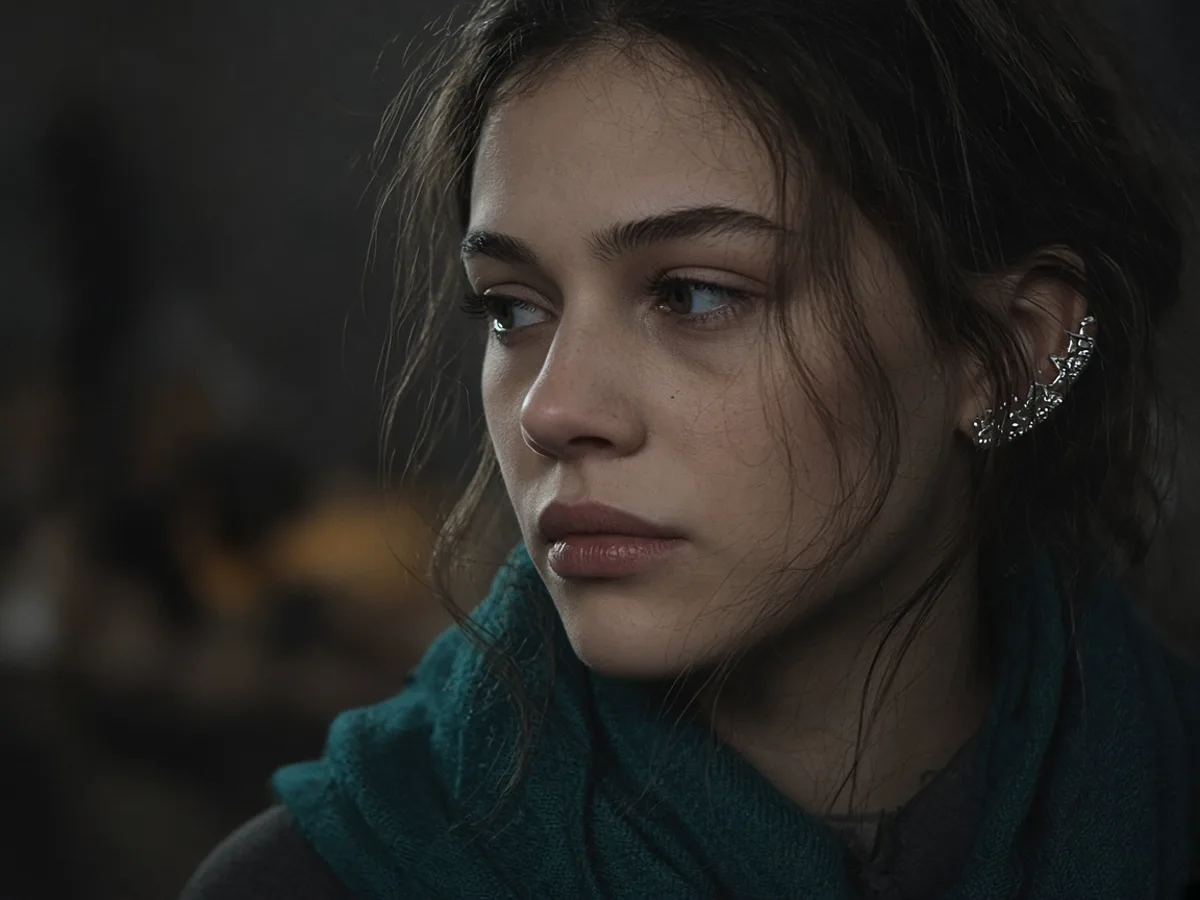
A thirty-second shot exposes face drift that a five-second clip hid. Keep feeding the same character references so hair, wardrobe and likeness survive the full duration.
- Image references first — Front and three-quarter angles beat a single cropped selfie.
- Video references for motion — A short clip can carry gait and pacing the stills cannot.
Product Orbits With Room to Breathe
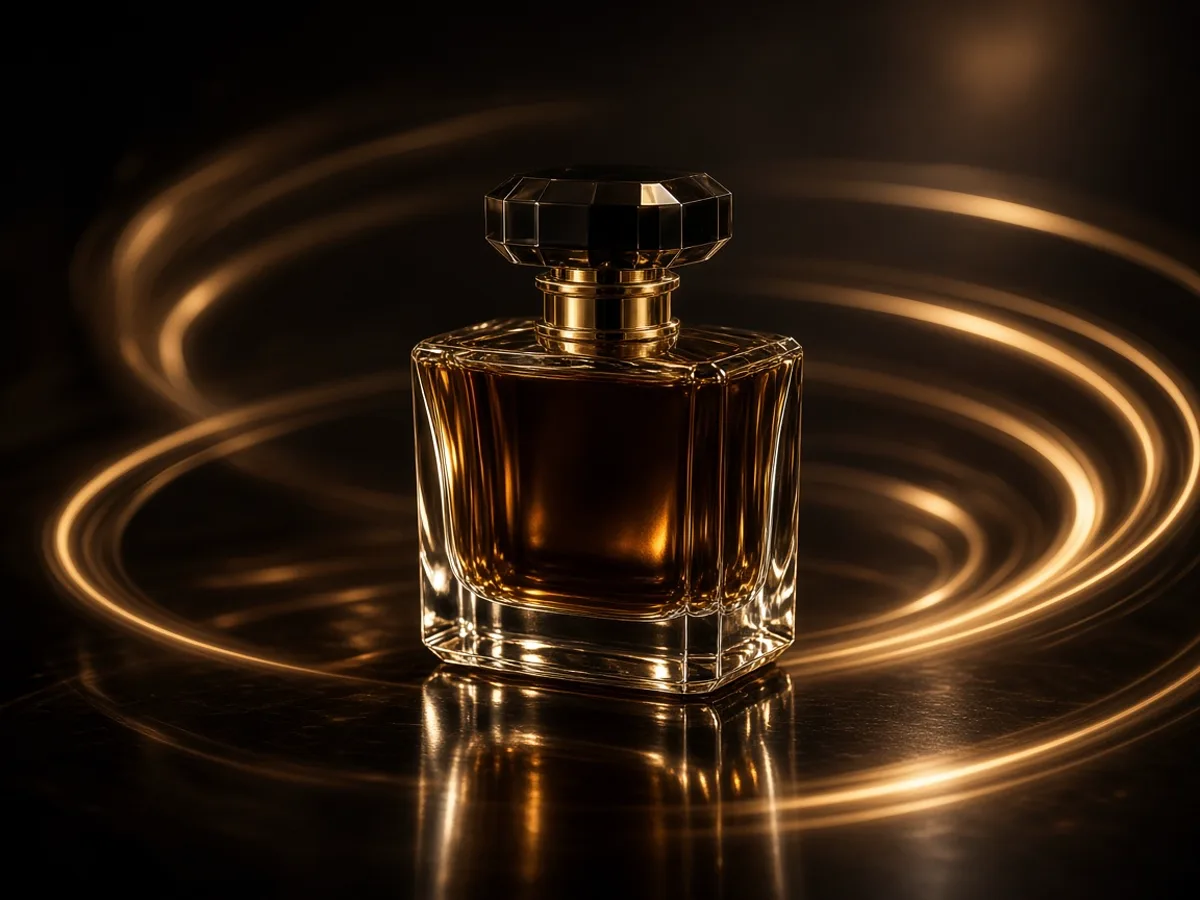
Pin the first frame to a signed-off packshot and let Seedance 2.5 push in or orbit without rushing the reveal.
- Starts from your photo — First-frame control keeps the product yours.
- One move per clip — Orbit or push-in — mixed moves soften the result.
How to Write Seedance 2.5 Prompts
Longer clips tempt you to cram a whole scene list into one sentence. Seedance 2.5 still prefers a clear beat order over a laundry list.
A Seedance 2.5 shot description usually covers
- 1Subject — who or what is on screen, and the action that carries the beat
- 2Beat order — setup, turn, resolve when you use the full 30 seconds
- 3Camera — one primary move: tracking, push-in, orbit, static
- 4Lighting and setting — enough to lock mood without rewriting the world
- 5Audio notes — dialogue lines or ambient cues when generate-audio is on
a band performing on stage
A singer steps from a dressing-room doorway into a backstage corridor, joins two dancers, then walks onto a lit stage; camera tracks behind at shoulder height, warm practicals, crowd murmur rising as they enter.
product video, modern
A matte black bottle on concrete, camera orbits ninety degrees over twelve seconds, hard side light from one softbox, shallow depth of field, soft room tone.
he leaves work and drives home
A man pushes a glass office door and steps into rain, static wide shot for eight seconds, then a cut-friendly hold as he opens a car door — one clear exit, not the whole commute.
Seedance 2.5 FAQ
Seedance 2.5 is ByteDance's newer video generation model after Seedance 2.0. On this site it runs text to video, image to video, video to video and reference to video, with clips from 4 to 30 seconds up to 1080p and optional native audio.
The headline difference on this platform is duration: Seedance 2.0 caps a single generation around 15 seconds, while Seedance 2.5 goes to 30. Seedance 2.5 also leans harder into multimodal references for longer storytelling. The older /seedance-2 page stays available if you still want that model.
New accounts receive free credits, so you can generate before paying. It is not unlimited — each clip spends credits based on length and resolution. No card is required to sign up.
Cost scales with output seconds and resolution. 720p costs more per second than 480p, and 1080p more again. The generate button shows the estimate as you change settings.
Seedance 2.5 supports about 4–30 second clips on this page—long enough for a full beat without forced cuts.
480p, 720p and 1080p. Frame shapes include Auto plus 16:9, 9:16, 1:1, 4:3, 3:4 and 21:9. Output has no watermark at any resolution we expose.
Yes when generate-audio is on (it defaults on for Seedance 2.5 on this site). Sound is produced with the picture rather than bolted on afterward. You can also attach reference audio where the mode allows.
Yes. Anything you can generate on this page can be triggered from our REST API with a dashboard API key, billed from the same credit balance.
Seedance 2.5 supports about 4–30 second clips on this page—long enough for a full beat without forced cuts.
Make Your First Seedance 2.5 Video
No camera, no crew, no card. Describe a longer beat, pick your mode, and signup credits get you generating.