Free AI Text to Image Generator
Type what you want to see and this AI text to image generator makes it in under 30 seconds. Choose the model, the shape, and the size you need — photo-real, anime, product shots, concept art. New accounts get free credits, so you can try it before paying.
- 4K
- Max resolution
- 10-30s
- Usually takes
- None
- Watermarks
What You Can Make With Our AI Text to Image Generator
Four things people open this generator for most.
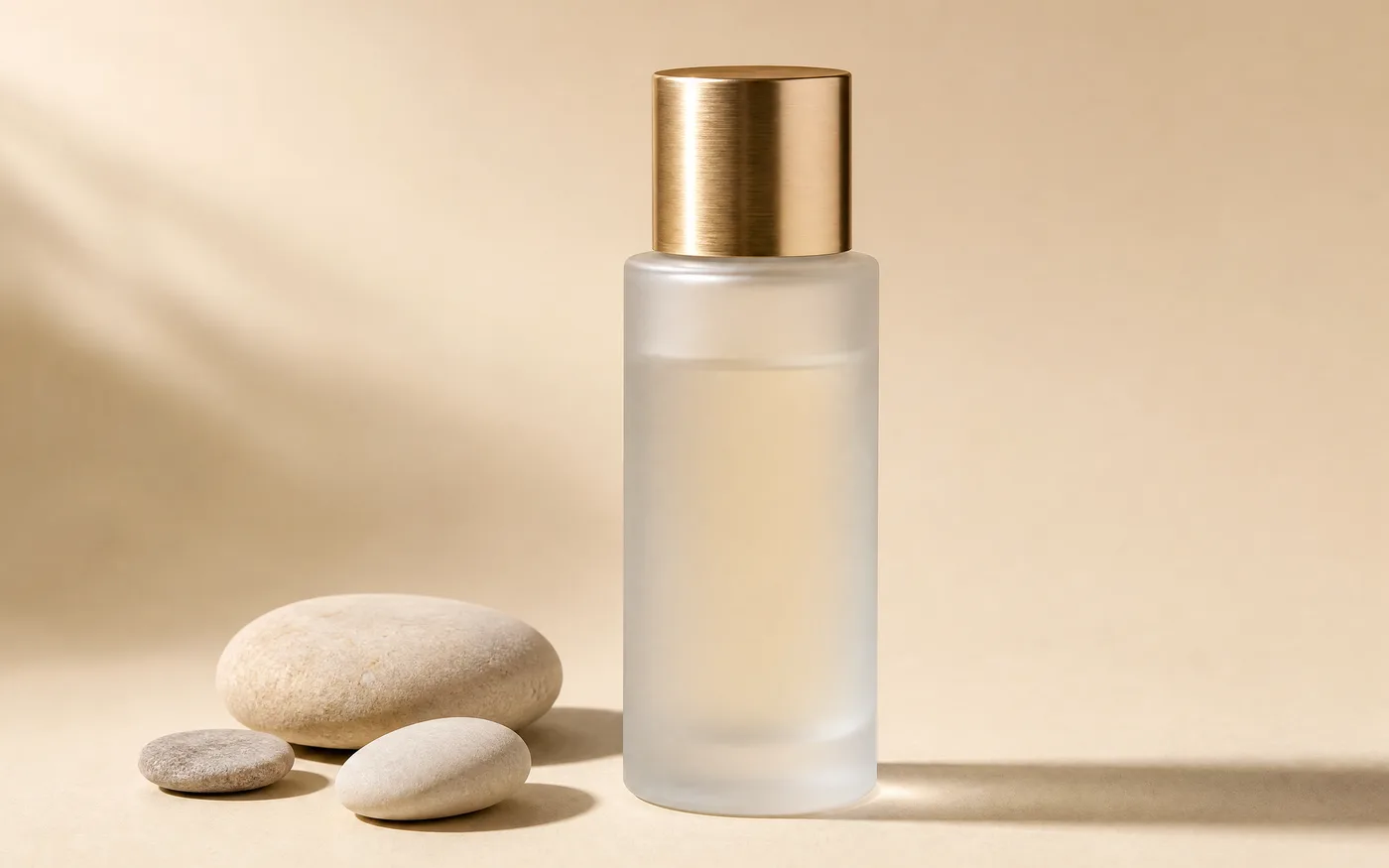
Product Photos Without a Photoshoot
Describe the surface, the lighting, and the background, and a clean product shot comes back.
- Same size every time — Set one aspect ratio and every shot in the set matches.
- Seasonal versions — Swap the background or props without a reshoot.
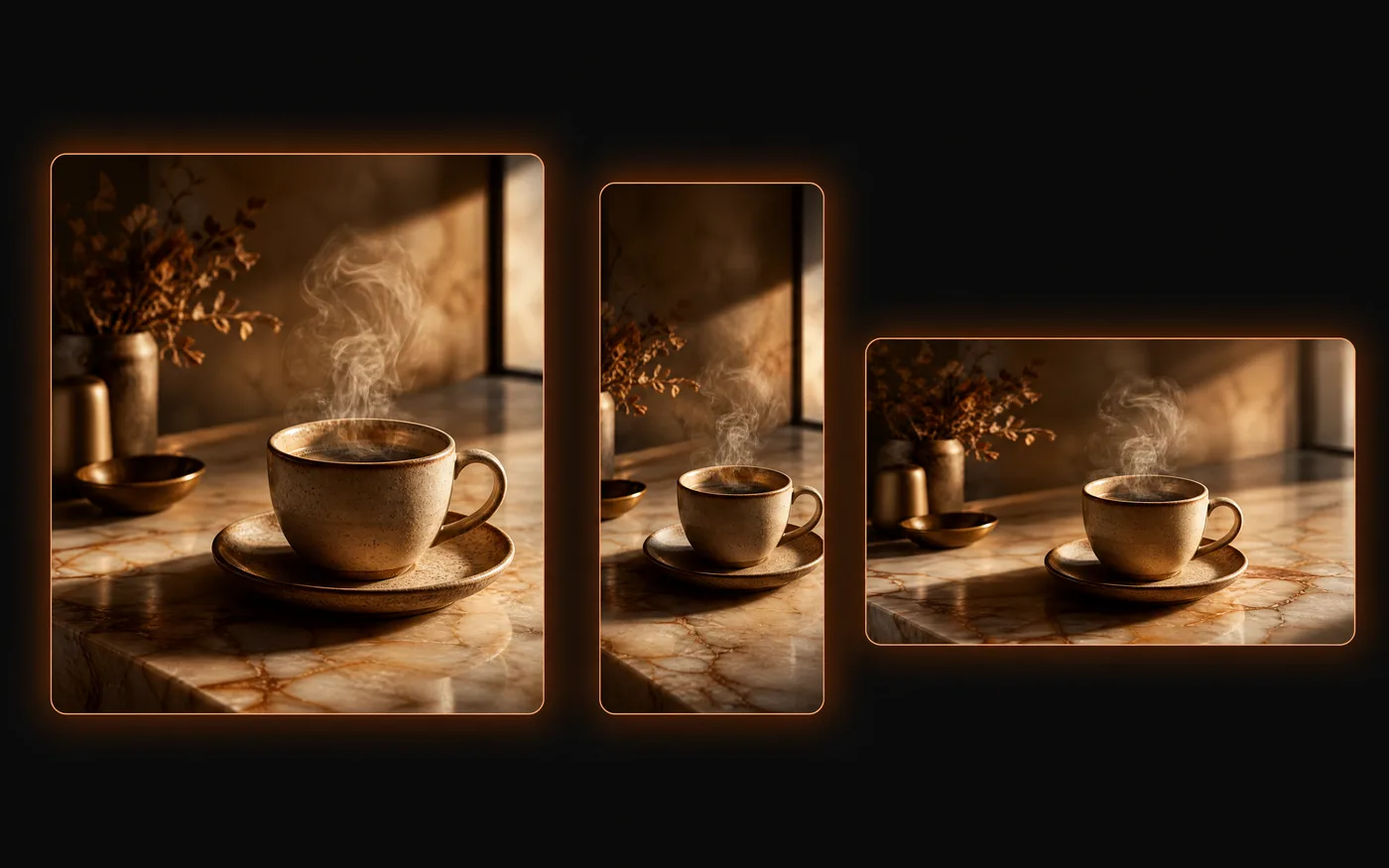
Blog and Social Graphics at Any Size
Headers, thumbnails, and post images at the exact shape each platform wants.
- Every platform size — Pick the ratio each feed wants before you generate.
- A consistent look — Reuse your wording so a whole series matches.
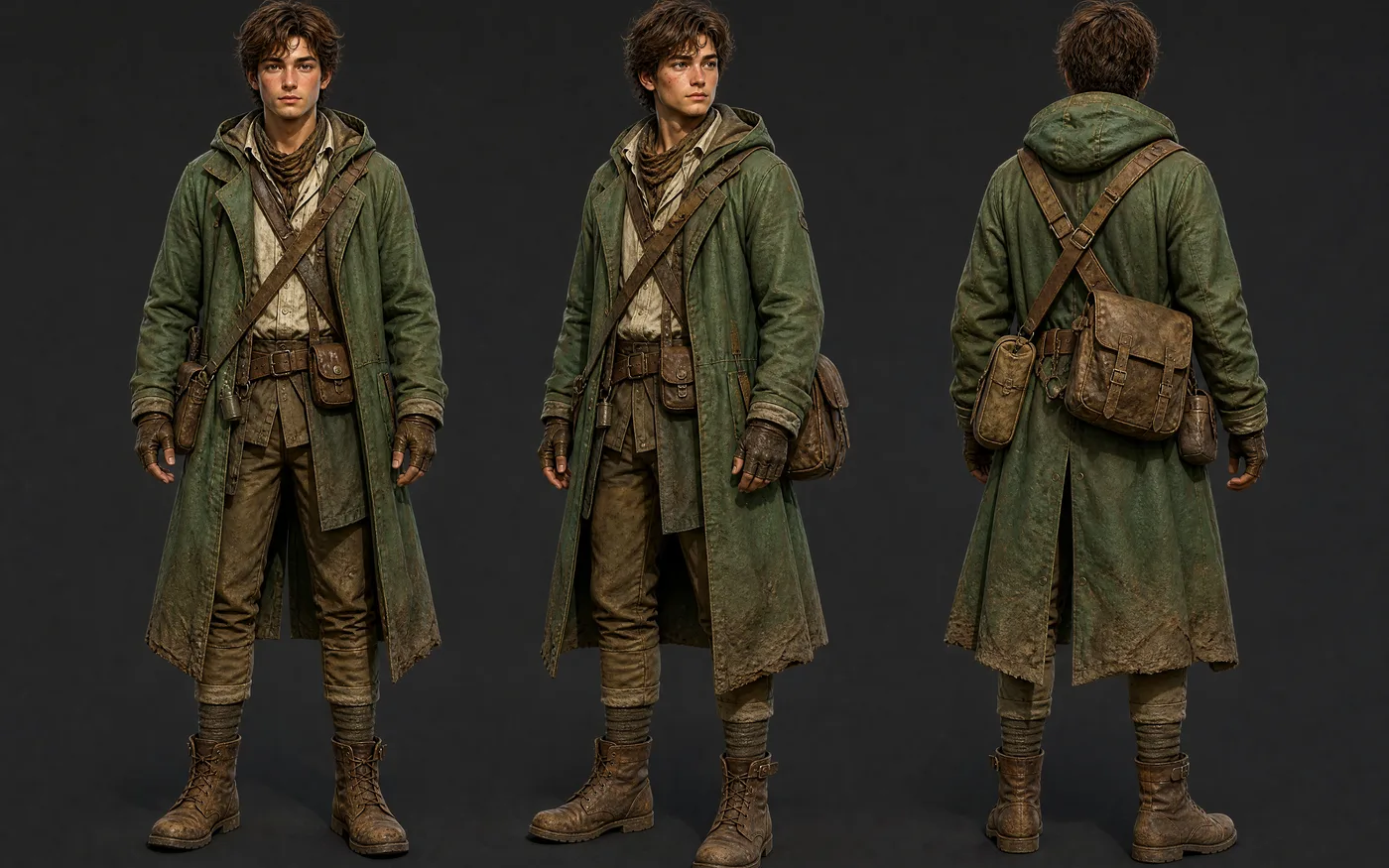
Text to Image for Game and Film Characters
Design a character from a written brief — face, build, outfit, silhouette — then run the same wording again for turnarounds and variants.
- Turnarounds and variants — Reuse the wording to get the same character from another angle.
- Concept to production — Download full resolution and take it into your own pipeline.
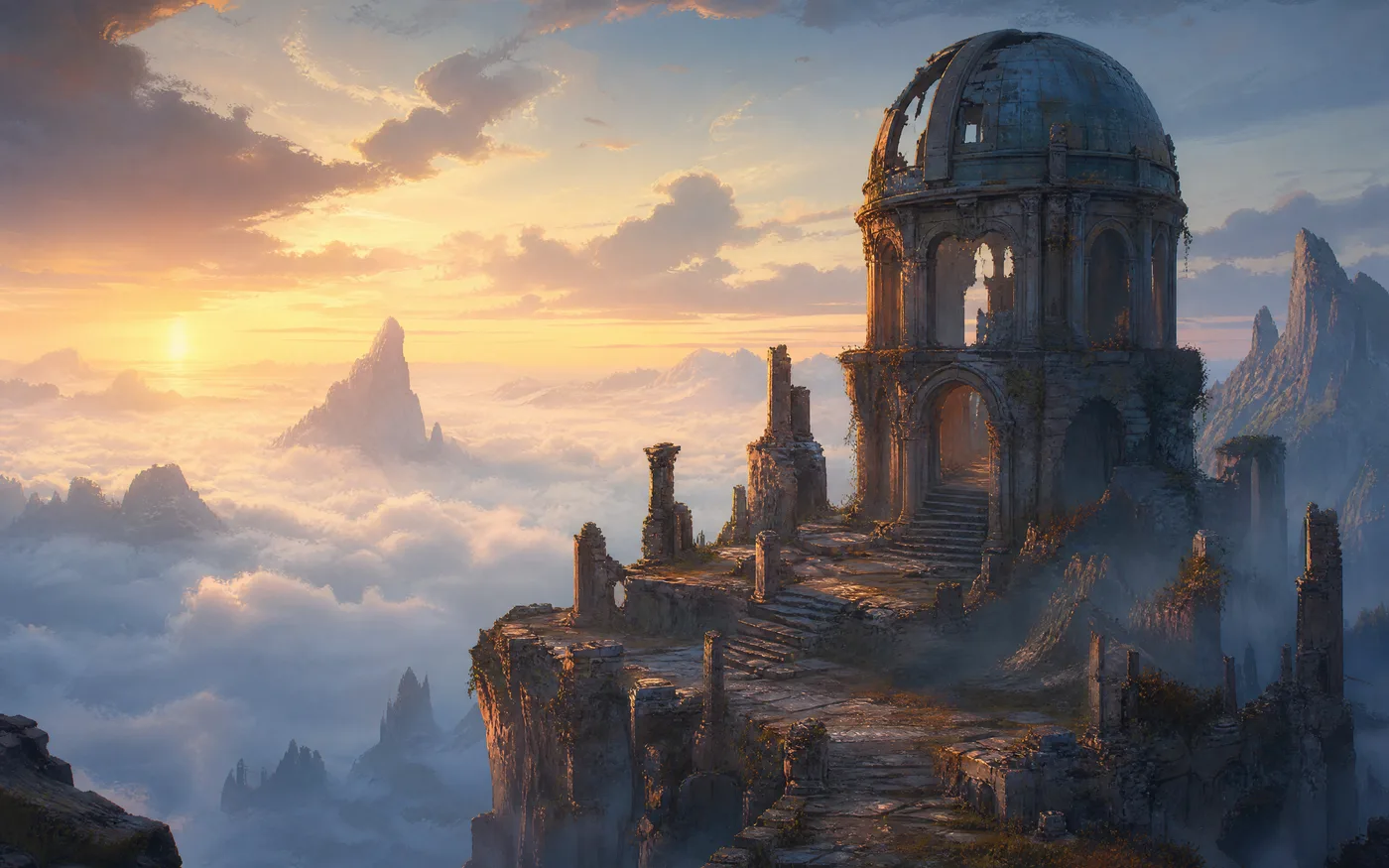
Concept Art and Environments
Try out places, props, and key art while an idea is still forming — several directions from one description.
- Several directions fast — Run one idea a few times and compare what comes back.
- Show the abstract — Picture a place no photograph could capture.
How to Use Our Free AI Text to Image Generator
Three steps to your first image, free to start:
- 01
Write Your Text to Image Prompt
Name the subject, then the style, lighting, and framing. Specific beats long — there's a full guide below.
- 02
Pick a Model and Size
Each model shows what it's good at and what it costs before you run it. Try a cheap one first, then rerun the keeper on a stronger one.
- 03
Generate and Download
Download the full-size file. Your history keeps every setting, so you can change one word and try again.
Text to Image Styles You Can Ask For
Style is part of the prompt, not a setting. Name the look you want and you get it.
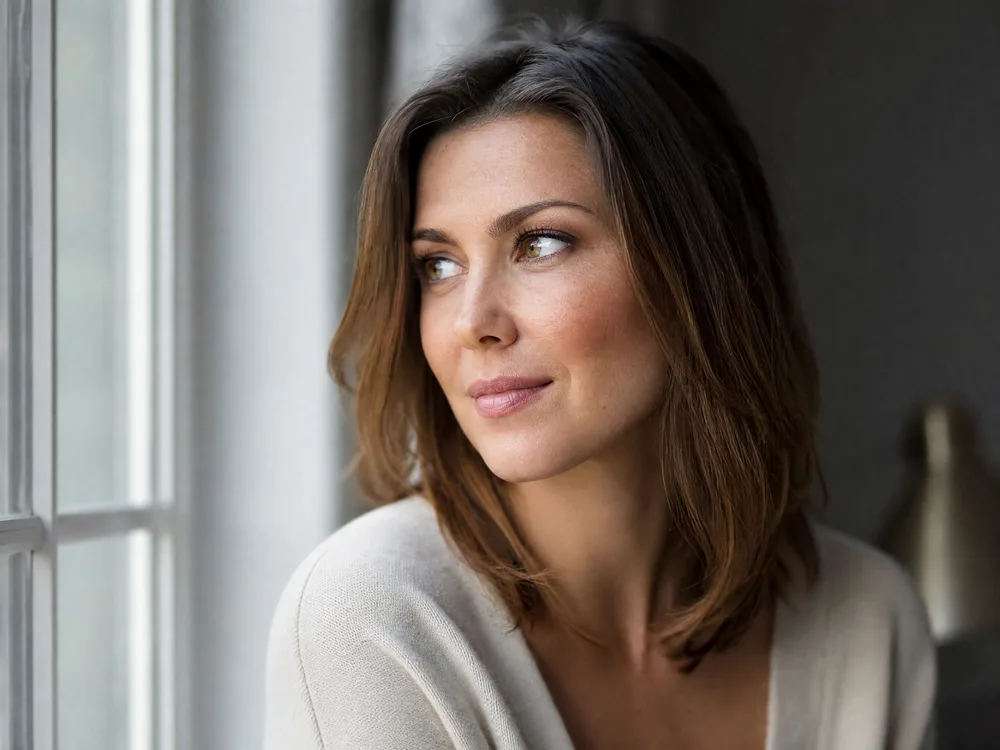
Photorealistic Text to Image
Name the lens, the light, and the depth of field.
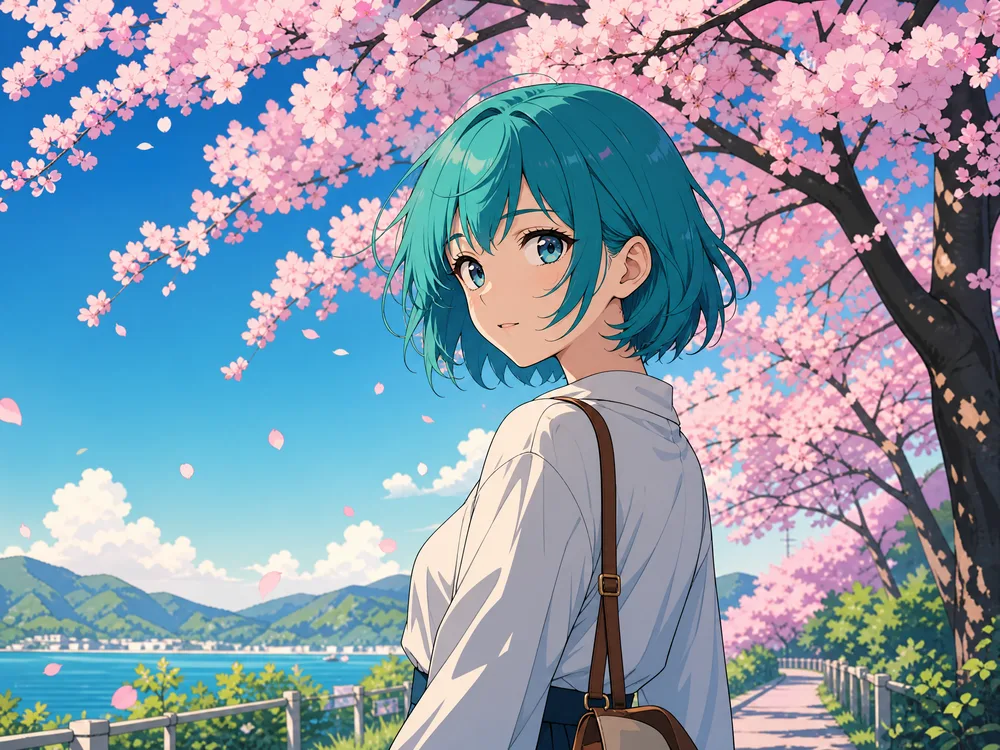
Anime and Illustration
Say the medium — cel-shaded, watercolour, inked linework.
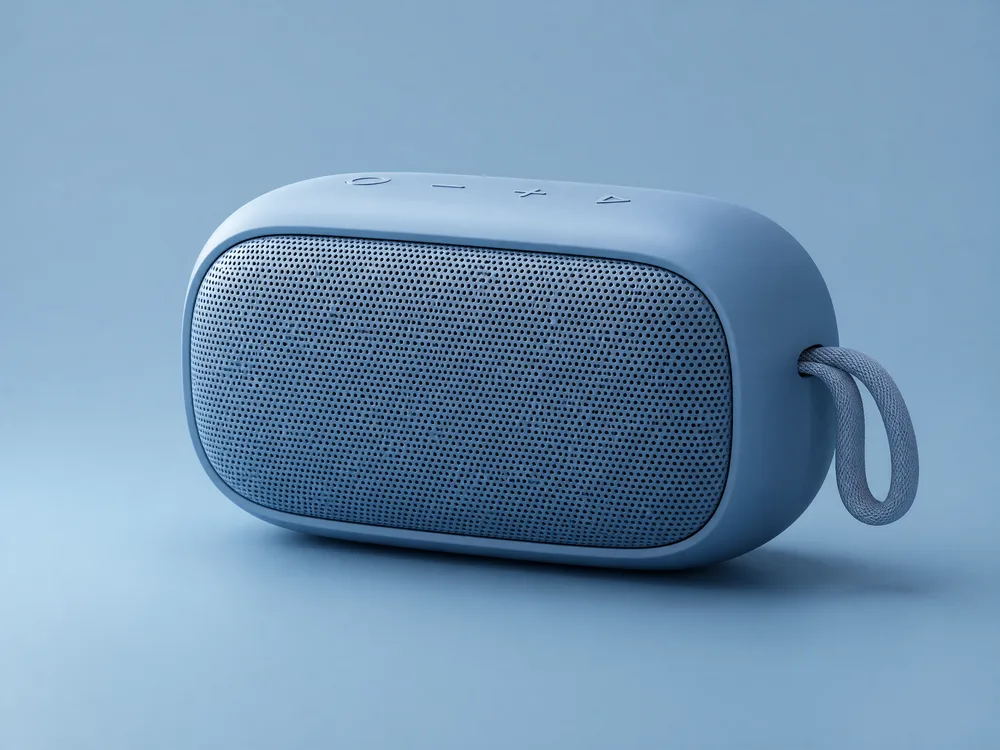
3D Renders and Mockups
Ask for studio lighting, a seamless backdrop, and a material.
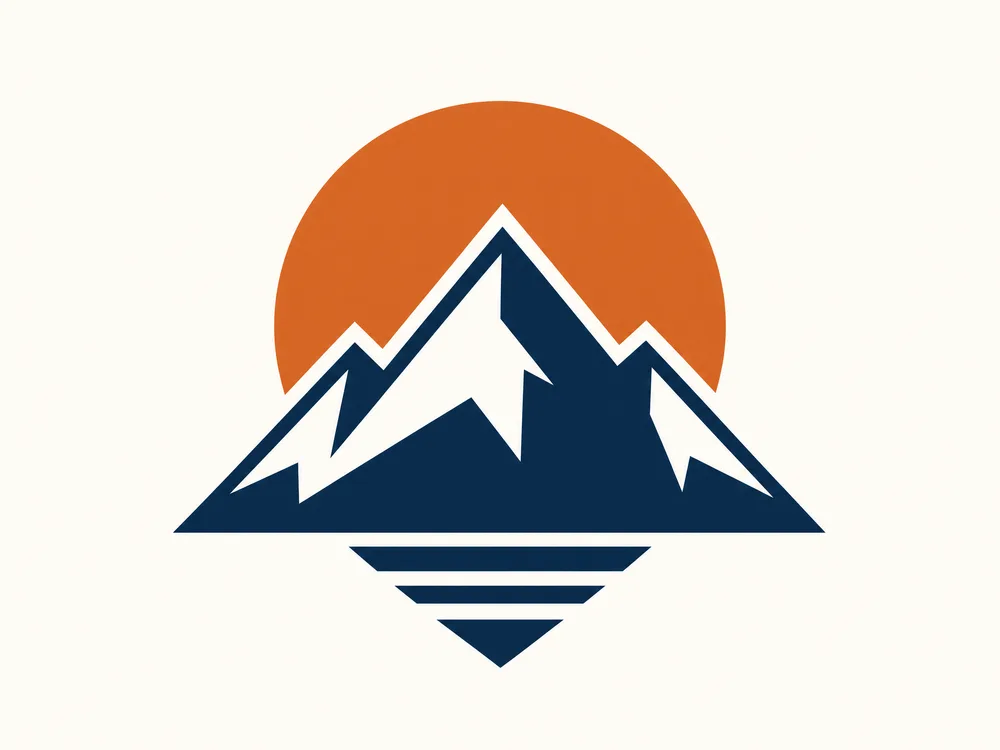
Flat Vector, Logos, and Icons
Describe the actual shape, not the vibe.
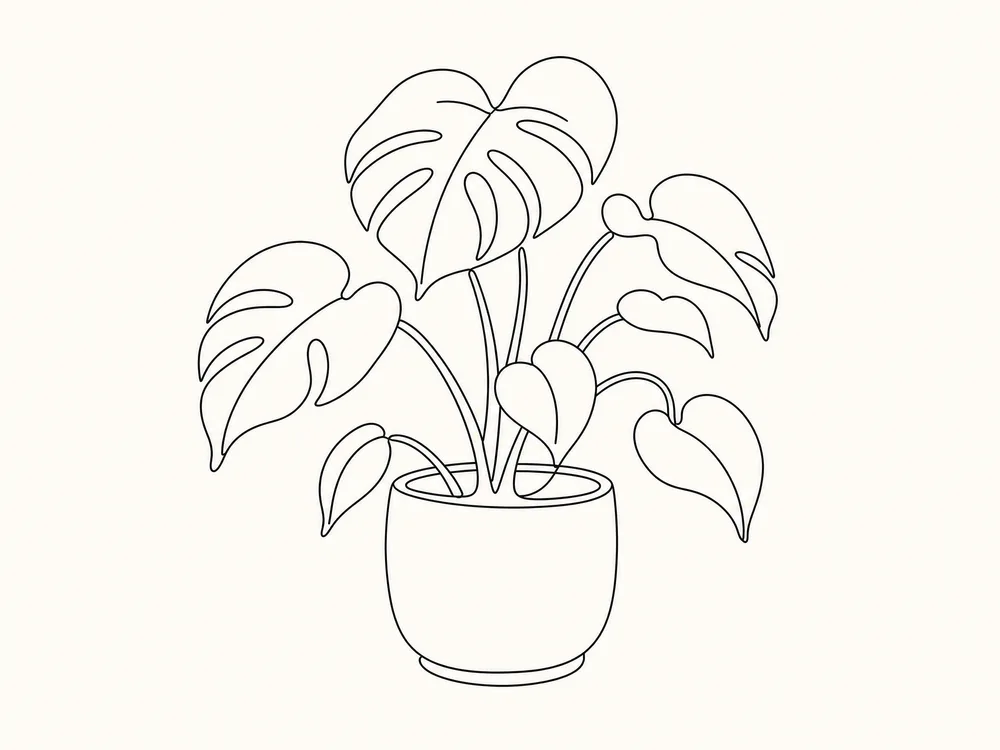
Line Art and Sketches
Pencil, ink, or one clean contour — say which.
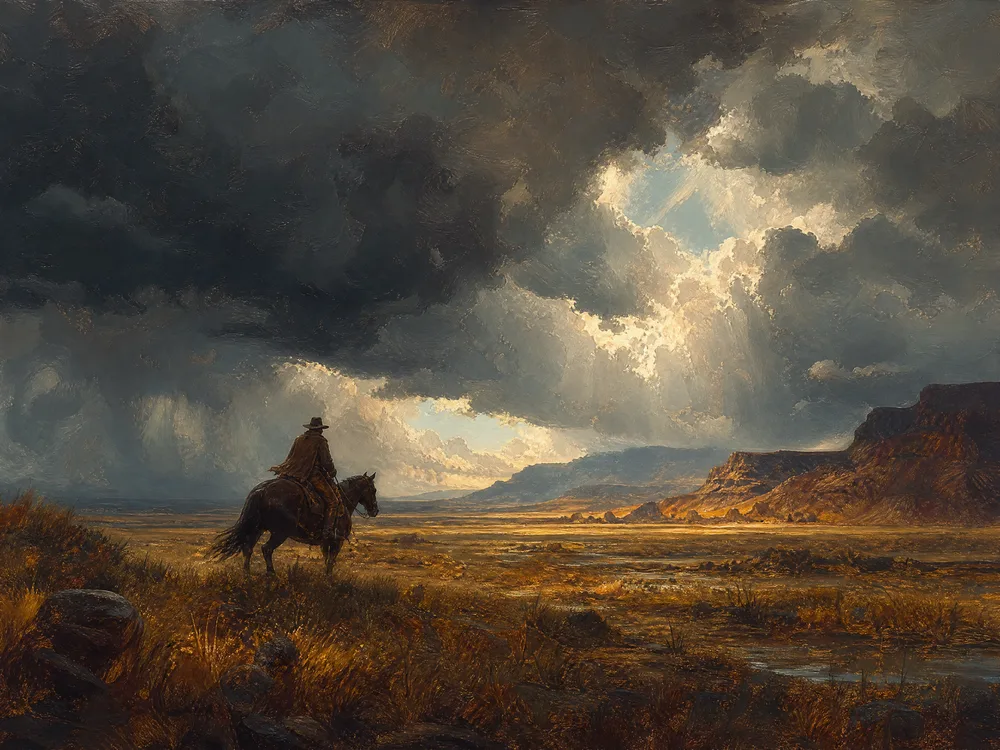
Painterly and Concept Art
Naming the medium changes the brushwork and the light.
How to Write Better Text to Image Prompts
When an image comes back wrong, it is almost always the wording — not the model.
Good wording covers six things
- 1Subject — who or what, and what they are doing
- 2Style — photo, anime, 3D render, oil painting, line art
- 3Lighting — golden hour, softbox, neon, backlit, overcast
- 4Framing — close-up, wide shot, from above, centred
- 5Colour — naming two or three colours beats saying "colourful"
- 6Detail — lens, material, texture, mood
a cat
Tabby cat curled on a sunlit windowsill, late afternoon light through sheer curtains, shallow depth of field, warm cream and honey palette, 50mm photograph
Just naming the subject leaves every choice to the model. Saying the light, the colours, and the lens is what makes it repeatable.
cool logo for a coffee shop, very professional, best quality, 4k, masterpiece
Minimalist logo mark for a coffee roaster: single continuous line forming a coffee bean and a mountain peak, deep brown on off-white, flat vector, centred, generous negative space
Words like "masterpiece" and "4k" do almost nothing. Describing the actual shape, colours, and layout does.
beautiful landscape with mountains and a lake and a forest and a sunset and birds and a cabin
Alpine lake at sunset, one timber cabin on the near shore, snow-capped peaks behind, still water reflection, warm orange sky fading to deep blue, wide landscape photograph
Cram in every element and they fight each other. Pick one thing to focus on and let the rest support it.
Why Use Our AI Image Generator
Anyone can make the picture they have in mind — faster, sharper, and closer to what they actually pictured.
No Skills Needed
If you can describe it, you can make it. No drawing, no software to learn, no settings you have to understand first — type a sentence and you have an image.
Many Models, One Box
Run the same idea through several models and keep whichever one turns out best. Each has its own strengths, and they all work from the same box.
Sharp Enough to Publish
Up to 4K, with clean edges and real detail — big enough for print, packaging, and full-width web images straight out of the generator.
You Stay in Control
Say the subject, lighting, colours, and framing and that is what you get. Change one word, run it again, and the rest of the image stays where it was.
Ready in Under 30 Seconds
Most images come back in ten to thirty seconds, so you can follow an idea while you are still having it and try five versions before settling on one.
Take It Into Video
A still you like can go straight into image to video, with no download-and-reupload in between.
AI Text to Image Generator FAQ
It is a tool that makes a picture from words. You describe the subject, the style, and the lighting, pick a model, and get an original image back in under 30 seconds. No drawing and no design software involved.
New accounts come with free credits, so you can try it before paying anything. After that you top up or subscribe, whichever suits how often you generate.
It depends which model you pick — faster ones cost less than the ones that render 4K. The exact credit cost is shown next to every model before you run it, so nothing is a surprise.
There is no single best one. Start with a cheaper, faster model to check that your wording works, then run the version you like again on a stronger one. If the image needs readable text in it, pick a model whose description says it handles text — the picker says what each is for.
Up to 4K on the models that support it. You choose the size and shape before you generate.
Usually ten to thirty seconds. The fast models come back in a few seconds; 4K and the sharpest ones take a little longer.
Usually the wording is too short, or it asks for too many things at once. Say the subject, the style, the lighting, the framing, and two or three colours — and skip words like "masterpiece", they do nothing. There are three before-and-after examples further up.
Ready to Make Your First Image?
No design skills, no software, no card needed. Describe what you want, pick a model, and see it in 10 to 30 seconds.