Free AI Text to Video Generator
Describe the shot you want and this AI text to video generator films it for you — no camera, no crew, no editing software. Say what's in frame, how the camera moves, and what the mood is, and you get a short clip back. Signup credits let you try it free first.
- 1080p
- Max resolution
- 30-60s
- Usually takes
- None
- Watermarks
What You Can Make With Our AI Text to Video Generator
A few of the things people film here without a camera.
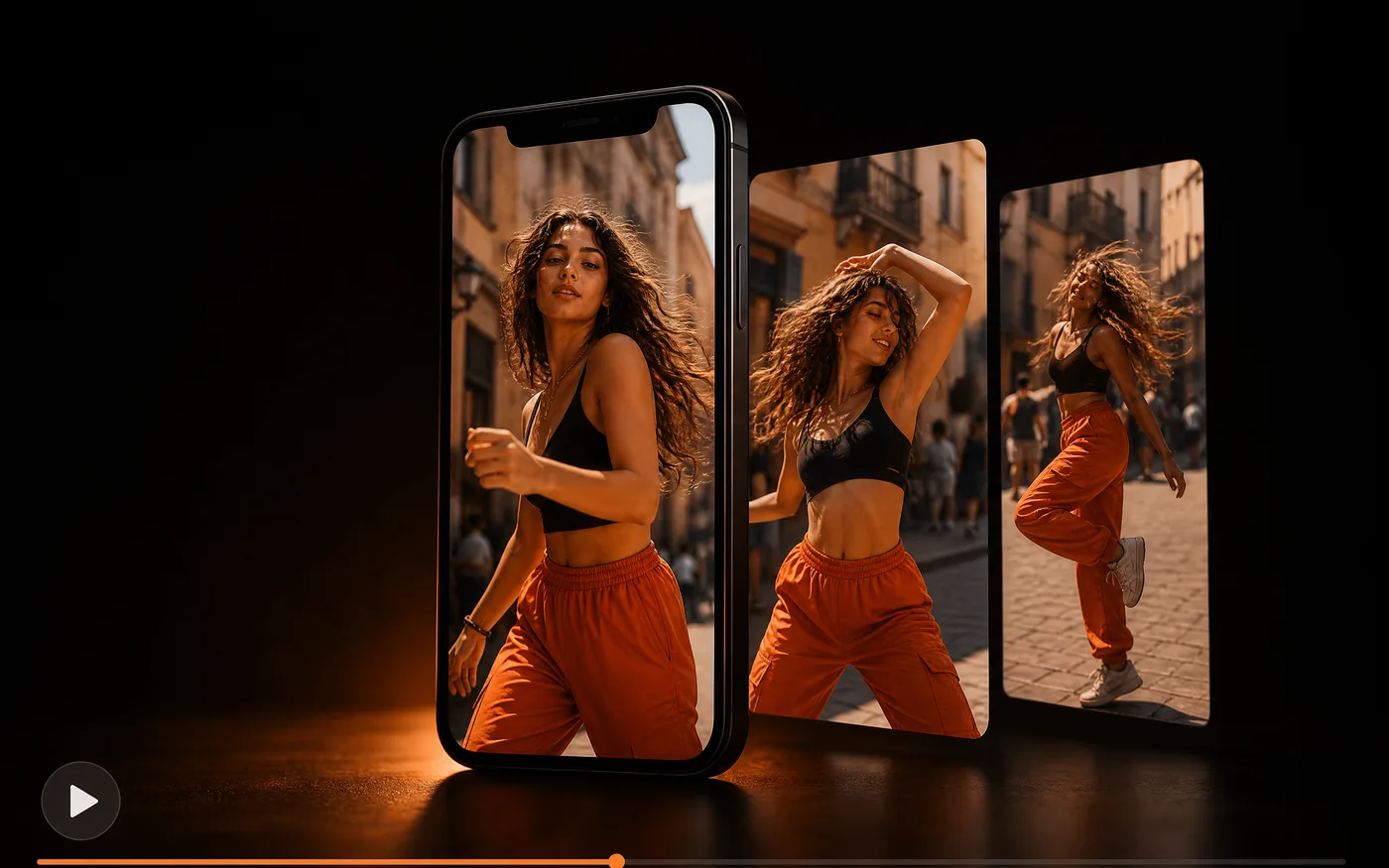
Social Videos and Shorts
Make vertical clips for Reels, Shorts, and TikTok from a one-line idea.
- Vertical or wide — Pick the shape the platform wants.
- Several takes — Run one idea a few times and choose.
Product and Brand Clips
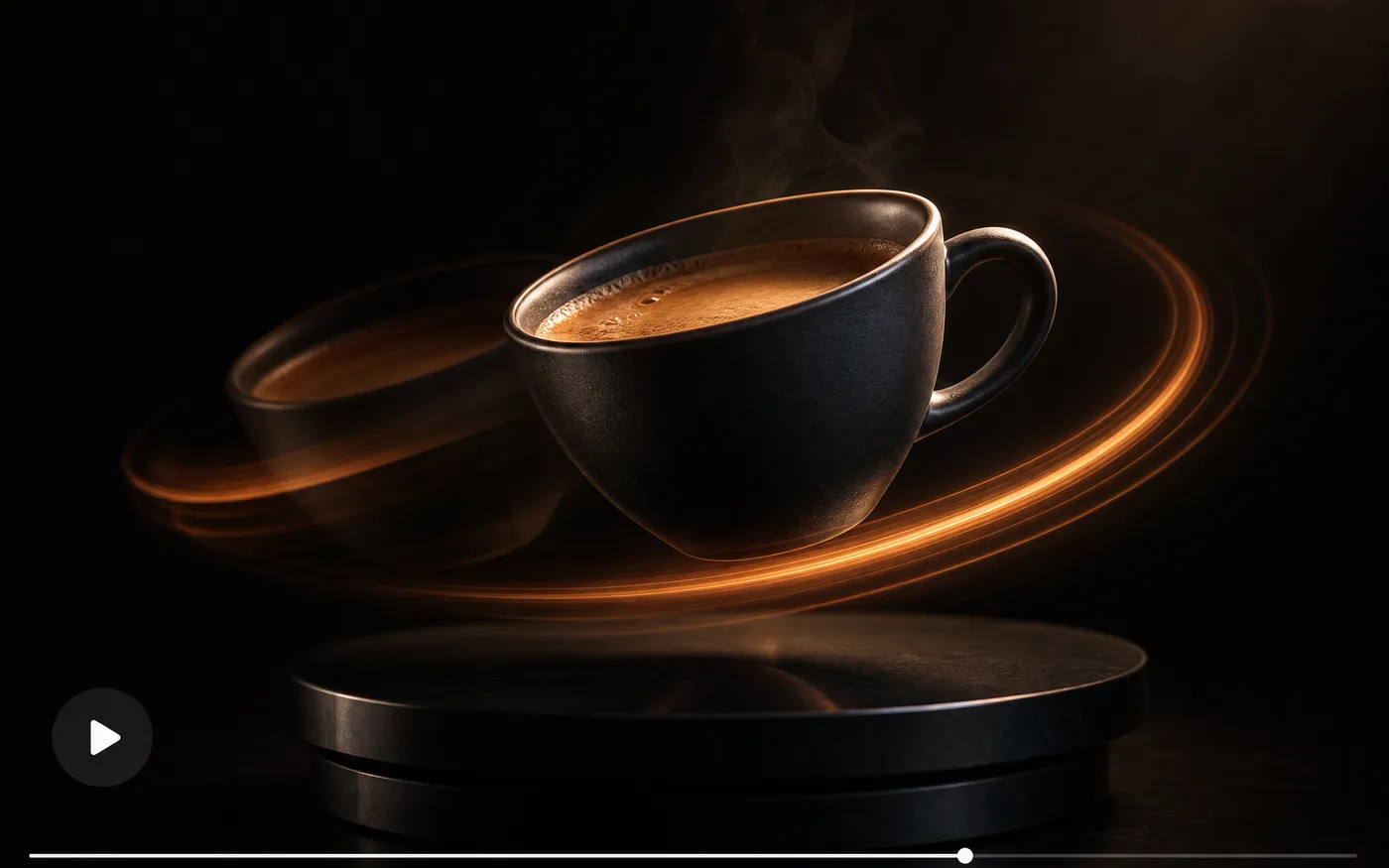
Show a product in motion — a slow orbit, a close-up push-in, a lifestyle scene — without booking a shoot or a set.
- Camera moves you name — Orbit, push-in, pan, tilt.
- On-brand looks — Describe the palette and lighting.
Story Scenes and Sequences
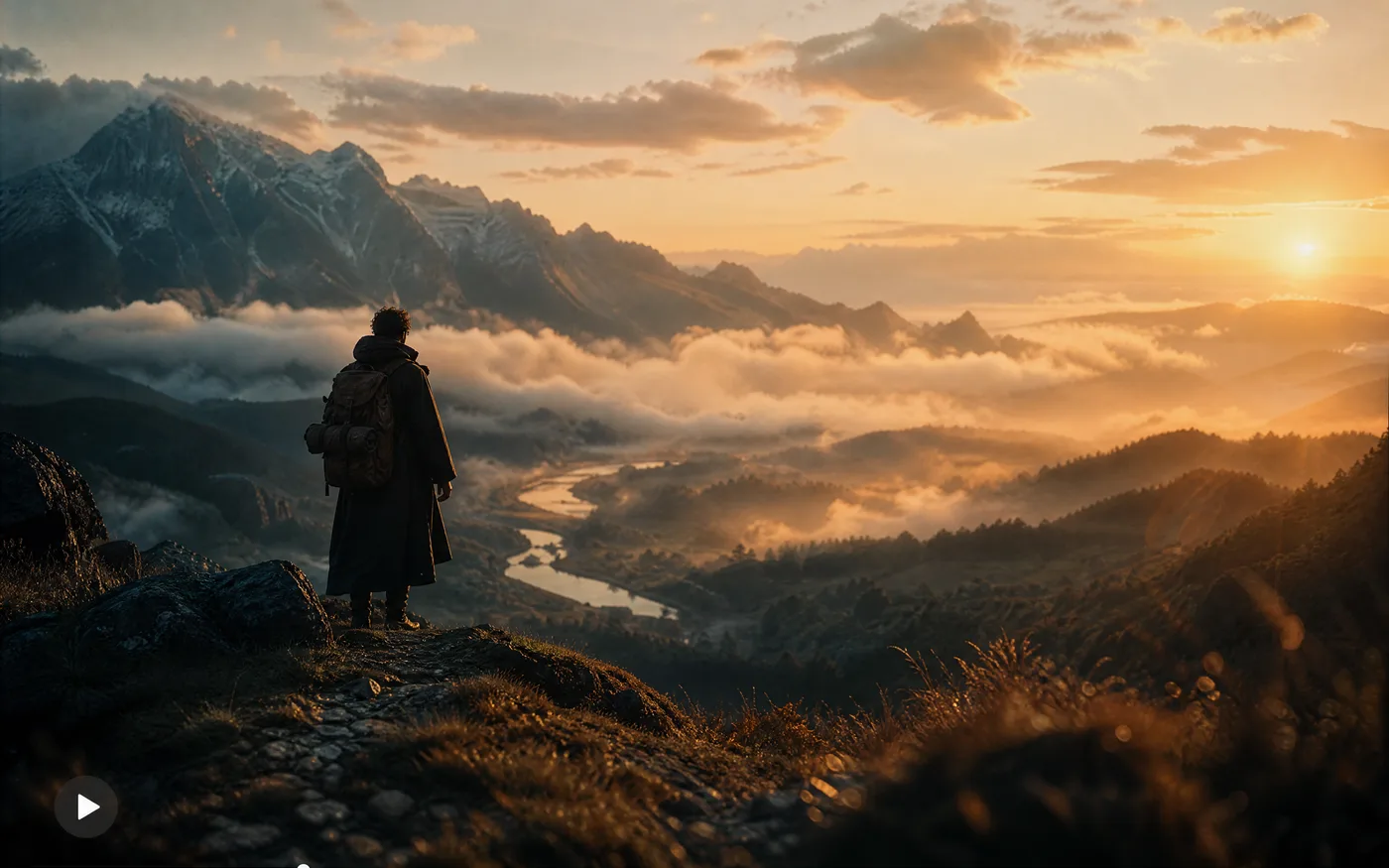
Block out a scene before anyone shoots it: an establishing shot, a character beat, a mood reference for a pitch.
- Fast previz — See a scene while the idea is fresh.
- Any setting — Places and eras no location offers.
Explainers and Ads
Turn a script line into a visual that carries it — an opening hook, a transition, a background plate behind your captions.
- Hooks that stop a scroll — Open on motion, not a static frame.
- Caption-friendly — Leave room for text in frame.
How to Use Our Free AI Text to Video Generator
Three steps to your first clip, free to start:
- 01
Write Your Text to Video Prompt
Say what's in frame, then how the camera behaves and what the light is doing. One clear action beats a list of events.
- 02
Pick a Model and Length
Choose a model, then set the aspect ratio and duration. Start with a faster model to check your wording before spending on a final render.
- 03
Generate and Download
Render it, watch it back, and download the MP4. Every clip stays in your history with the wording that made it.
Text to Video Styles You Can Ask For
Style is part of the prompt, not a setting. Name the look and the camera work you want.
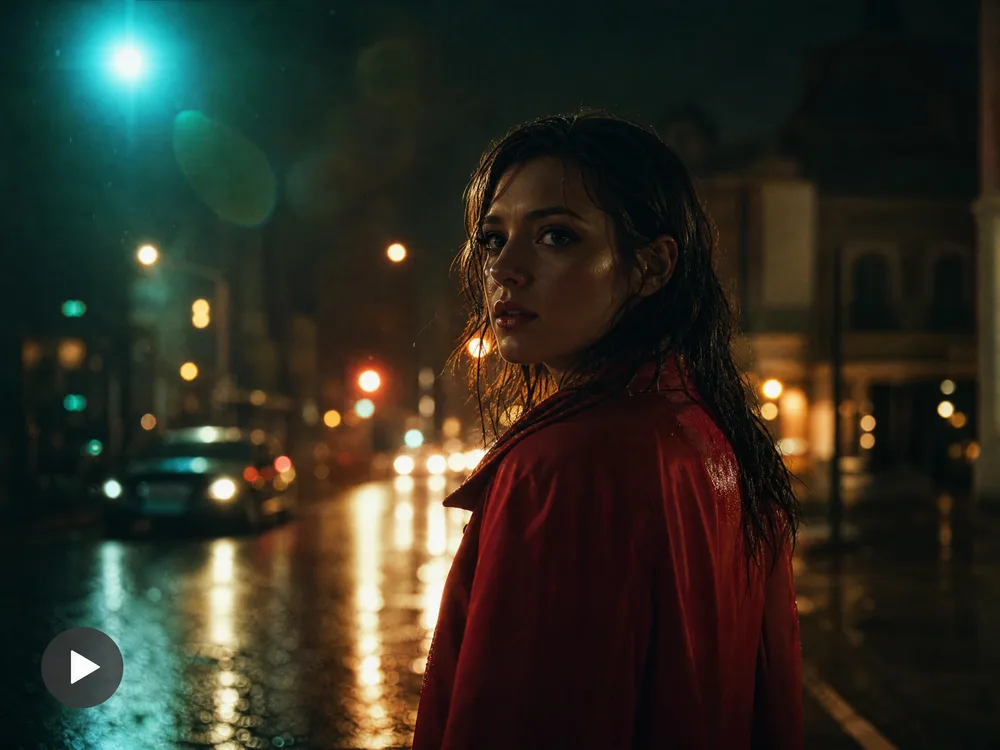
Cinematic Looks
Say the lens, the light, and one camera move.
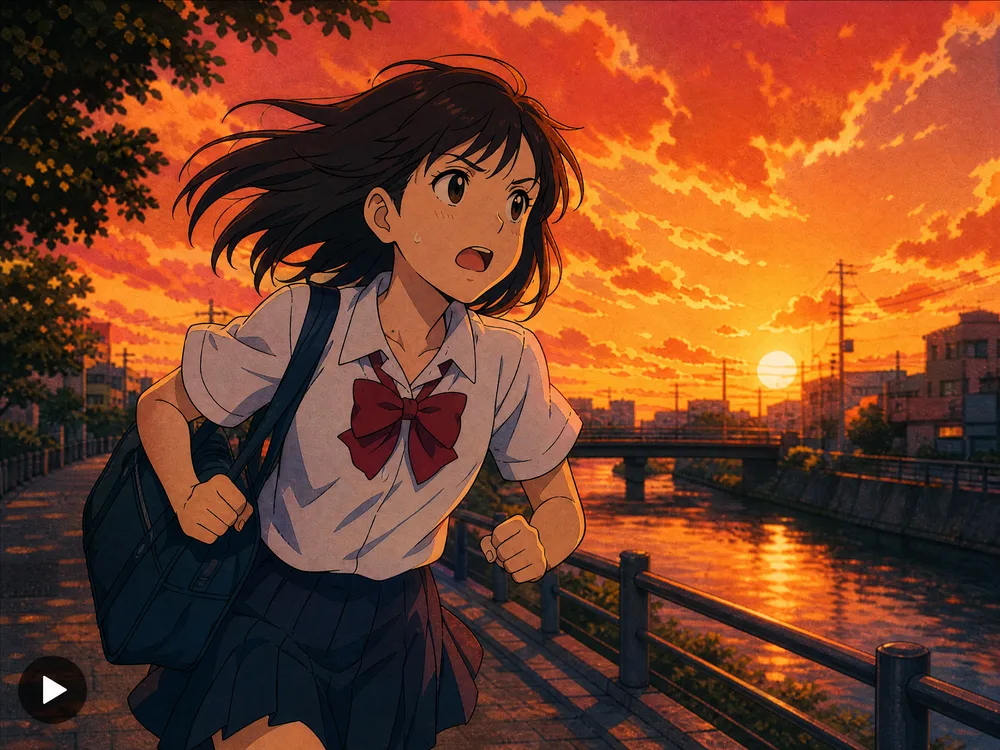
Anime and Animation
Name the medium — cel-shaded, 2D, stop-motion.

Documentary and Handheld
Ask for natural light and a handheld feel.
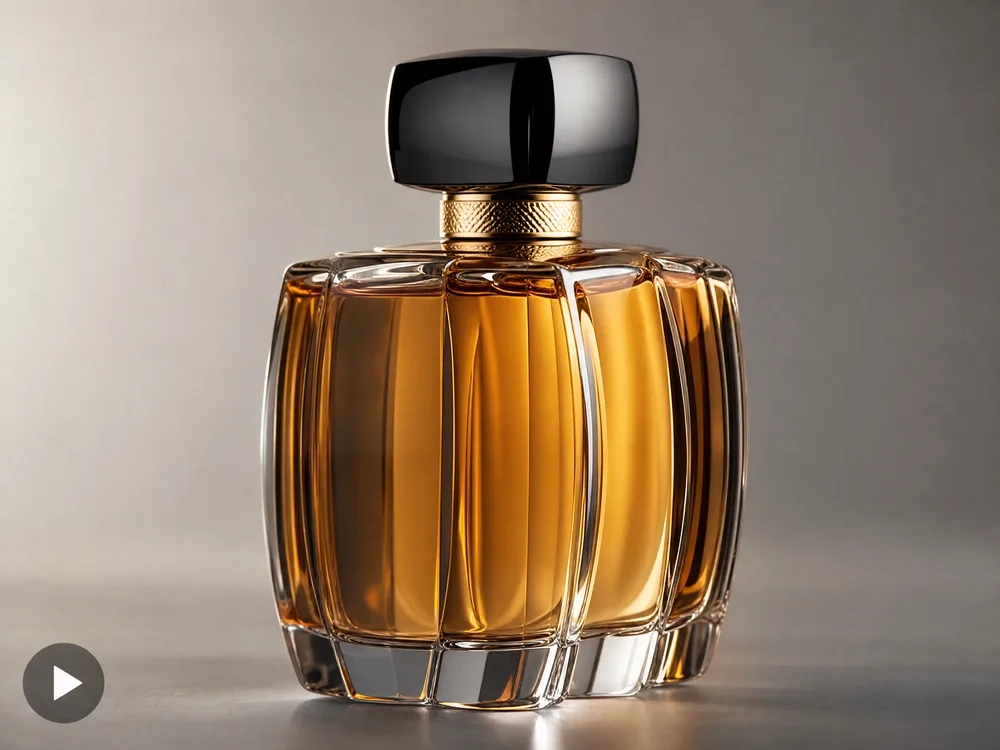
Product and Studio
Seamless backdrop, soft key light, slow orbit.

3D and Motion Graphics
Describe the material and how it should move.
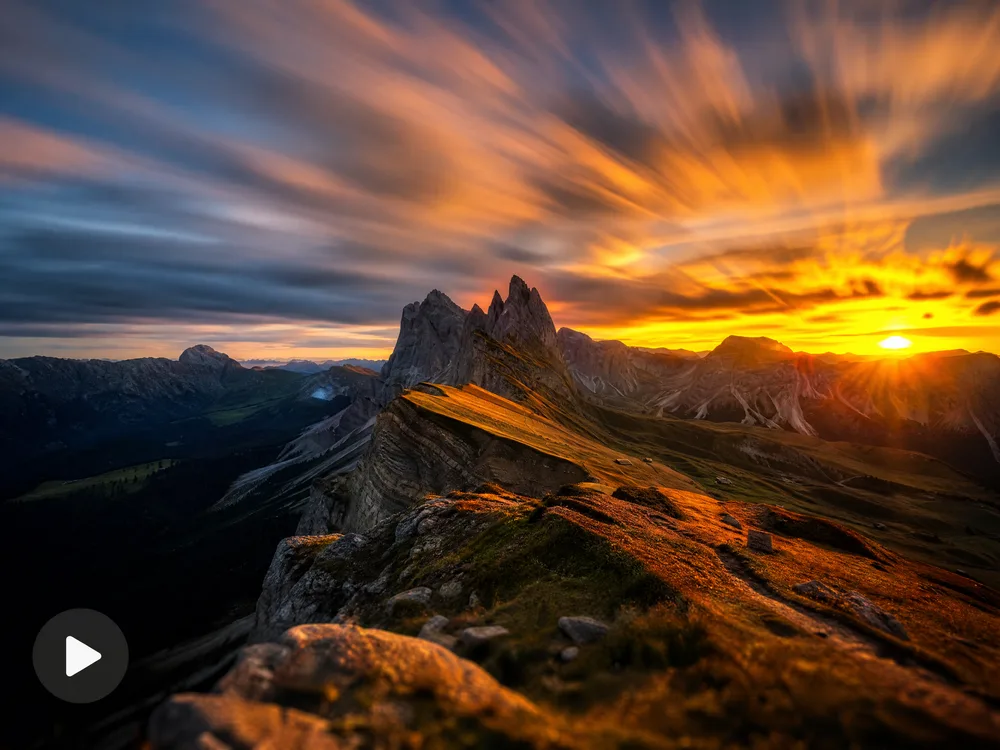
Timelapse and Slow Motion
Say the speed you want and what changes over it.
How to Write Better Text to Video Prompts
Video prompts fail differently from image prompts: too many events in one clip is the usual culprit.
Good wording covers five things
- 1Subject — who or what, and the one thing they're doing
- 2Camera — static, slow push-in, orbit, handheld, crane
- 3Setting — where it is, and the time of day
- 4Light and mood — golden hour, neon, overcast, moody
- 5Pace — slow and steady, or quick and energetic
a car driving
Low tracking shot alongside a black sports car on a wet coastal road at dusk, spray from the tyres, slow steady push-in, cool blue light with warm tail-light glow
A bare subject leaves the camera, setting and light to chance. Naming the shot is what makes a clip look filmed rather than generated.
woman walks in, sits down, opens laptop, starts typing, then smiles
Woman sits at a sunlit café table typing on a laptop, gentle handheld framing, warm afternoon light through the window
Five actions in one short clip produces a mess. Pick the single beat that matters — chain clips together if you need the whole sequence.
cinematic epic amazing 4k masterpiece landscape
Wide aerial shot drifting over misty pine forest at sunrise, low golden light raking across the treetops, slow forward glide
Quality words do almost nothing. Describing the altitude, the motion and the light does.
Why Use Our AI Text to Video Generator
Anyone can film the shot they're picturing — faster, sharper, and closer to what they described.
No Camera, No Crew
If you can describe the shot, you can shoot it. No gear, no location, no editing software to learn first.
Many Models, One Box
Try the same shot across several models and keep whichever one moves best. They all work from the same place.
Sound Included
Several models can add sound effects or an audio track, so a clip arrives finished instead of silent.
Camera Moves You Choose
Orbit, push-in, pan, handheld — say the move and the clip follows it, so shots cut together the way you planned.
Test Cheap, Render Well
Check your wording on a faster model, then re-run the winner on a higher-fidelity one. You only pay more once it's working.
Failed Runs Are Refunded
If a generation fails, the credits go straight back to your balance. You never pay for a clip that didn't arrive.
AI Text to Video Generator FAQ
It makes a short video from a written description. You type what should be in the shot — the subject, the camera move, the lighting — pick a model, and the AI renders a clip. No camera, no footage, no editing software.
New accounts come with free credits, so you can try it before paying anything. After that you top up or subscribe, whichever suits how often you generate.
Most models make clips of a few seconds. You pick the length before you run it, then stitch several clips together for something longer.
Some models do. Kling adds sound effects, and Seedance can generate an audio track alongside the picture. The others return silent video you can score yourself.
Up to 1080p on supported models.
Usually 30 to 60 seconds. The fast models come back sooner; higher-detail models and longer clips take a little longer.
Usually it asks for too much at once. Video models handle one clear action well and a five-step sequence badly. Name the subject, one action, the camera move and the light — then chain clips if you need the full sequence.
Ready to Make Your First Video?
No camera, no crew, no card needed. Describe a shot, pick a model, and watch it render in 30 to 60 seconds.