Remove Background Noise From Audio, Free
Upload a noisy recording and this AI will remove background noise from audio in seconds — traffic, aircon, room echo, crowd chatter — and hand back just the voice. No plugins, no noise-gate settings to learn. Signing up gets you free credits to try it out.
- Clean
- Voice output
- Seconds
- Usually takes
- None
- Watermarks
When You Need to Remove Background Noise From Audio
A few of the recordings people rescue here every day.
Interviews Recorded in the Wrong Room
Strip traffic, wind, room hum, and air conditioning out of a recording so the voice sits clearly in front instead of fighting the room.
- Rescue a bad take — Save a recording you can't redo.
- Keeps the voice natural — Cleaned up, not robotic.
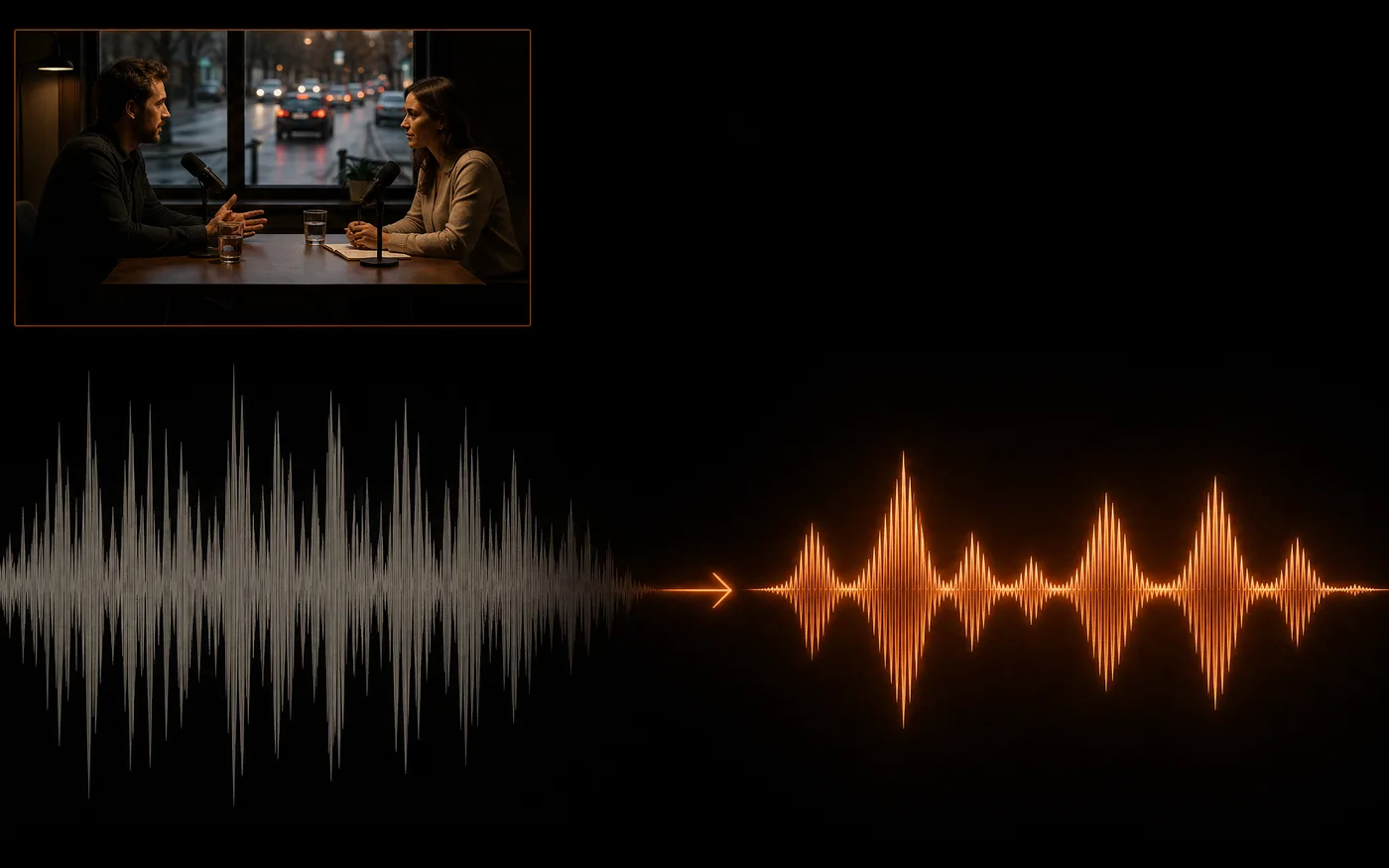
Remove Background Noise From Podcasts and Voiceovers
Make a noisy interview usable — clearer to listen to, and much more accurate when you run it through transcription afterwards.
- Better transcripts — Clean audio transcribes far better.
- Easier to listen to — No fatigue from background hiss.
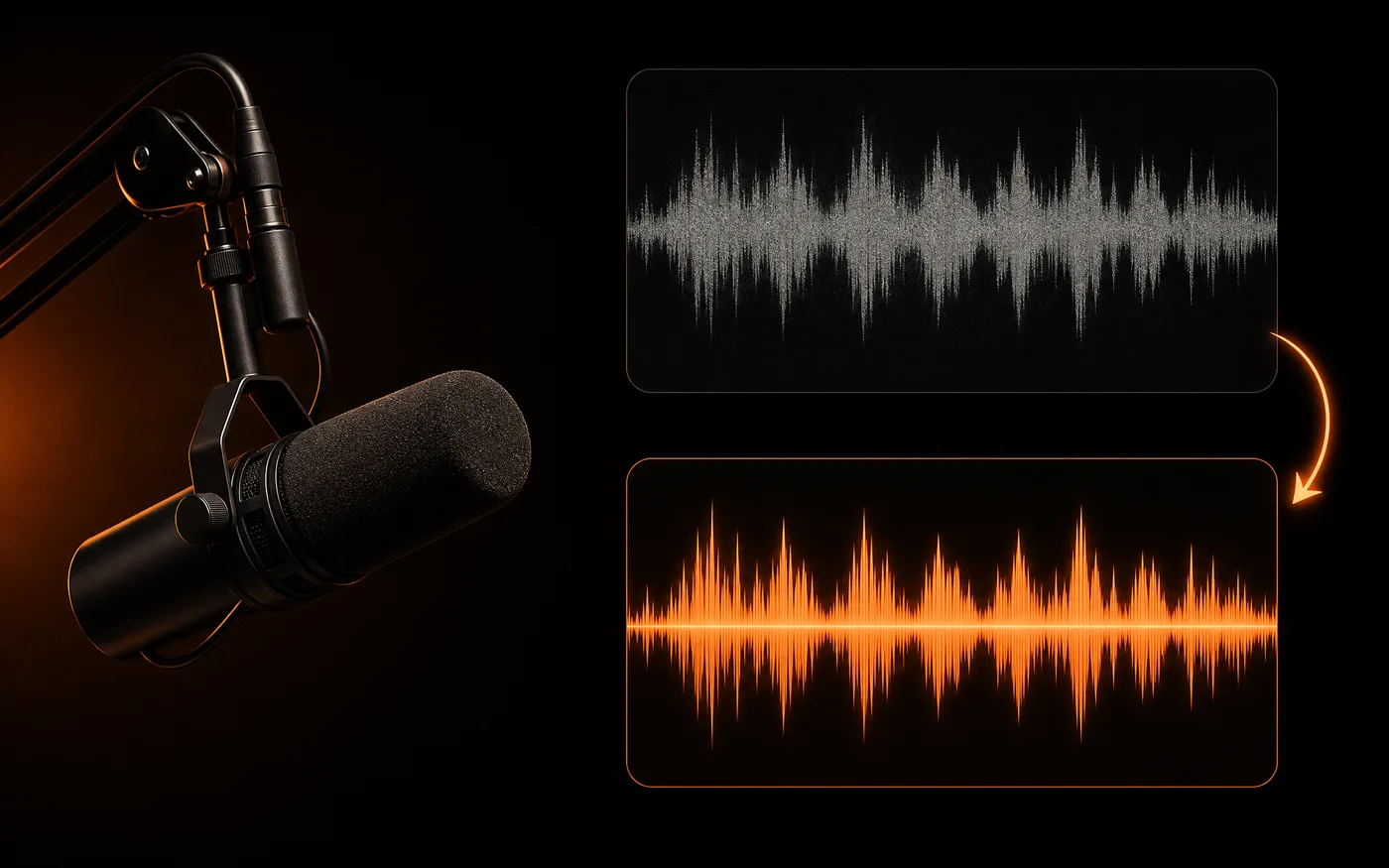
Pull a Voice Out of Music
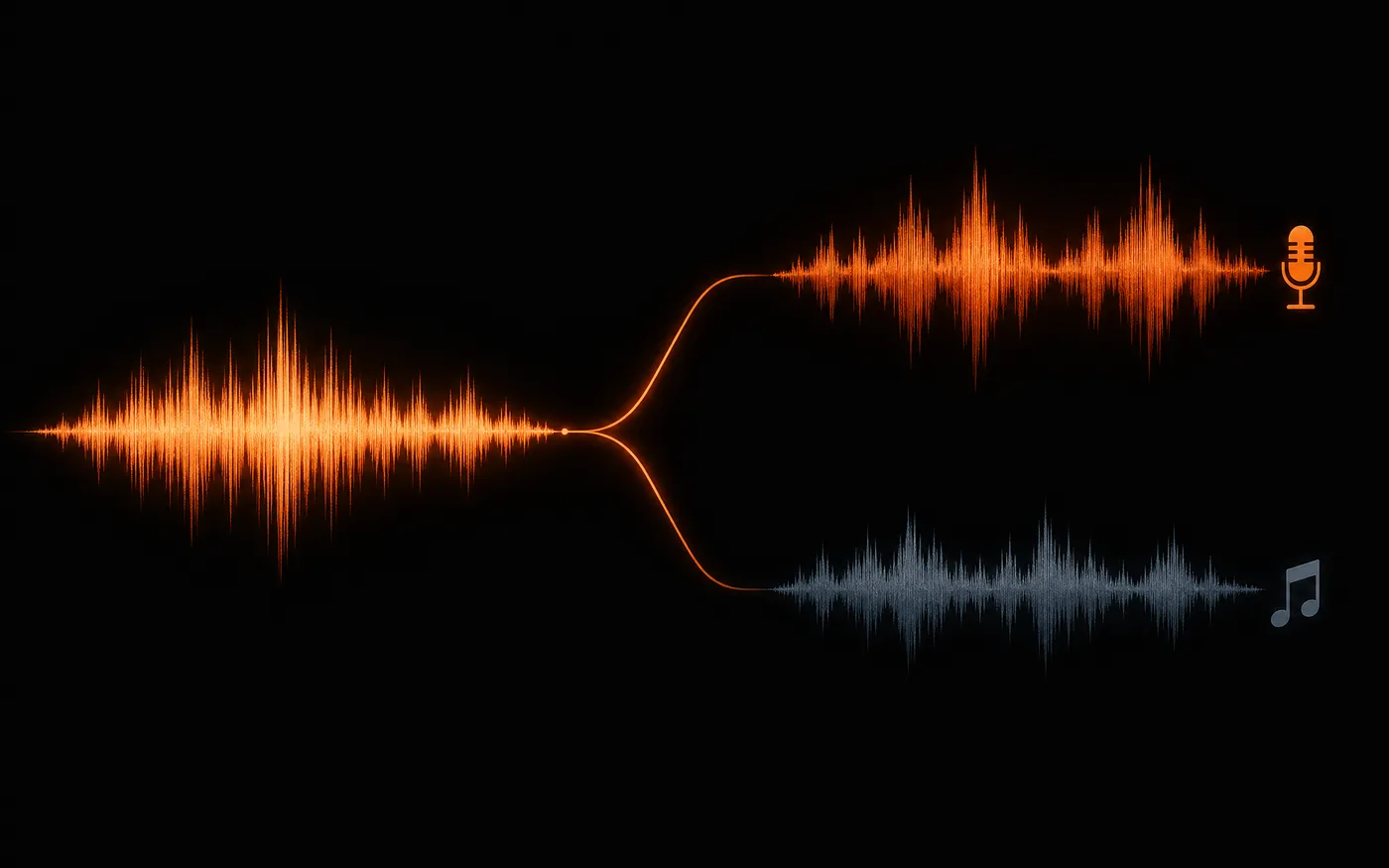
Separate the voice from the backing so you can isolate an acapella, or study how a part was sung.
- Isolate the vocal — Voice separated from the mix.
- Works on full mixes — No stems needed.
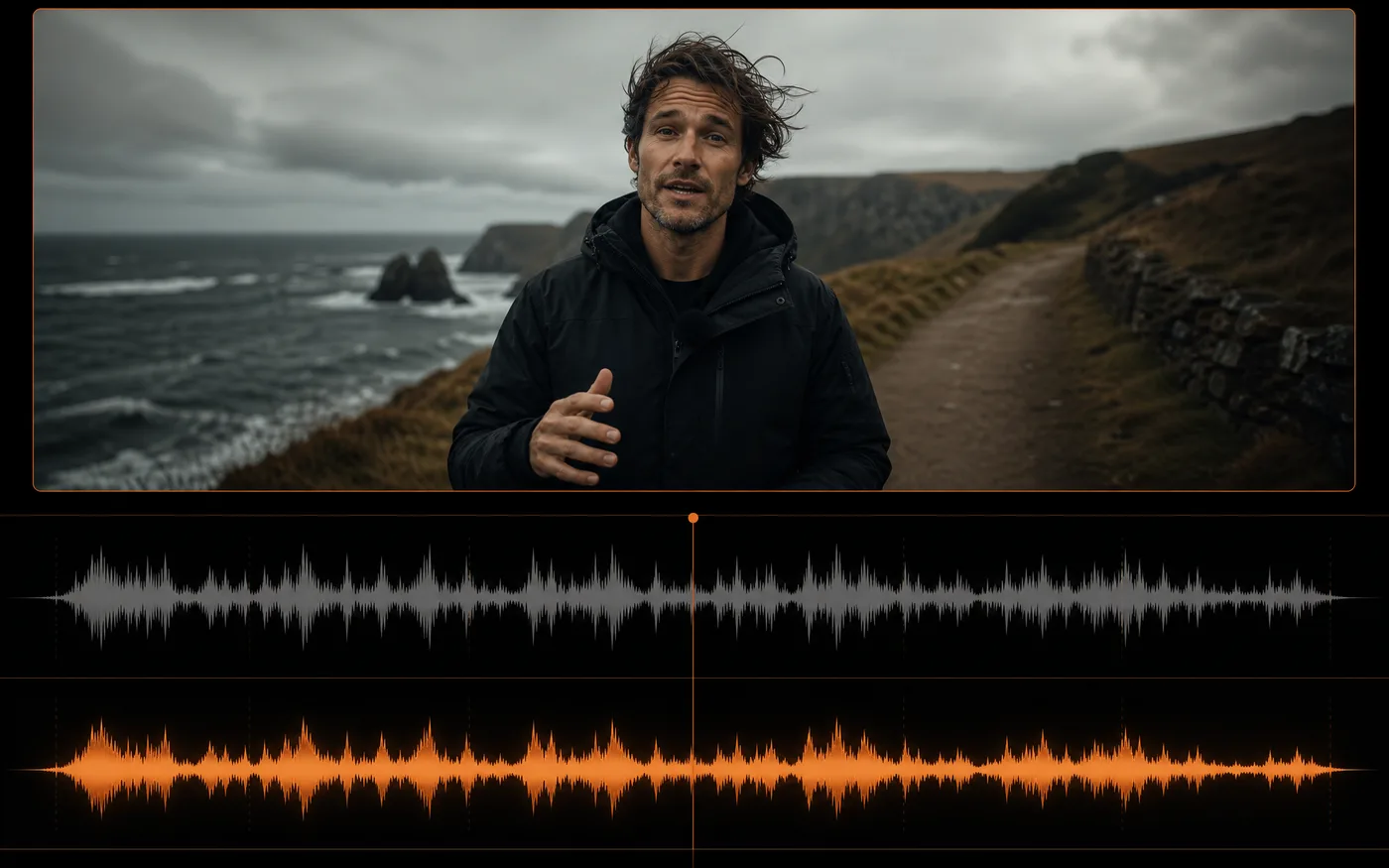
Fix Background Noise on Video You Already Shot
Clean the sound on a clip where the picture is fine but the location was loud — no reshoot, no ADR session.
- Keep the footage — Only the audio changes.
- No re-recording — Skip the ADR booth.
How to Remove Background Noise From Audio
Three steps to clean audio, free to start:
 01
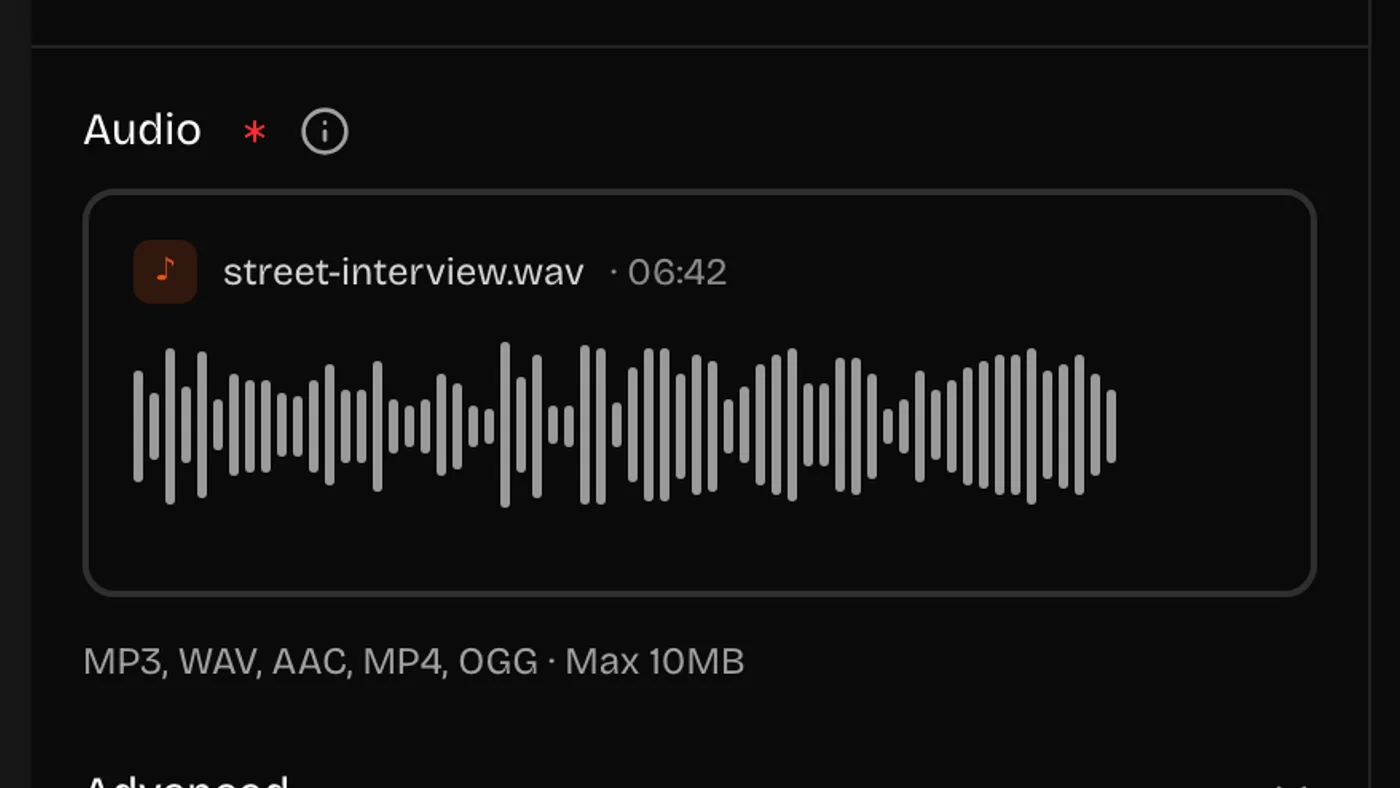
01Upload Your Audio or Video
Drop in the recording you want cleaned. It works on voice recordings, interviews, and full music mixes alike.
 02
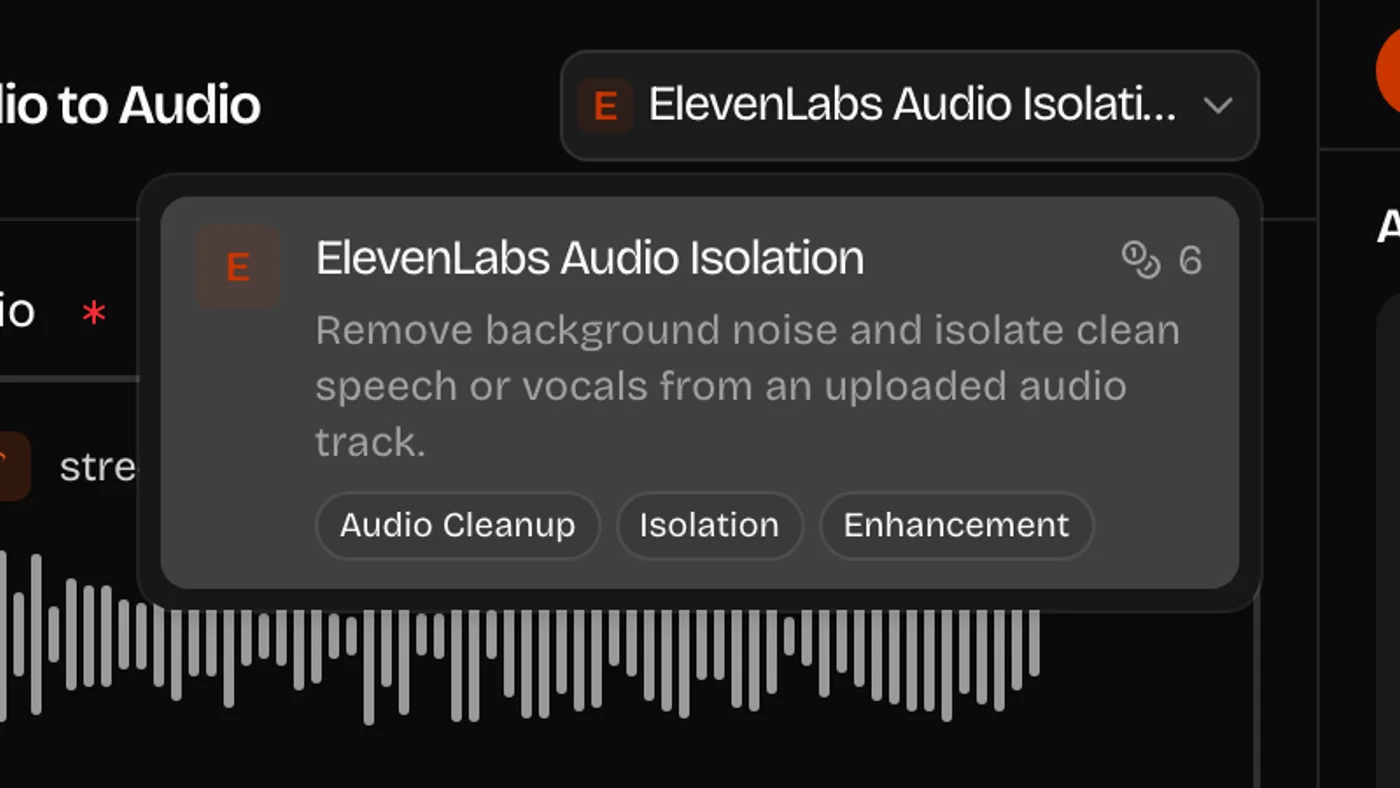
02Check the Model and Cost
Audio Isolation is already selected — it works out what to keep on its own, so there are no thresholds or noise gates to dial in. The card shows what one run costs.
 03
03Generate and Download
Listen back against your original, then download the cleaned file. Every pass stays in your history.
Background Noise It Removes Well
Steady, predictable noise comes out cleanest. Here is what each type looks like in practice.
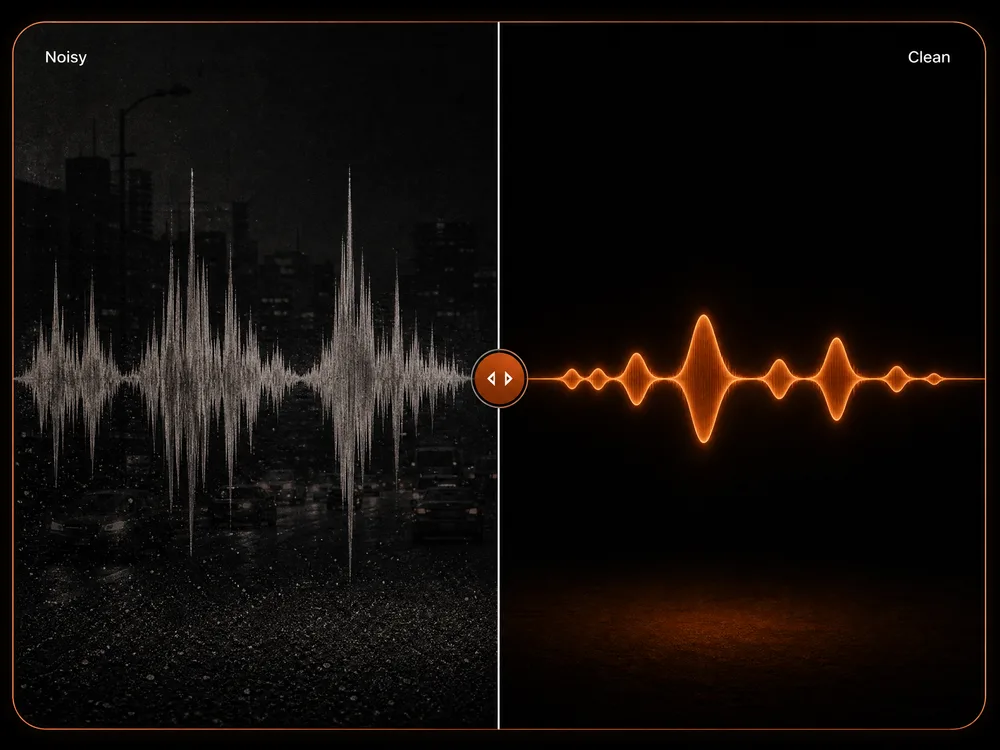
Traffic, Wind, and Street
Constant outdoor noise under a voice — the easiest case.
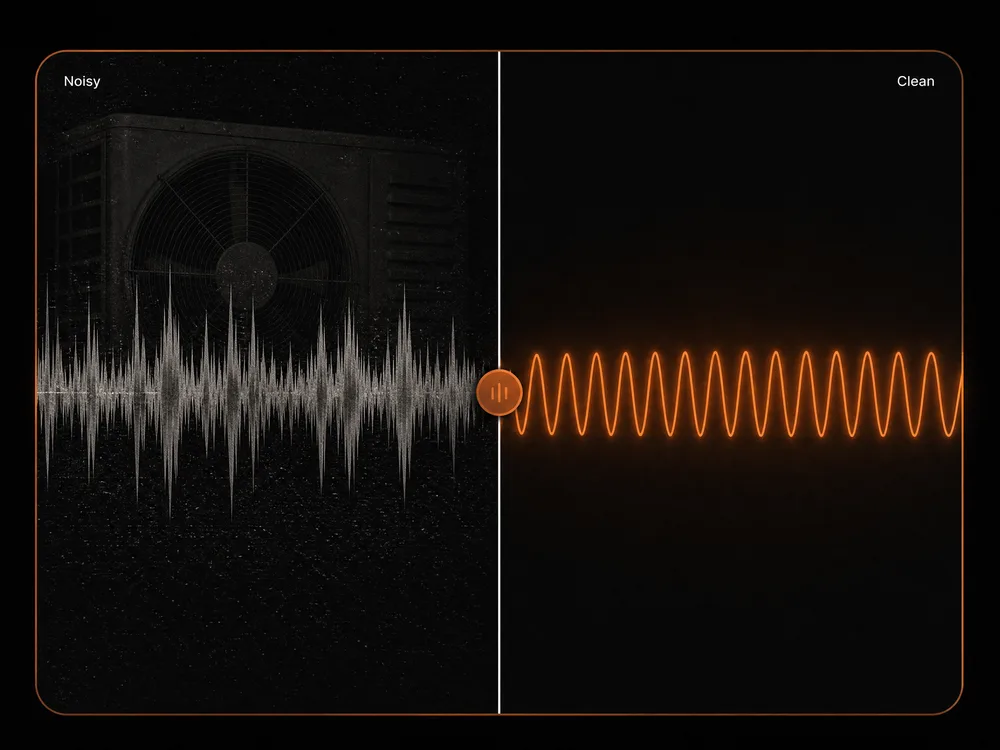
Aircon, Fans, and Hum
Steady mechanical drone and mains hum disappear entirely.
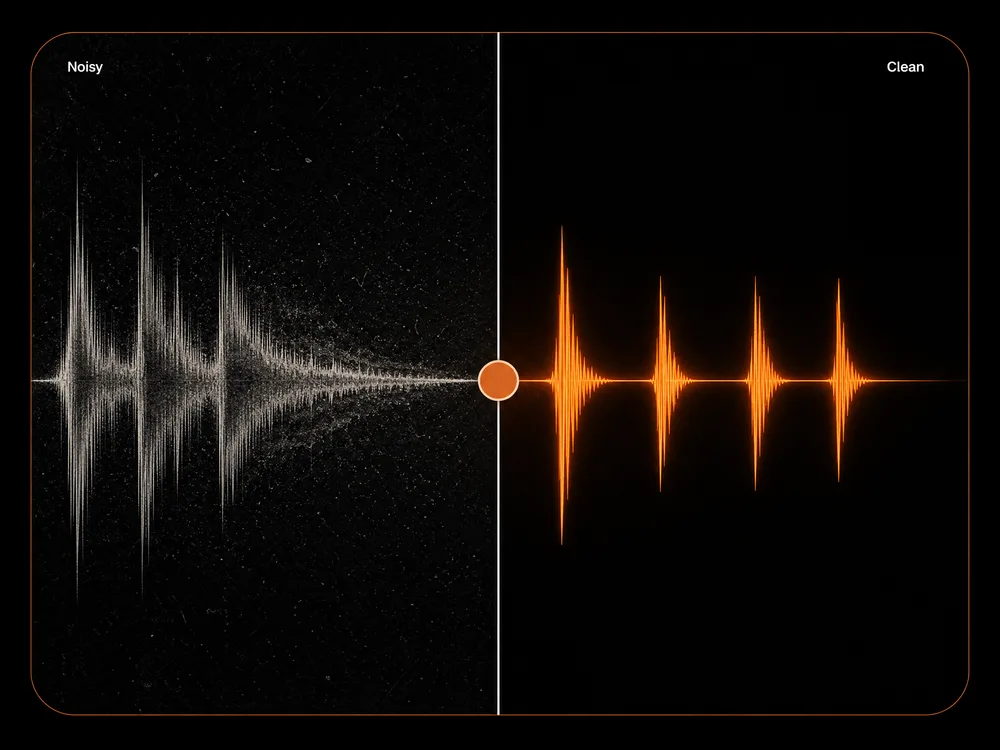
Room Echo and Reverb
Hard rooms get tightened up, though very live rooms stay audible.
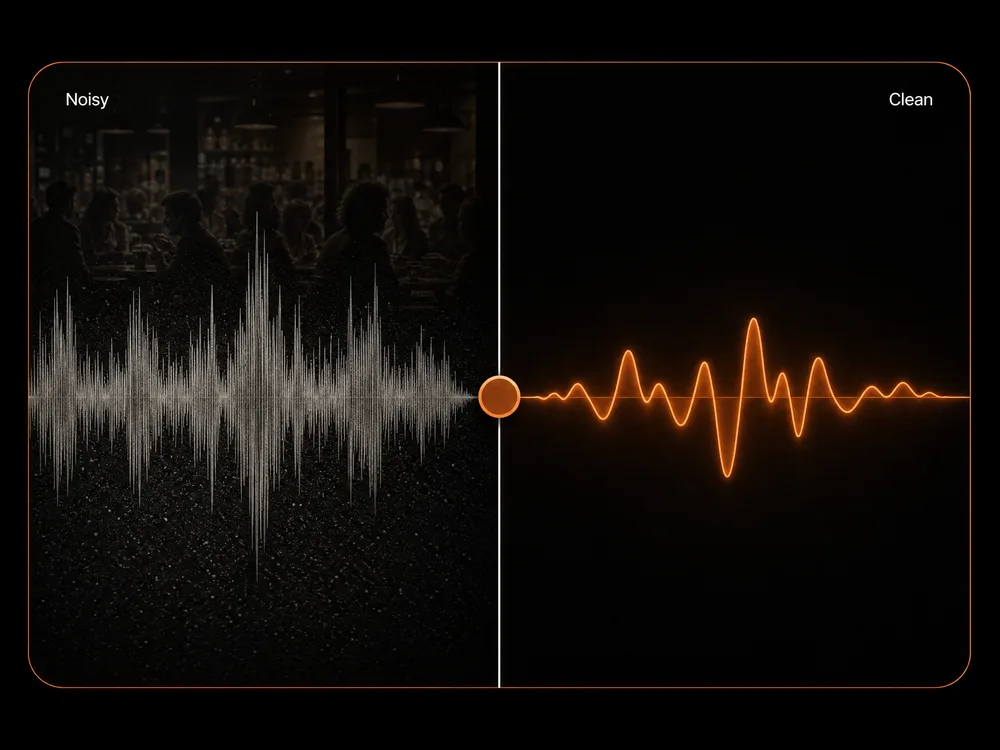
Crowd and Cafe Chatter
Background voices drop back; the close voice stays forward.
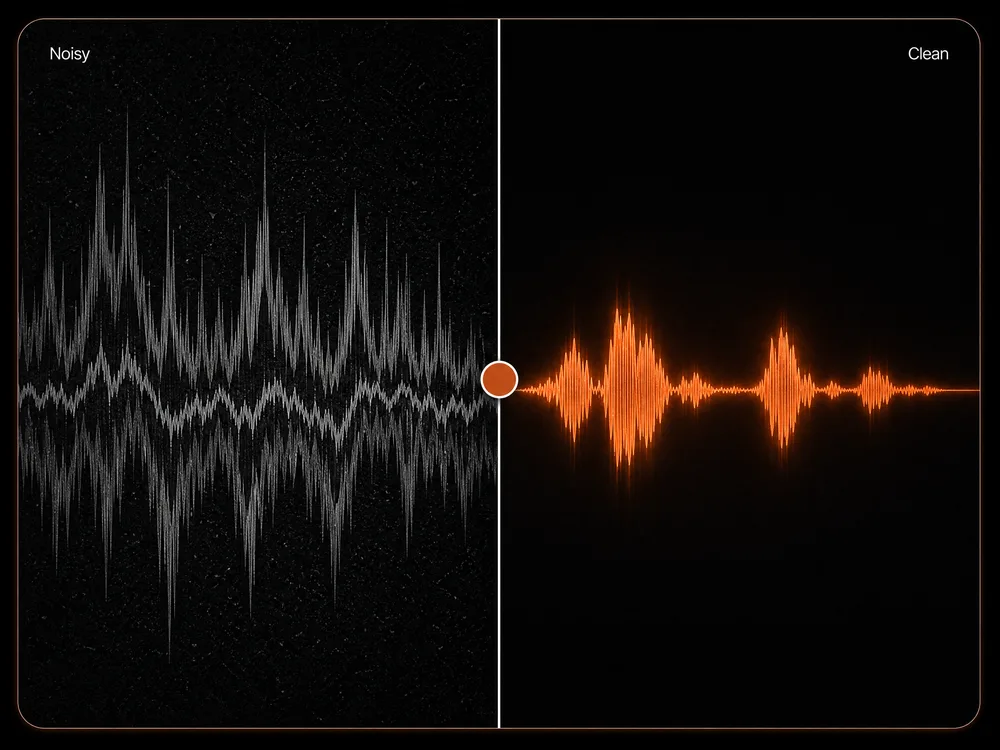
Music Under Speech
Separates a backing track from the person talking over it.
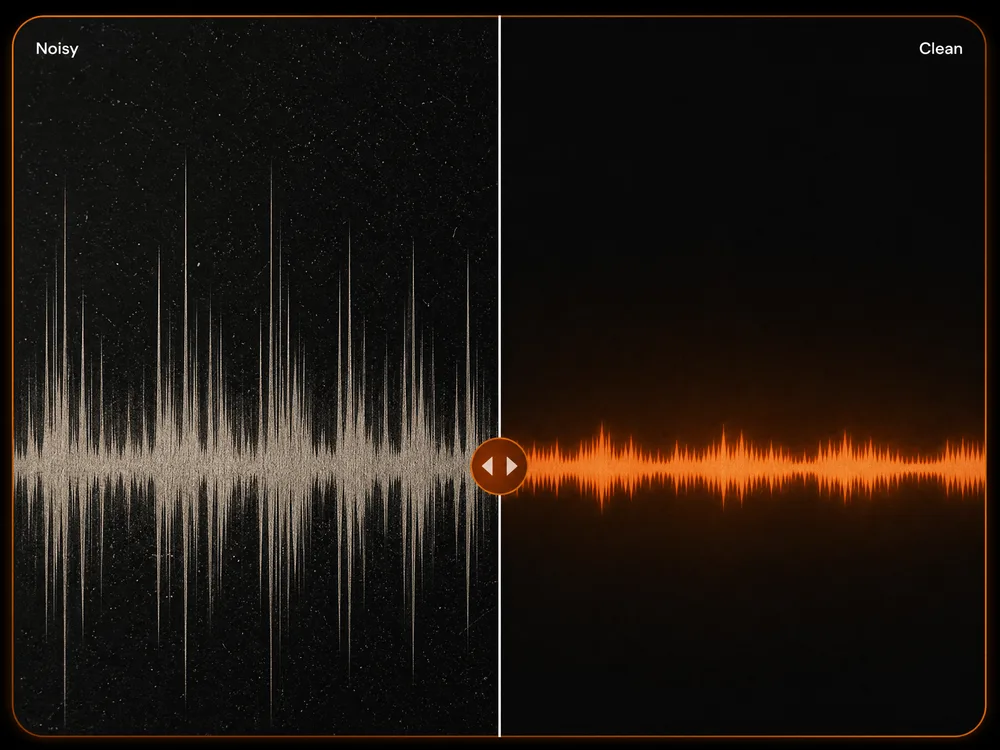
Keyboard Clicks and Desk Bumps
Short transient noises are taken out without dulling the voice.
Why Use Our AI Background Noise Remover
Anyone can rescue a noisy recording in one pass — no plugins, no noise profiles, no audio engineering.
One Pass, No Plugins
Upload and run it. No noise-gate thresholds to tune, no EQ curves, no plugin chain to build.
The Voice Stays Natural
It separates the voice rather than filtering the whole file, so what's left doesn't sound thin or underwater.
Better Transcripts After
Clean audio transcribes far more accurately, so this is the step to run before speech to text.
Works on Music Too
Pull a vocal out of a full mix without needing the original stems.
Low Cost Per Run
Cheap enough to run on every take rather than only the ones you've given up on.
Nothing to Install
It runs in your browser, and every cleaned file stays in your history to download again later.
Remove Background Noise From Audio: FAQ
It separates a voice from everything else in a recording. Upload a noisy file and you get back the speech on its own — traffic, room hum, air conditioning, and crowd noise removed.
New accounts come with free credits, so you can try it before paying anything. After that you top up or subscribe, whichever suits how often you use it.
It isolates the vocal from a full mix, so you get the voice on its own without needing the original stems. It's the same separation working in the direction you want.
It separates rather than filters, so results stay far more natural than a noise gate or aggressive EQ. Very quiet voices under very loud noise are where artefacts show up.
Steady noise — hum, hiss, traffic, air conditioning. Sudden bangs and door slams are harder and can leave a mark where they hit.
Yes, if it's noisy. Background noise is the single biggest factor in transcription accuracy, so isolating first and then running speech to text gives a much better transcript.
Seconds for most files. Very long recordings take proportionally longer.
Usually the voice was quieter than the noise around it, or the noise was sudden rather than constant. Isolation can only recover what the microphone actually captured.
Ready to Clean Up Your First Recording?
No plugins, no noise profiles, no card needed. Upload a noisy file and hear it clean in seconds.