Free AI Consistent Character Video Generator
Upload references — images for the character, a video for the action, a voice clip for the speech — and this consistent character video generator keeps them all in one shot. The same face and outfit across a whole series, moving how you showed it and speaking how you asked. Free credits come with a new account, so you can try it first.
- 1080p
- Max resolution
- 30-60s
- Usually takes
- None
- Watermarks
What You Can Make With Reference to Video
A few of the things people keep consistent here.
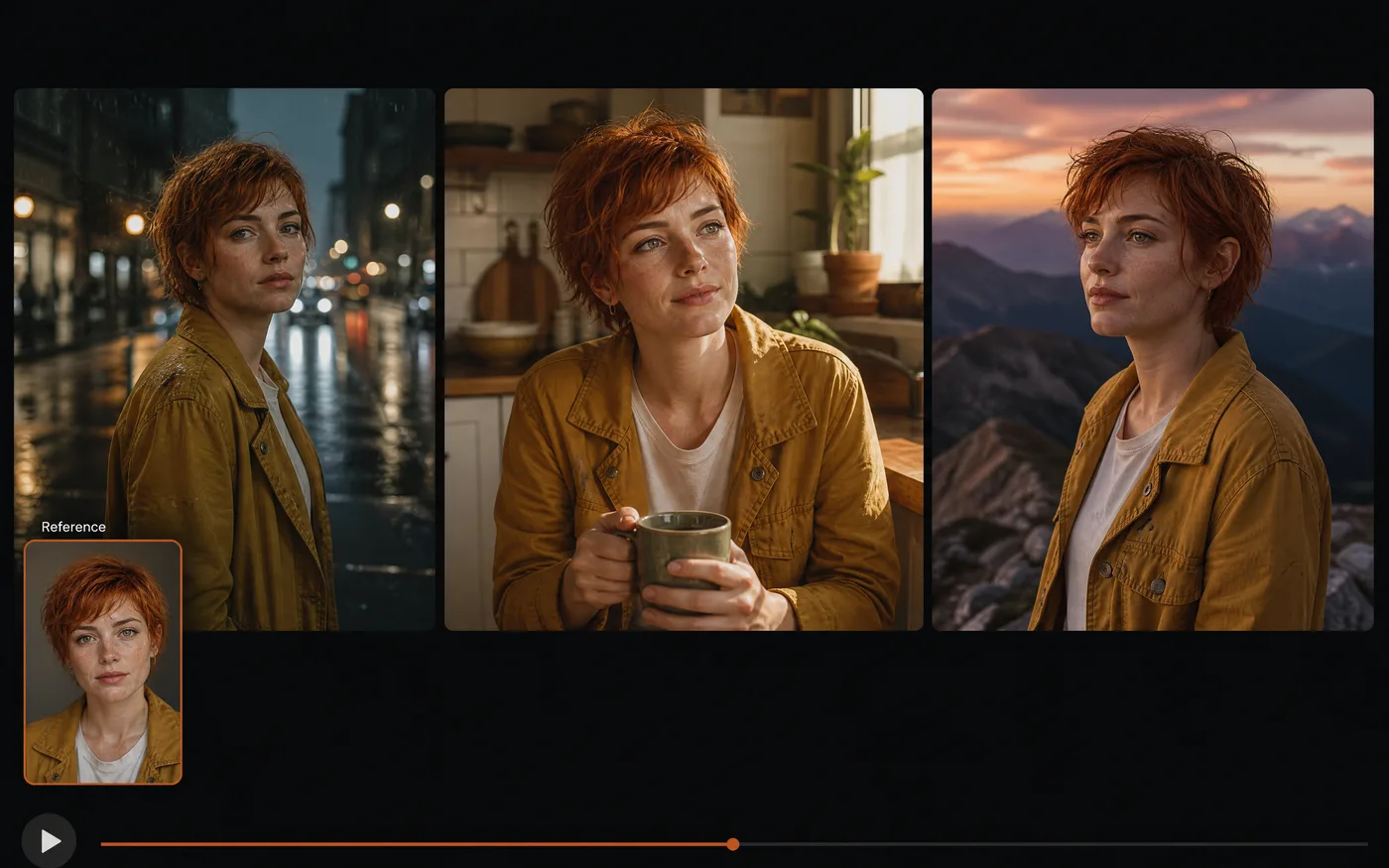
A Series With One Consistent Character
Upload a few reference images and the same face, build, and outfit turn up in every clip you make.
- No reshoots — Add a clip to the series months later and the consistent character still matches.
- Several angles — Front, three-quarter, and profile references hold up best.
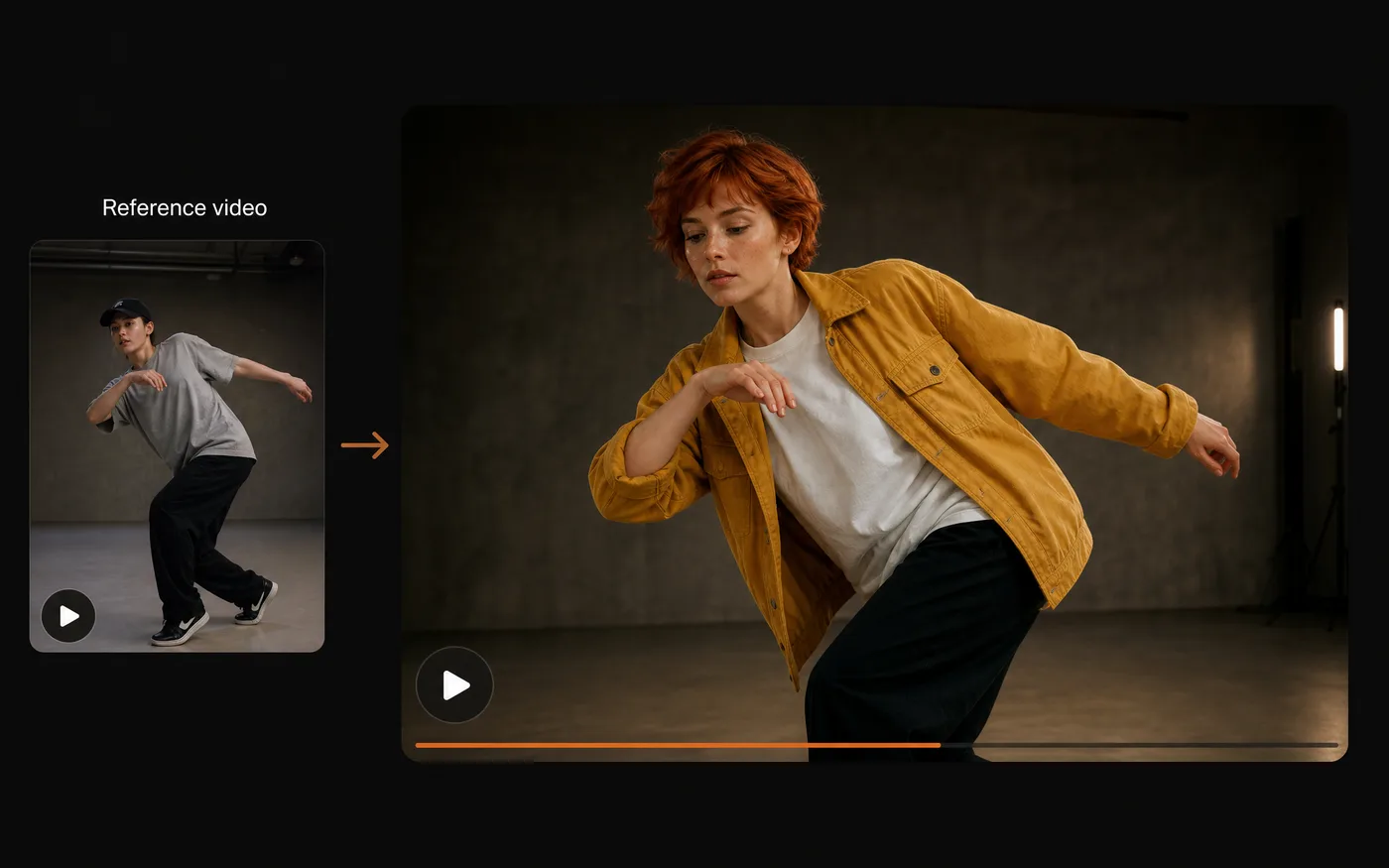
Copy a Dance or Action From a Reference Video
Upload a clip of the movement you want and your character performs it — the motion comes from the reference, the look comes from your images.
- Motion transfer — Your character, someone else's choreography.
- Works with stills — One reference photo is enough for the subject.
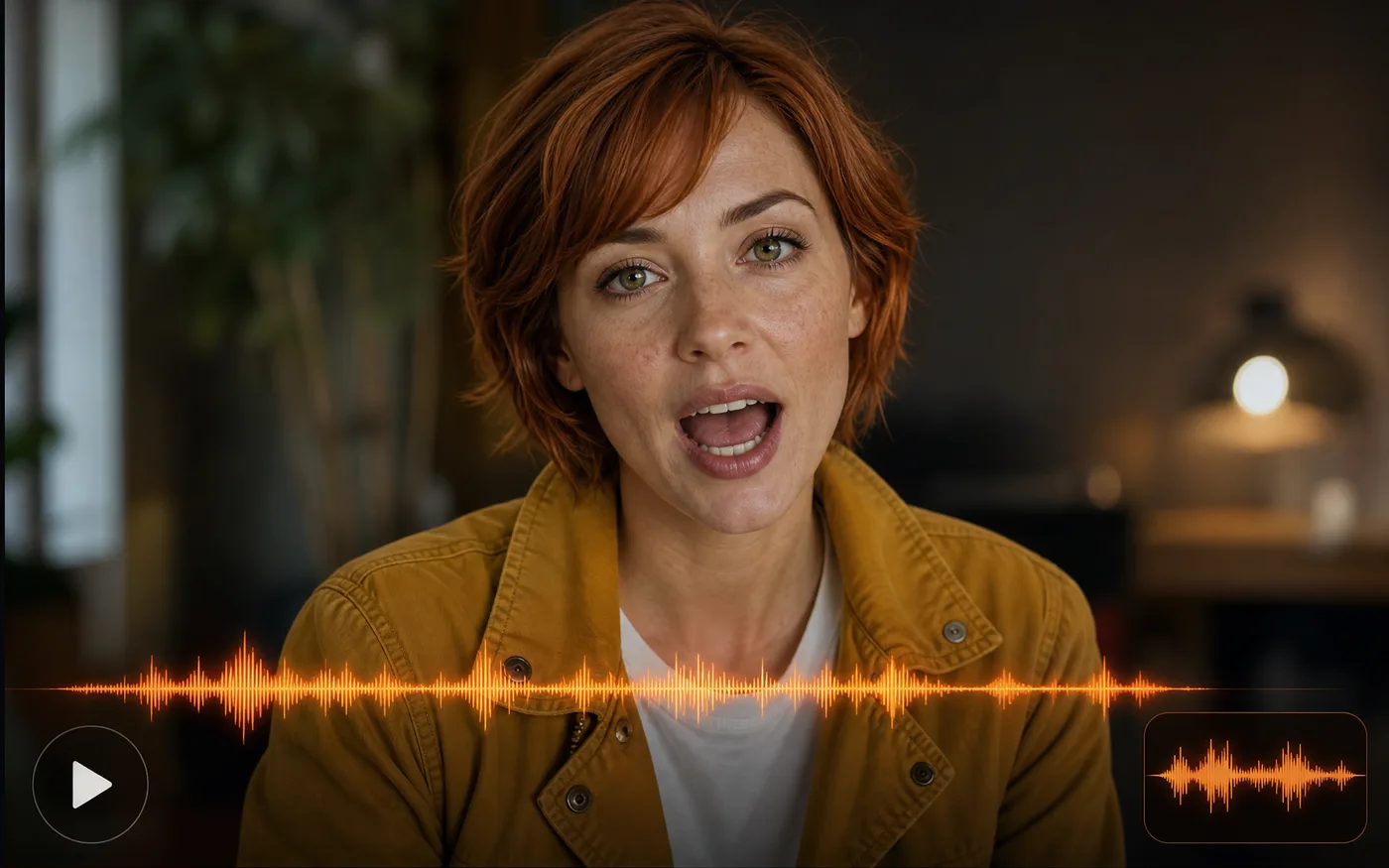
Make a Character Speak or Sing
Add a voice clip as a reference and the character lip syncs to it, in that voice, for as long as the audio runs.
- Lip sync from audio — Mouth movement follows the reference recording.
- Keeps the voice — The delivery in your clip is the delivery you get.
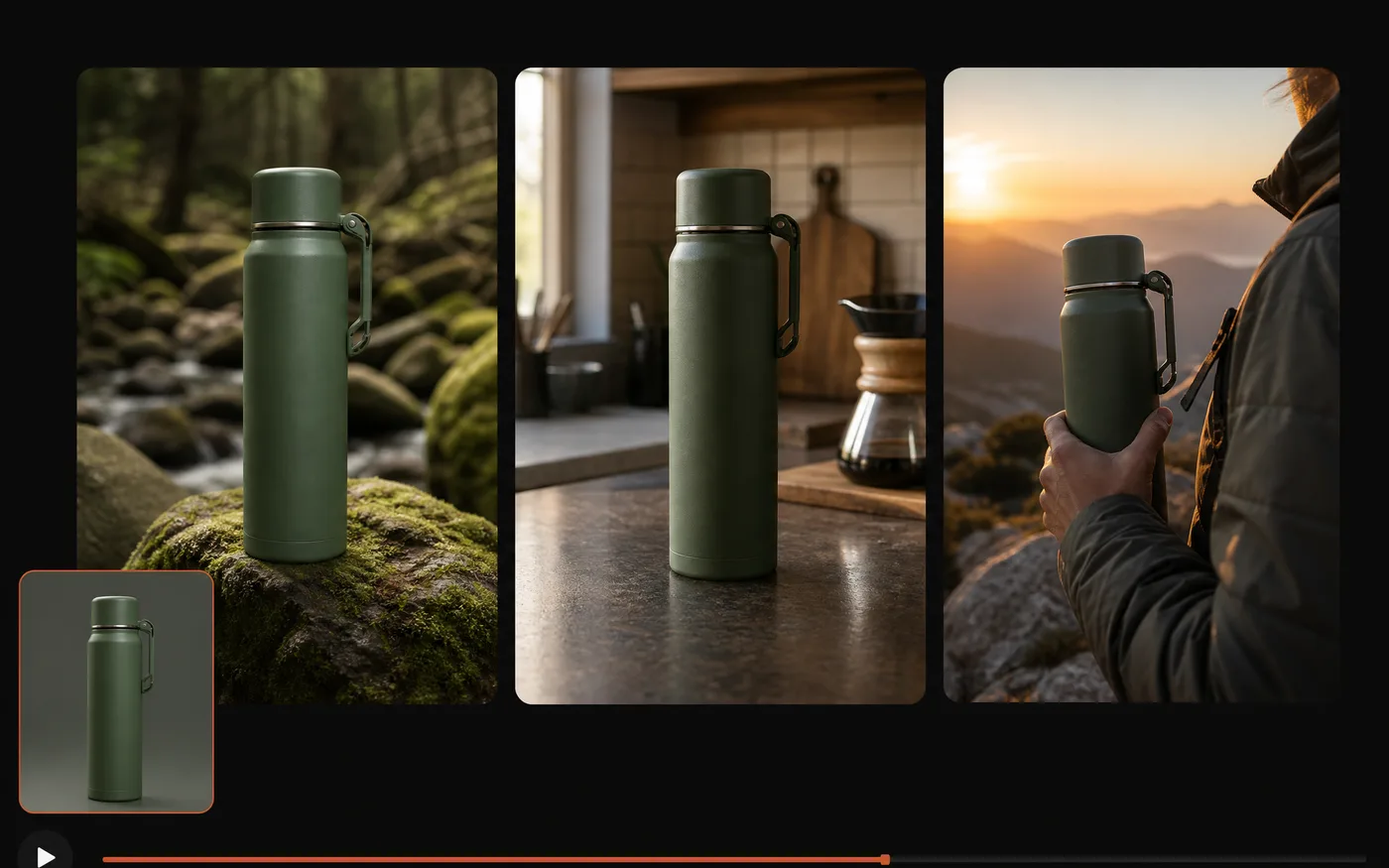
Product and Brand Videos That Match
The same rules work for an object or a mascot — reference it once and it stays identical across the campaign.
- One reference, one look — Packaging and colour stay put between clips.
- Mascots too — A brand character behaves like any other reference subject.
How to Use Our Free Consistent Character Video Generator
Three steps to your first consistent clip, free to start:
 01
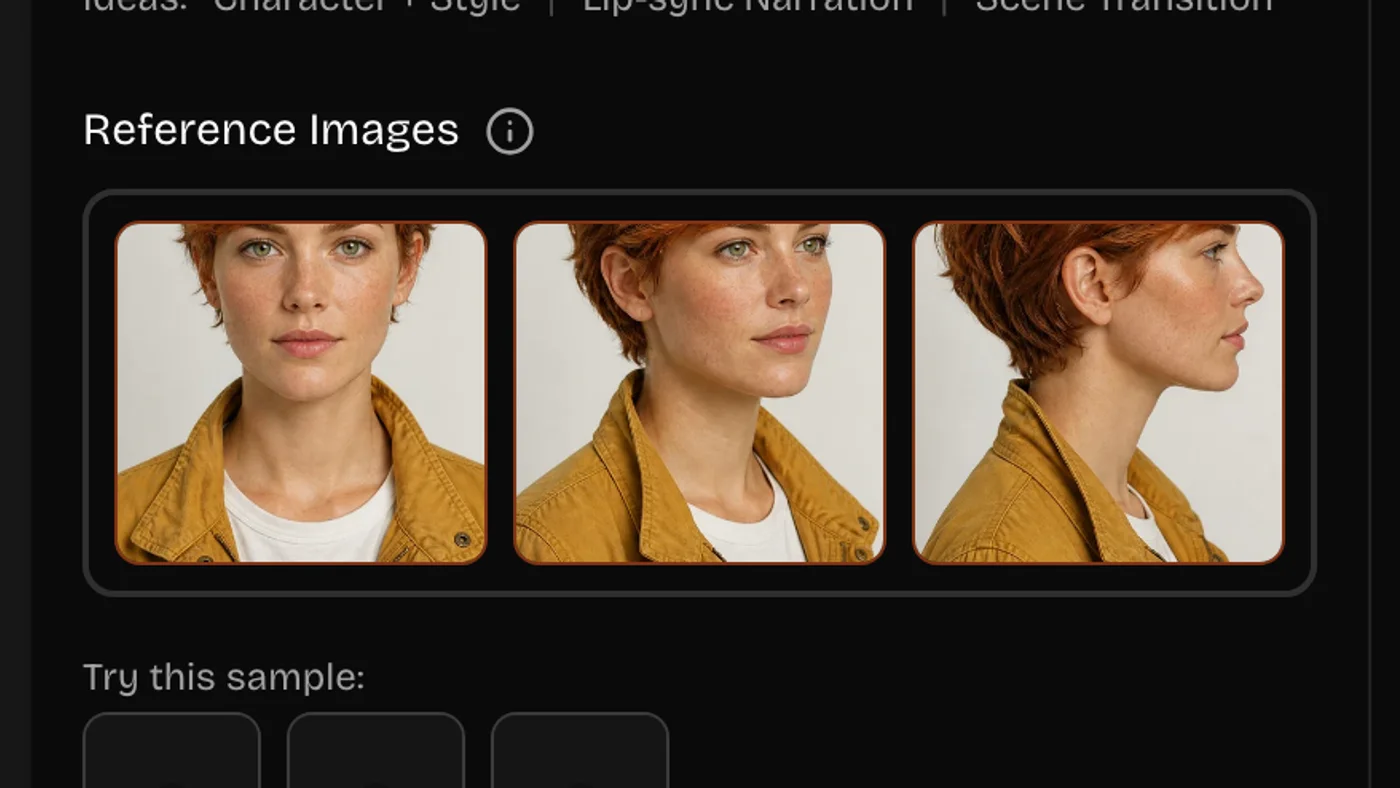
01Upload Your Reference Images
Add a clear image of the character, product, or style you want held. A sharp, front-facing, well-lit reference works best.
 02
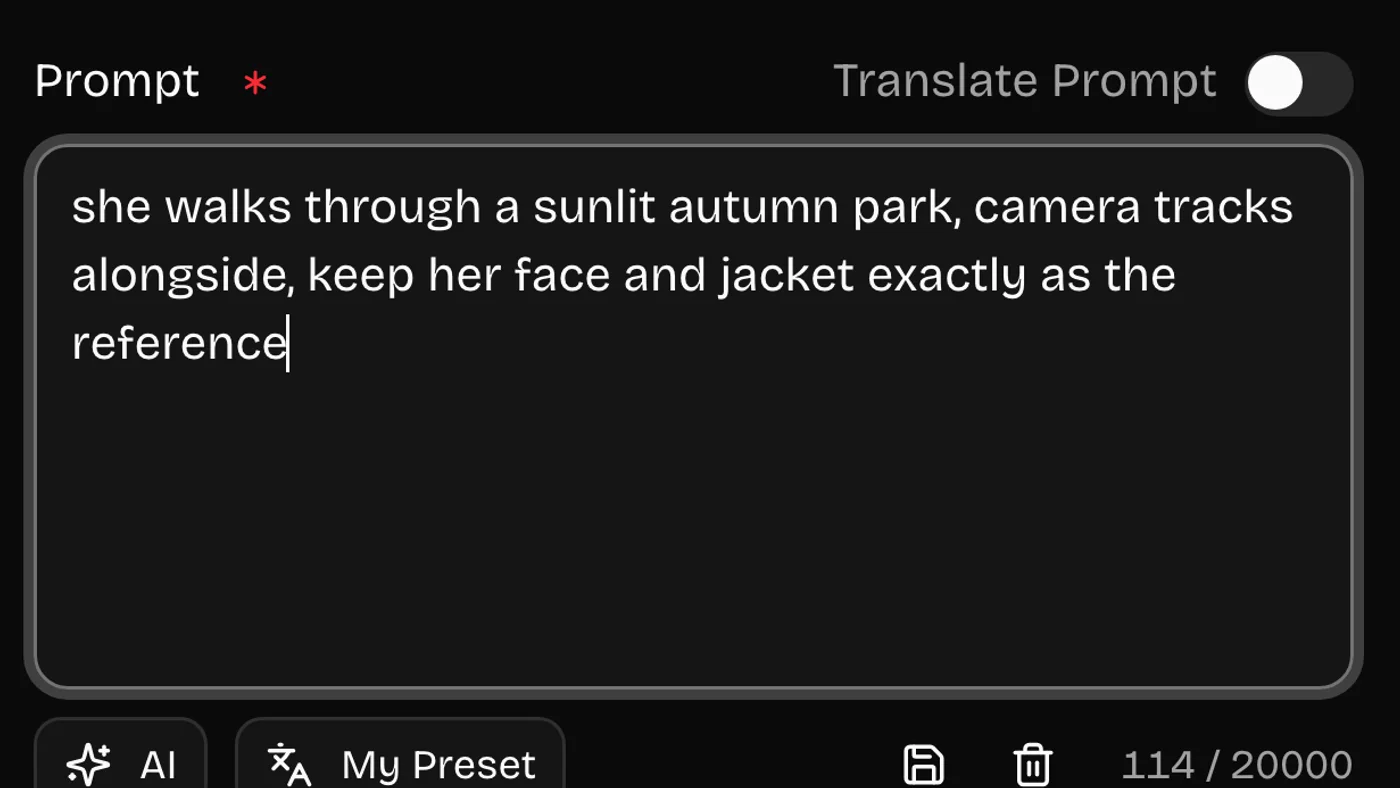
02Describe the Shot
Say what happens and how the camera moves — and name what must stay true to the reference, like the face or the label.
 03
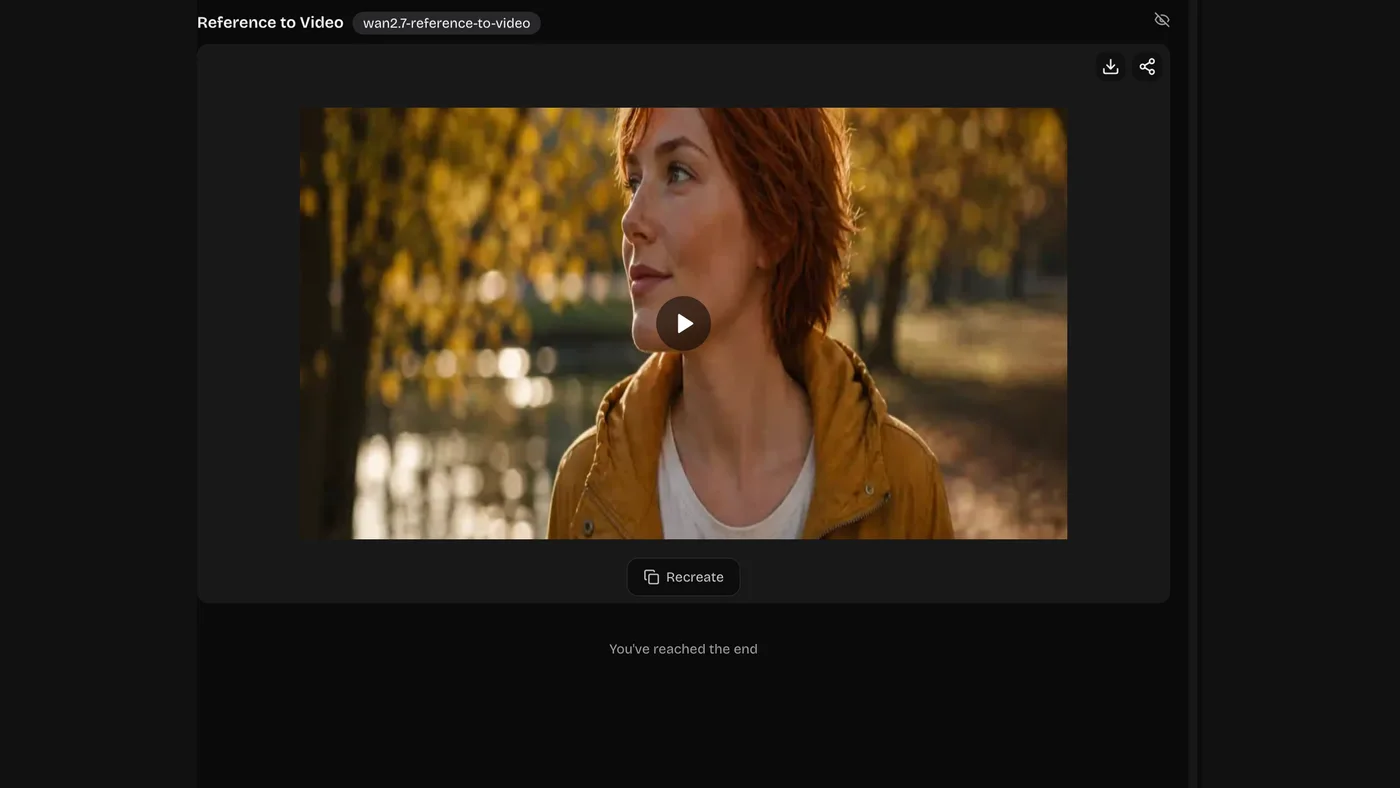
03Generate and Download
Render it, check it against your reference, and download the MP4. Reuse the same reference for the next clip.
Reference to Video: What You Can Upload
Images, video, and audio all count as references, and you can combine them in one shot. Any of them can anchor a consistent character.
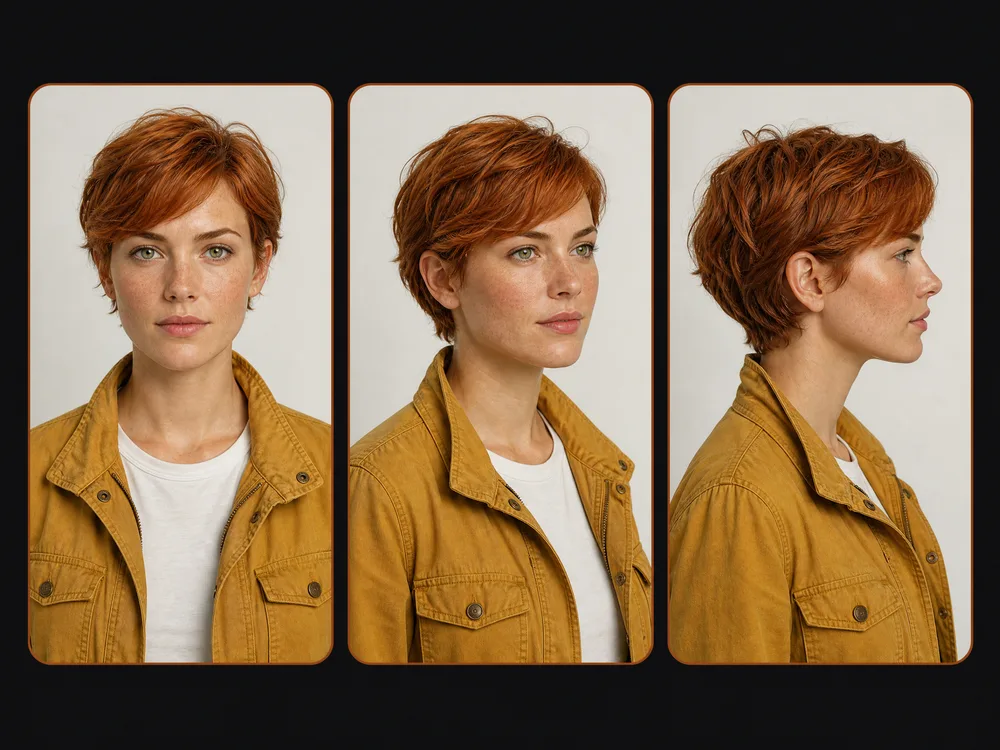
Reference Images — the Subject
Who or what appears. Front, three-quarter, and profile beat three front shots; add a full body if proportions matter.
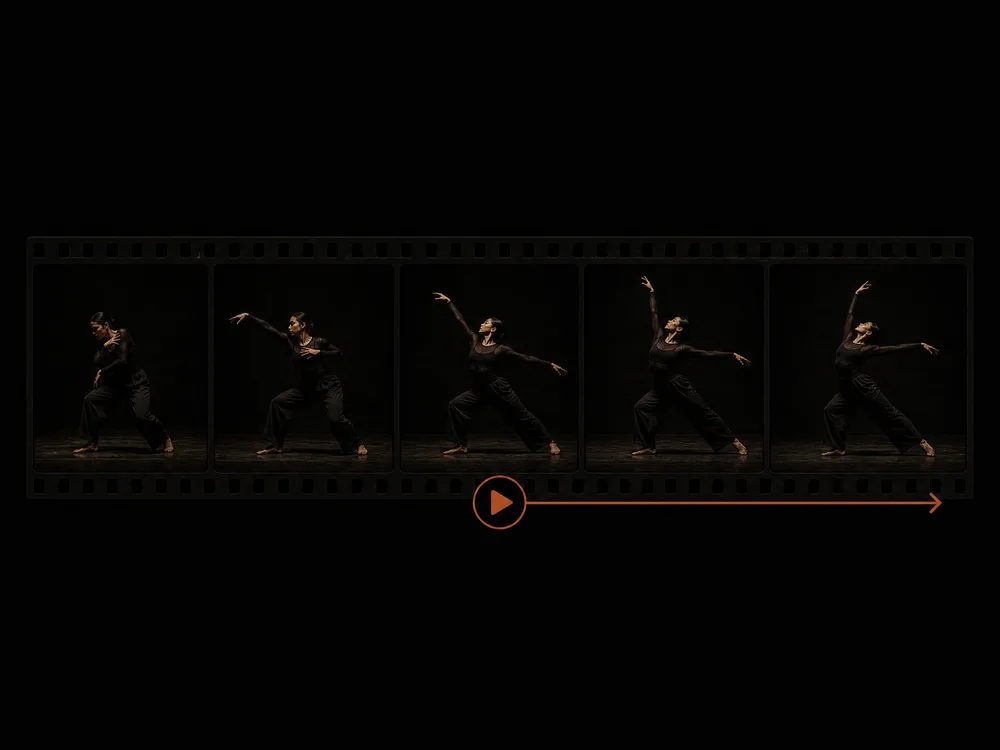
Reference Video — the Motion
Upload the movement you want copied — a dance, a gesture, a camera move — and it gets transferred to your subject.
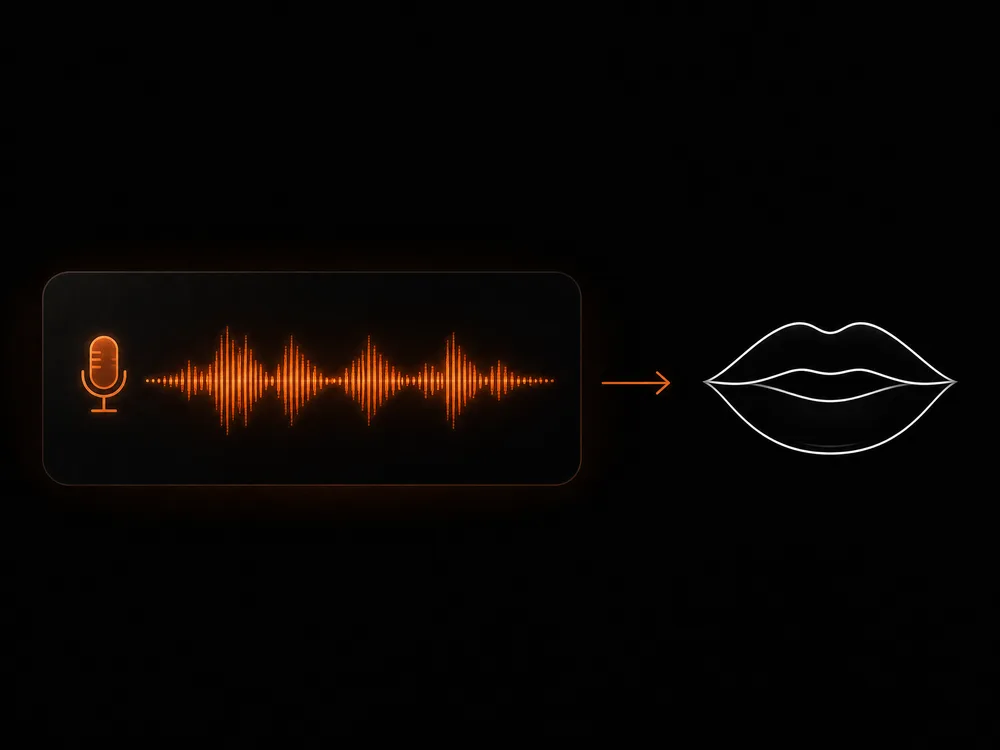
Reference Voice — the Speech
Add an audio clip and the character lip syncs to it, keeping the delivery and timing of the recording.
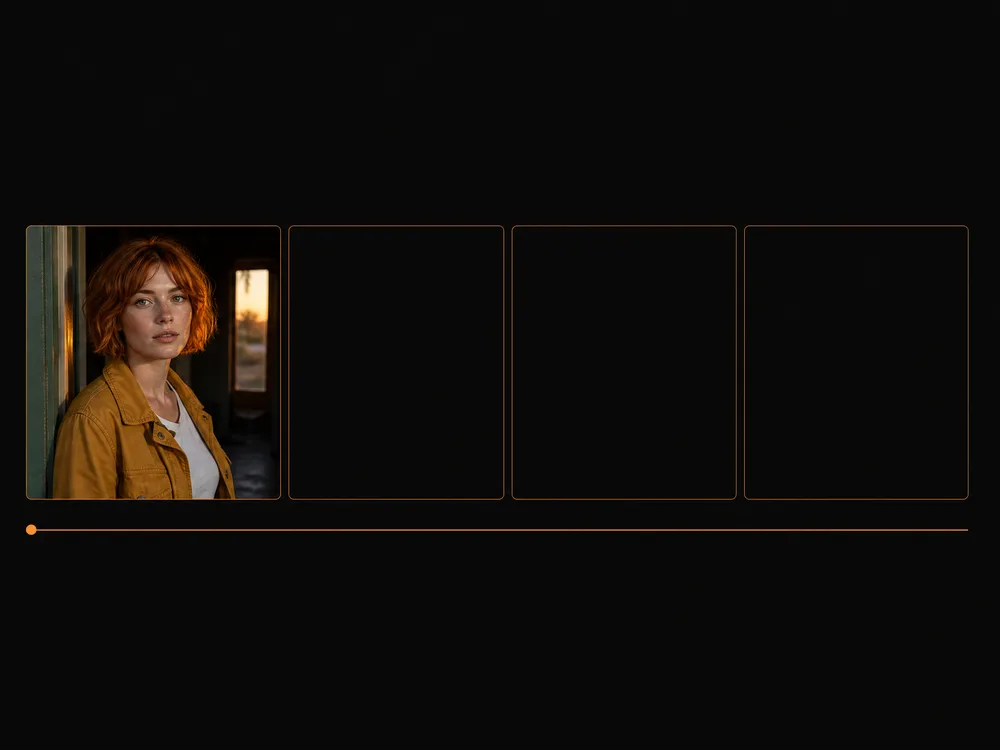
First Frame — the Opening Shot
Set the exact frame the clip should start on, then describe what happens from there.
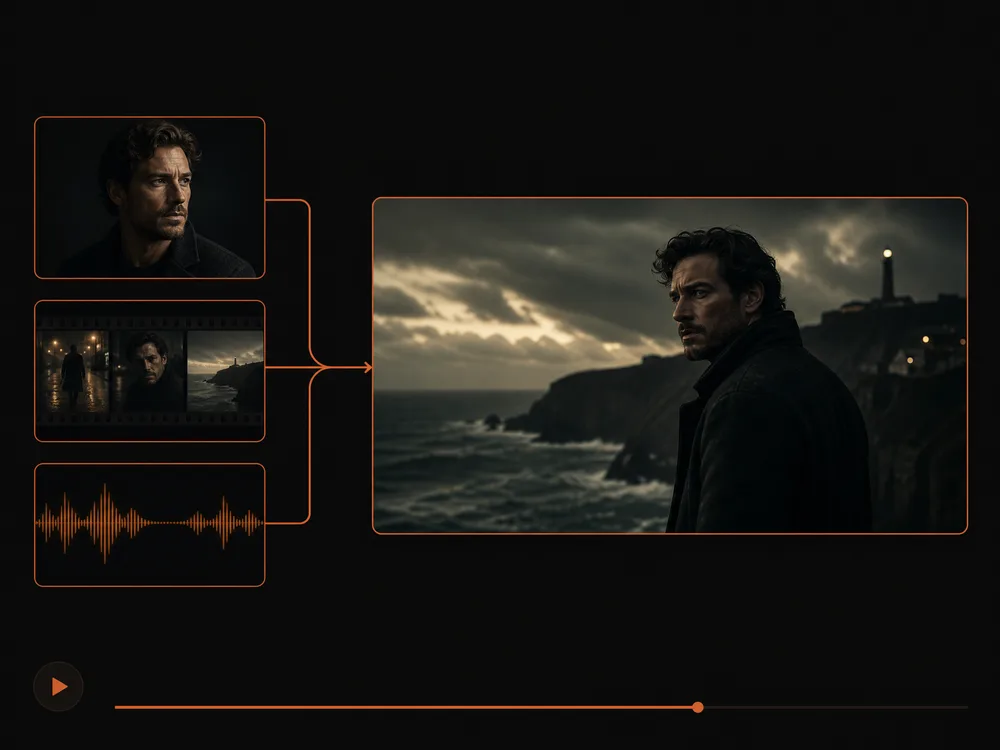
Combining Several References
Refer to them by index in the prompt — "image 1 is eating while video 1 and image 2 sing beside it" — and they share one scene.
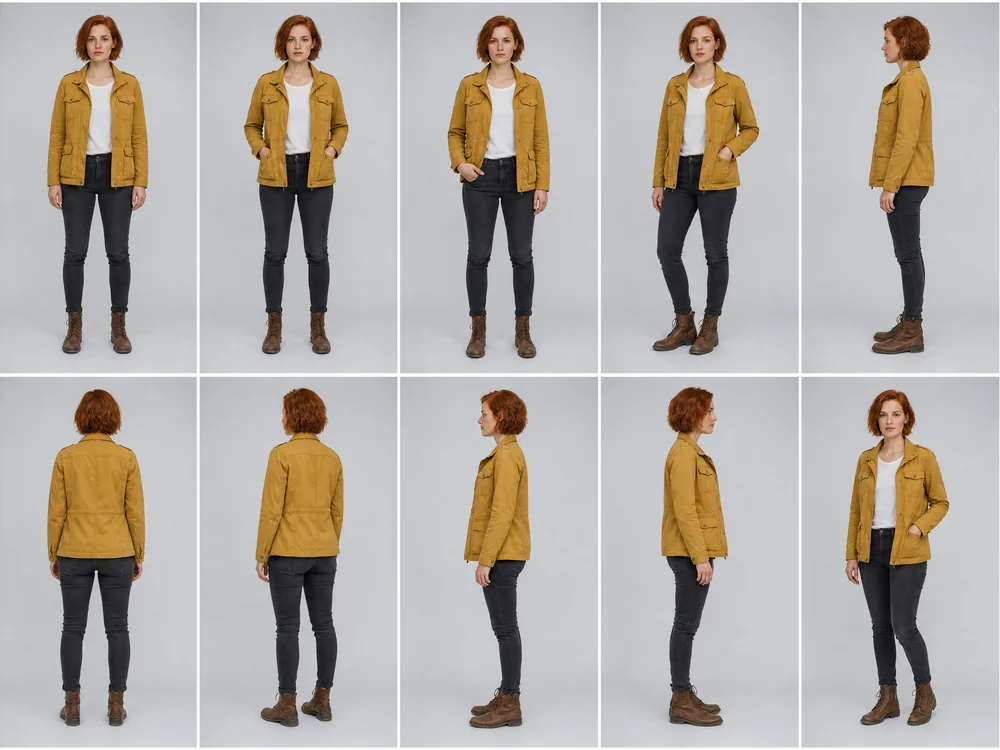
What Makes a Reference Work
Even lighting and a clean background. Hard shadows and busy backdrops get baked in and follow the subject around.
How to Get a Consistent Character Every Time
The reference does the heavy lifting. Your wording's job is to say what must not drift.
Good wording covers four things
- 1What to hold — the face, the outfit, the label, the palette
- 2The action — one clear thing happening in the shot
- 3Camera — static, slow push-in, orbit, handheld
- 4Setting and light — where it is, and the time of day
the girl from the picture walking
The woman from the reference walks slowly along a rainy street at night, keep her face, hairstyle and red jacket exactly as in the reference, slow tracking shot
Naming what to hold — face, hair, jacket — is what stops the model reinterpreting your character.
my product on a table
The bottle from the reference stands on a polished concrete surface, label facing camera and unchanged, slow orbit to the right, soft studio light
For products, the label is what drifts first. Say it must stay readable and unchanged.
same style as the reference but a different scene
Match the reference's teal and amber palette and soft film grain, new setting: a quiet café at golden hour, same grade throughout
"Same style" is ambiguous. Name the palette and the grain and the model has something to copy.
Why Use Our AI Consistent Character Video Generator
Anyone can keep a character, product, or look consistent across clips — no re-rolling until the face happens to match.
Consistency Is the Point
Other tools give you a new interpretation each run. Here your reference anchors the clip, so a series holds together.
Characters, Products, or Style
One mechanism covers all three: hold a face, a physical product, or just a palette and grade.
Reuse One Reference
Upload once and use it for every clip in the set — no re-describing your character in each prompt.
Camera Moves You Choose
Orbit, push-in, pan, handheld — say the move and the clip follows it, so shots cut together.
Test Cheap, Render Well
Confirm the reference holds on a faster model, then re-run the winner at higher fidelity.
Recreate From History
Every result is saved with its references and settings; hit Recreate to run the same setup again for the next clip in the series.
Consistent Character Video Generator FAQ
It generates video that follows reference images you upload. Instead of describing a character in words and hoping, you show the model exactly who or what should appear — so the same face, product, or style shows up in every clip.
New accounts come with free credits, so you can try it before paying anything. After that you top up or subscribe, whichever suits how often you generate.
Upload the same reference image for every clip and name what must hold — face, hairstyle, outfit. Reusing one clear reference is far more reliable than describing the character in words each time.
Images, video, and audio. Images set who or what appears, a video supplies motion to copy, and an audio clip drives the lip sync and the voice. You can use several at once and point at them by index in your prompt.
Yes, and it's one of the strongest uses. Say the label must stay readable and unchanged — that's the detail that drifts first if you don't mention it.
Image to video animates the picture you uploaded — that still becomes the first frame. Reference to video generates a new shot that merely looks like your reference, so you can put the same character in a scene you never photographed.
Usually the reference is too small, dark, or angled, or the prompt didn't say what to hold. Use a clearer reference and add "keep the face and outfit exactly as in the reference".
Ready to Lock In a Consistent Character?
No re-rolling until the face matches, and no card needed. Upload a reference, describe the shot, and see it in 30 to 60 seconds.