Kling 4.0 Omni Video Generator
Kling 4.0 Omni is Kuaishou's next video model for directed motion, keyframes, dialogue and camera work. Open on text to video—or bring images and references—then generate 3–30 second clips at 720p or 1080p with optional native audio and multilingual speech.
- Free credits on signup
- No credit card to start
- No watermark
- Nothing to install
Kling 4.0 at a glance
- Clip length
- 3-30s
- Resolution
- 720p / 1080p
- Default mode
- Text to video
- Also available
- Reference to video
What Kling 4.0 Omni Can Do
Longer takes, Omni multimodal inputs, keyframe control, and dialogue-ready audio in one Kling 4.0 stack.

Omni Multimodal Inputs
Text, image, and reference material feed the same Kling 4.0 Omni pipeline—switch inputs without learning a second tool.

Keyframe-Directed Motion
Pin visual beats when the action must hit poses on cue; Kling interpolates the performance between them.

Clips From 3 to 30 Seconds
Short hooks or longer dialogue beats in a single generation—duration steps that match credit planning.

Native Audio and Multilingual Dialogue
Optional synced ambience and speech notes across languages when the brief needs VO in-frame.
720p and 1080p Delivery
Draft faster at 720p, finish at 1080p without leaving Kling 4.0.
Camera and Performance in One Prompt
Write moves, blocking, and tone together—Omni keeps picture and sound aimed at the same beat.
How to Use Kling 4.0
Three steps from a blank prompt to a directed take:
 01
Stay on Text to Video for the First Pass
Write who is in frame, what they do, what they say, and how the camera moves. Only switch to reference to video when uploads are required to lock likeness.
 02
Write Action, Dialogue and Camera Together
One primary action, spoken lines in quotes if needed, and a single camera instruction. Ambiguous multi-event prompts are where Kling 4.0 starts improvising.
 03
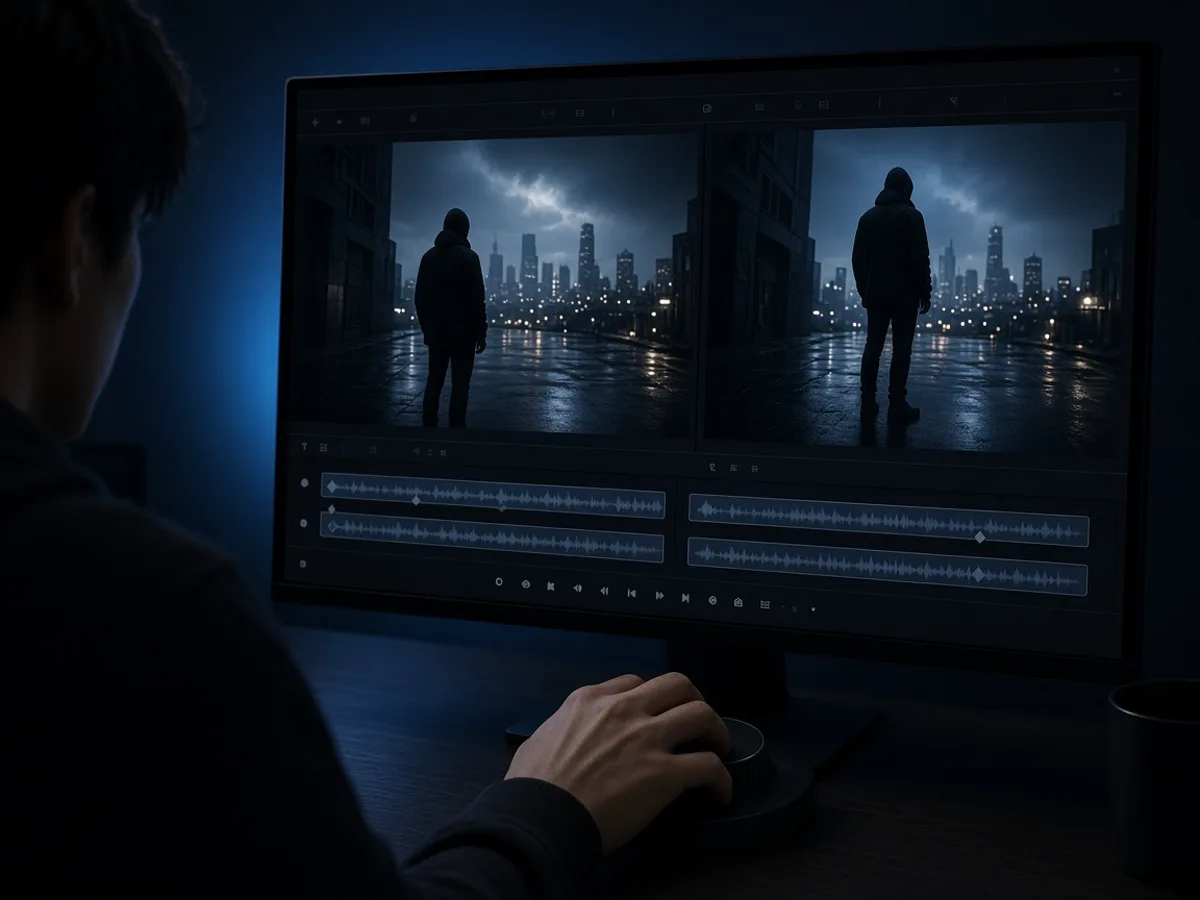
Pick Length and Resolution, Then Change One Thing
Start near 5–8 seconds at 720p. If the take is close, change duration, framing or one sentence — not all three — and generate again.
What People Make With Kling 4.0
Directed motion, keyframed product beats, and dialogue-ready shorts with Kling 4.0 Omni.
Dialogue-Led Shorts
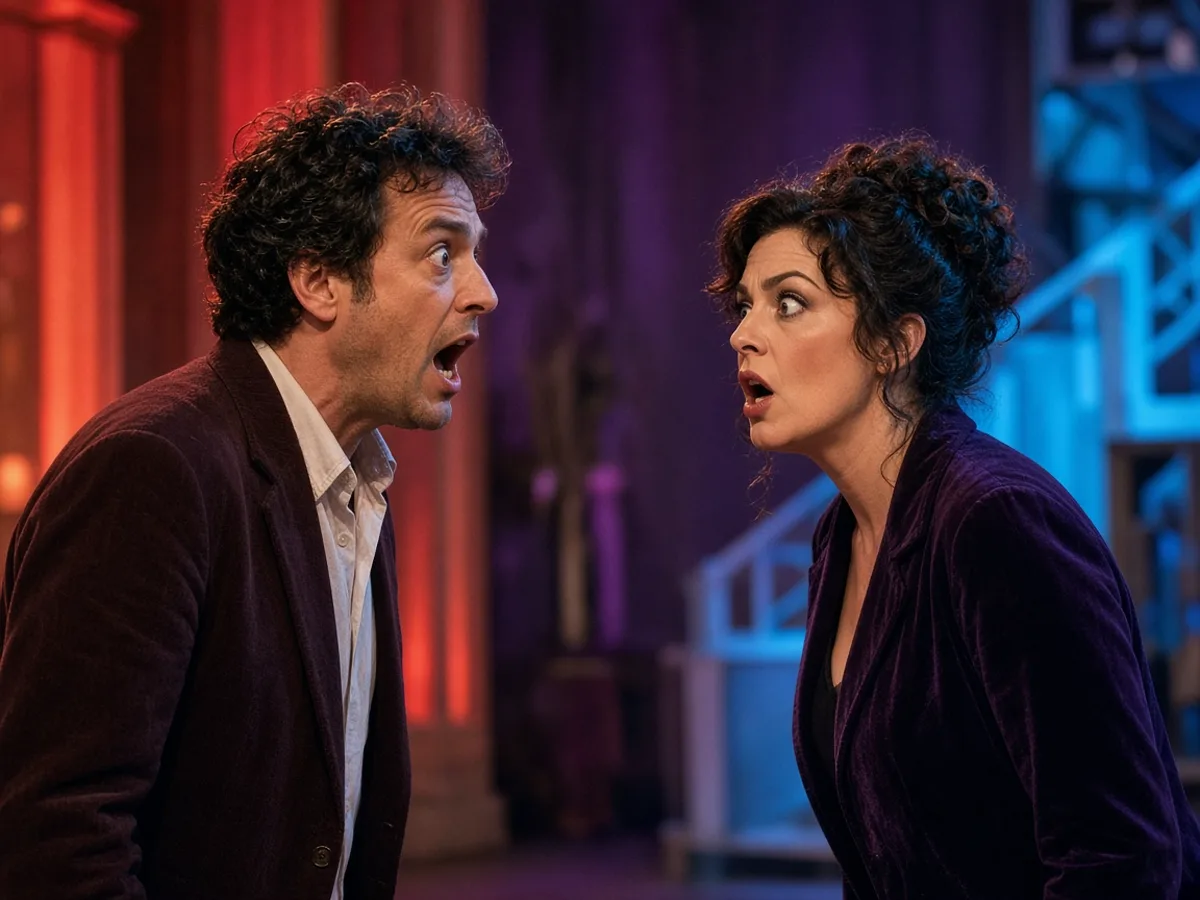
Write the exchange in the prompt and let Kling 4.0 play the beat end to end — useful for sketch comedy, product explainers and character intros.
- Lines in the prompt — Put spoken text in quotes and name who says what.
- Vertical when it ships to phones — 9:16 avoids a late crop that chops faces.
Action Beats With Clear Camera Moves
Tracking shots, push-ins and orbits read cleaner when the prompt names one move. Kling 4.0 is aimed at intense motion without turning the frame into mush.
- One move per take — Tracking or orbit — not both fighting for attention.
- Length matches the stunt — Give a chase enough seconds; do not cram it into three.

Multilingual Brand Spots
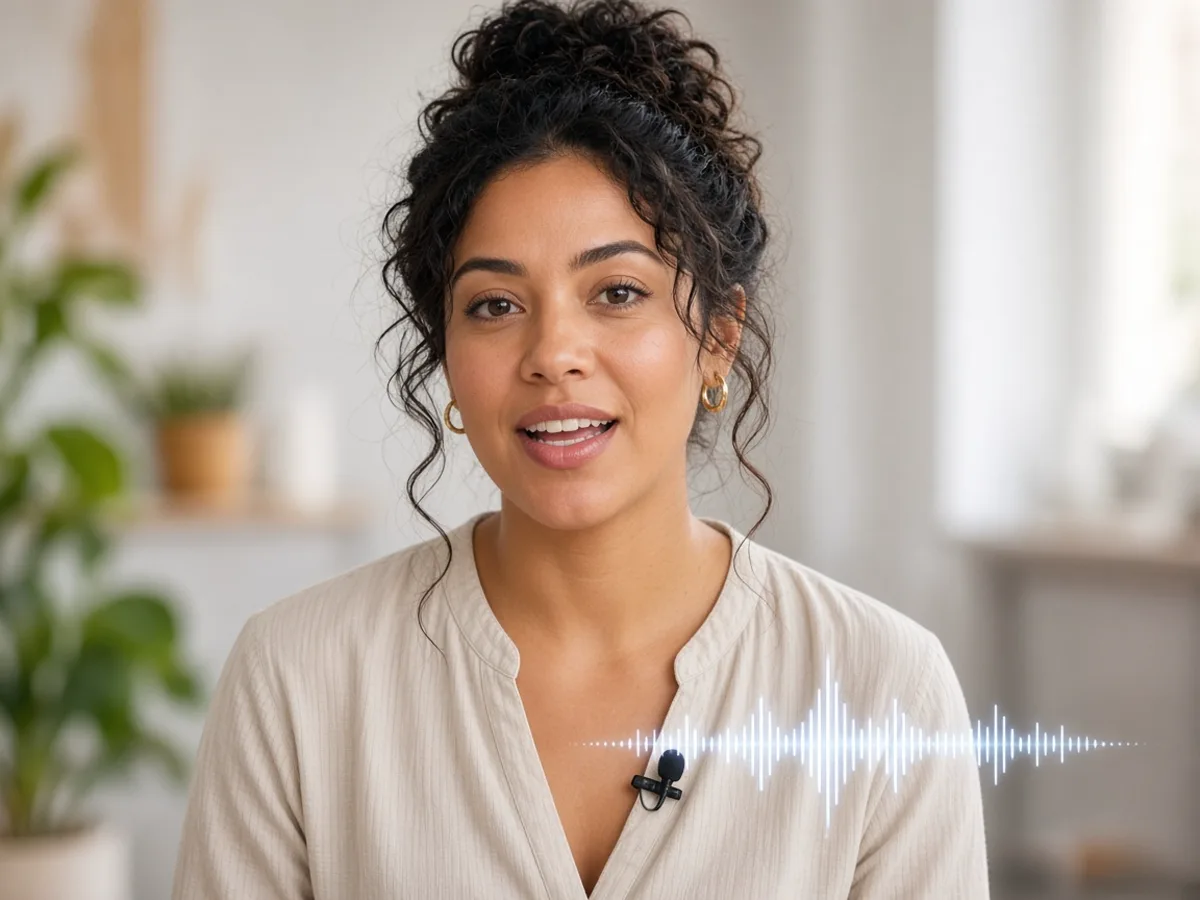
Public Kling 4.0 materials emphasize stronger multilingual speech and on-screen text stability. Draft the voiceover language you need, then lock framing for the market you are shipping to.
- Language in the prompt — State the spoken language explicitly.
- Ultrawide for cinema cuts — 21:9 when the spot has to feel like a trailer.
Character Continuity Across Takes
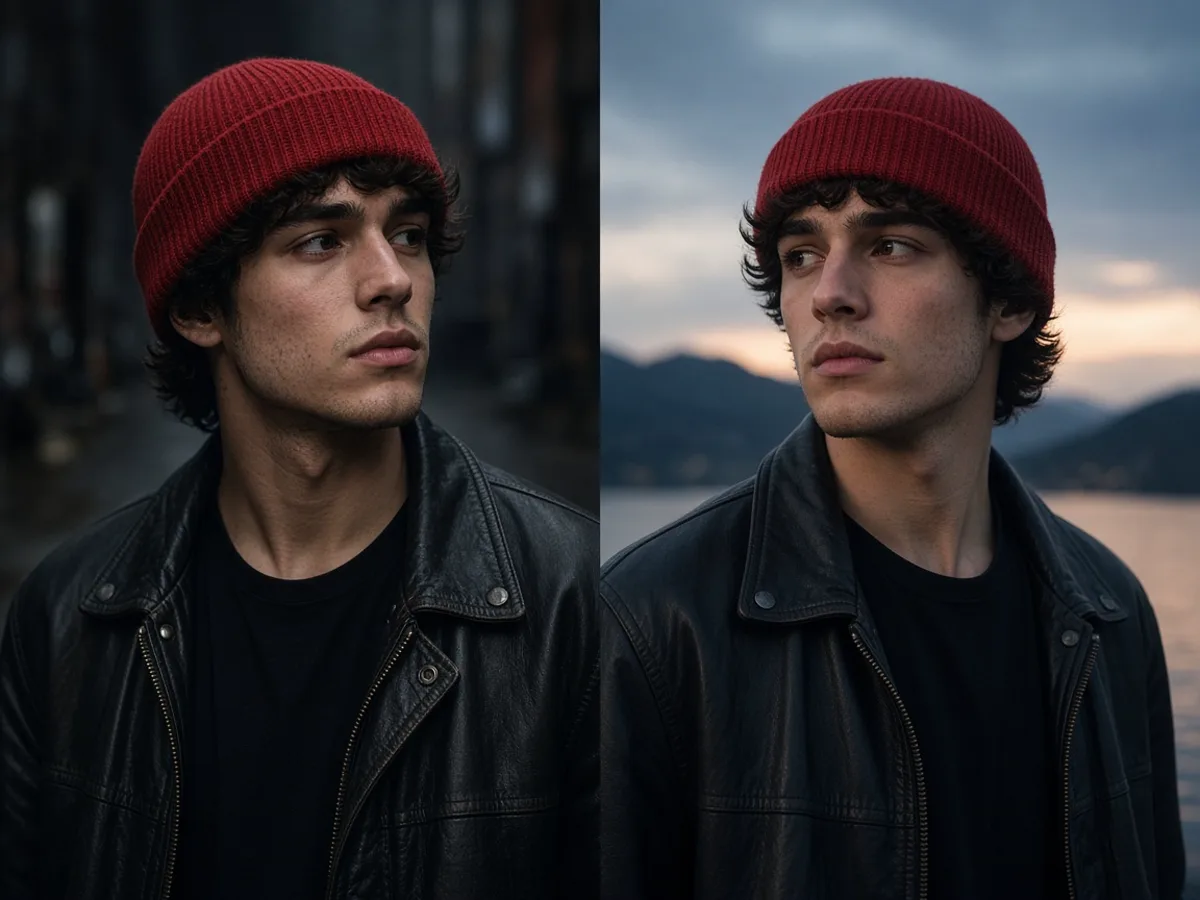
When the next shot must look like the last one, switch to reference to video and feed the same face or wardrobe references before you rewrite the action.
- References before adjectives — A face photo beats five fashion adjectives.
- Keep the model, change the beat — Reuse Kling 4.0; only rewrite the new action.
How to Write Kling 4.0 Prompts
Kling 4.0 rewards director notes. Vague mood words waste the audio and camera strengths the model is built for.
A Kling 4.0 prompt usually covers
- 1Subject and action — who moves, and the one beat that matters
- 2Dialogue — exact lines, speaker, tone or accent when sound matters
- 3Camera — tracking, push-in, orbit, pan, or locked-off
- 4Setting and light — enough to place the scene without rewriting physics
- 5On-screen text — only if a title card or logo must appear
a cool cyberpunk chase
A courier on an electric bike races through rain-slick neon alleys, camera tracking low beside the rear wheel, she shouts "hold the gate", distant traffic hiss, 9:16.
product ad with energy
A matte water bottle sits on basalt, camera slow push-in for eight seconds, hard rim light, a calm VO says "cold for twelve hours", no other props.
two people arguing
Two coworkers face each other across a glass desk; she says "we ship Friday", he replies "not without QA", static medium two-shot, soft office daylight.
Kling 4.0 FAQ
Kling 4.0 Omni is Kuaishou's next-generation video model with multimodal inputs, keyframe guidance, 3–30s clips, and optional native audio including multilingual dialogue cues.
Signup credits let you generate before paying. No card is required to create an account.
Yes—use keyframe-directed motion when poses or packshots must land on specific beats.
3 to 30 seconds on this page.
720p and 1080p.
Optional native audio is available, including ambience and multilingual dialogue-oriented briefs.
Yes—Omni multimodal inputs let you start from text, stills, or references on the same Kling 4.0 page.
Studio exposes Kling 4.0 interactively; programmatic access is listed in the platform API catalog.
Make Your First Kling 4.0 Video
No camera crew required. Write the action and the line, stay on text to video, and spend signup credits on the first take.