Free AI Video to Video Generator
Upload a clip and this AI video to video generator restyles every frame while the original motion stays exactly as you shot it. Video style transfer without rotoscoping, keyframes, or a single mask. Sign up and you get free credits to try it with.
- 1080p
- Max resolution
- 30-90s
- Usually takes
- None
- Watermarks
What You Can Do With Our AI Video to Video Generator
A few of the things people run their footage through here.
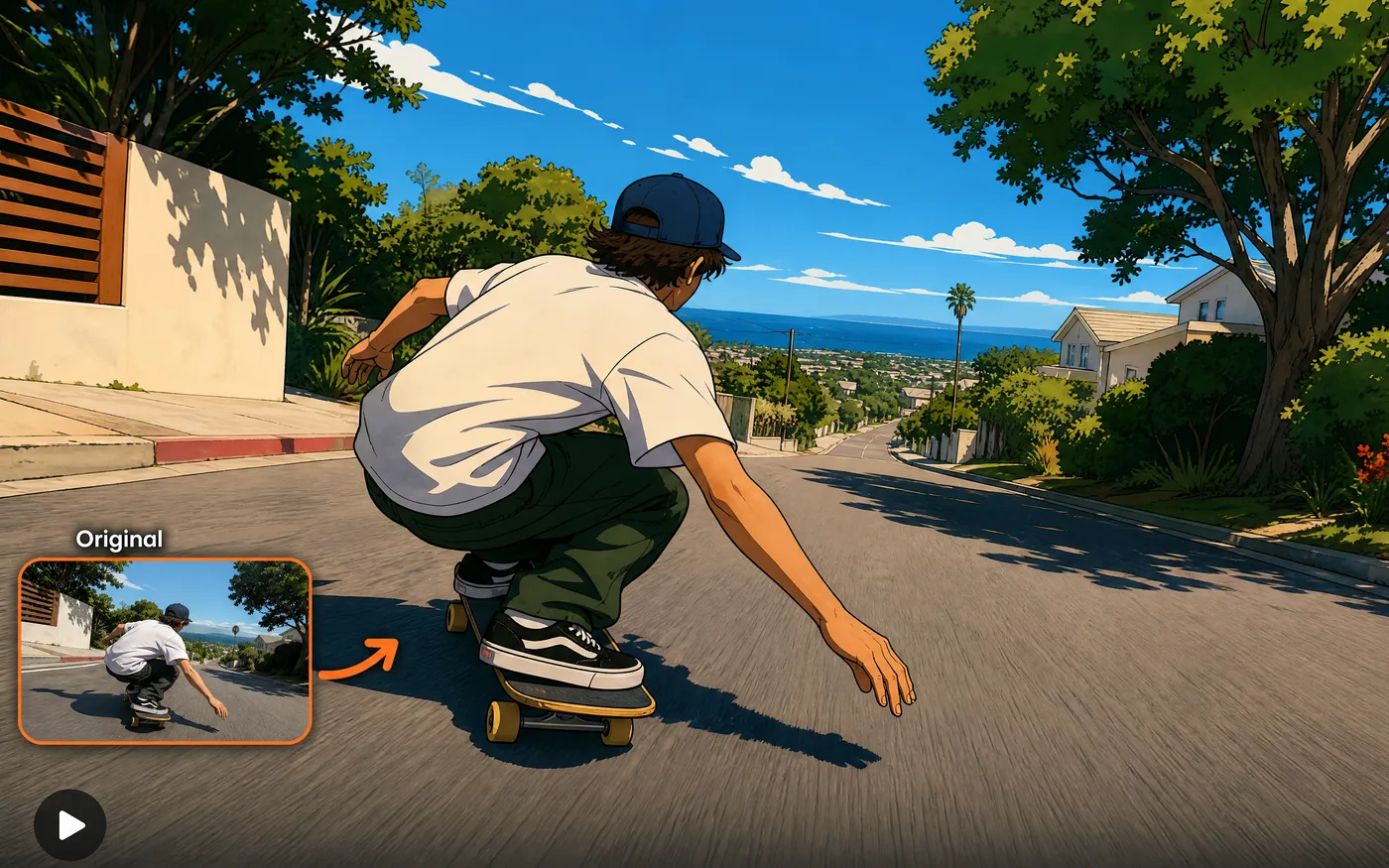
Style Transfer on Live Footage
Turn a phone clip into anime, a painted look, claymation, or a film stock from another era.
- Motion stays intact — Every movement is preserved.
- Any look you describe — No fixed style list.
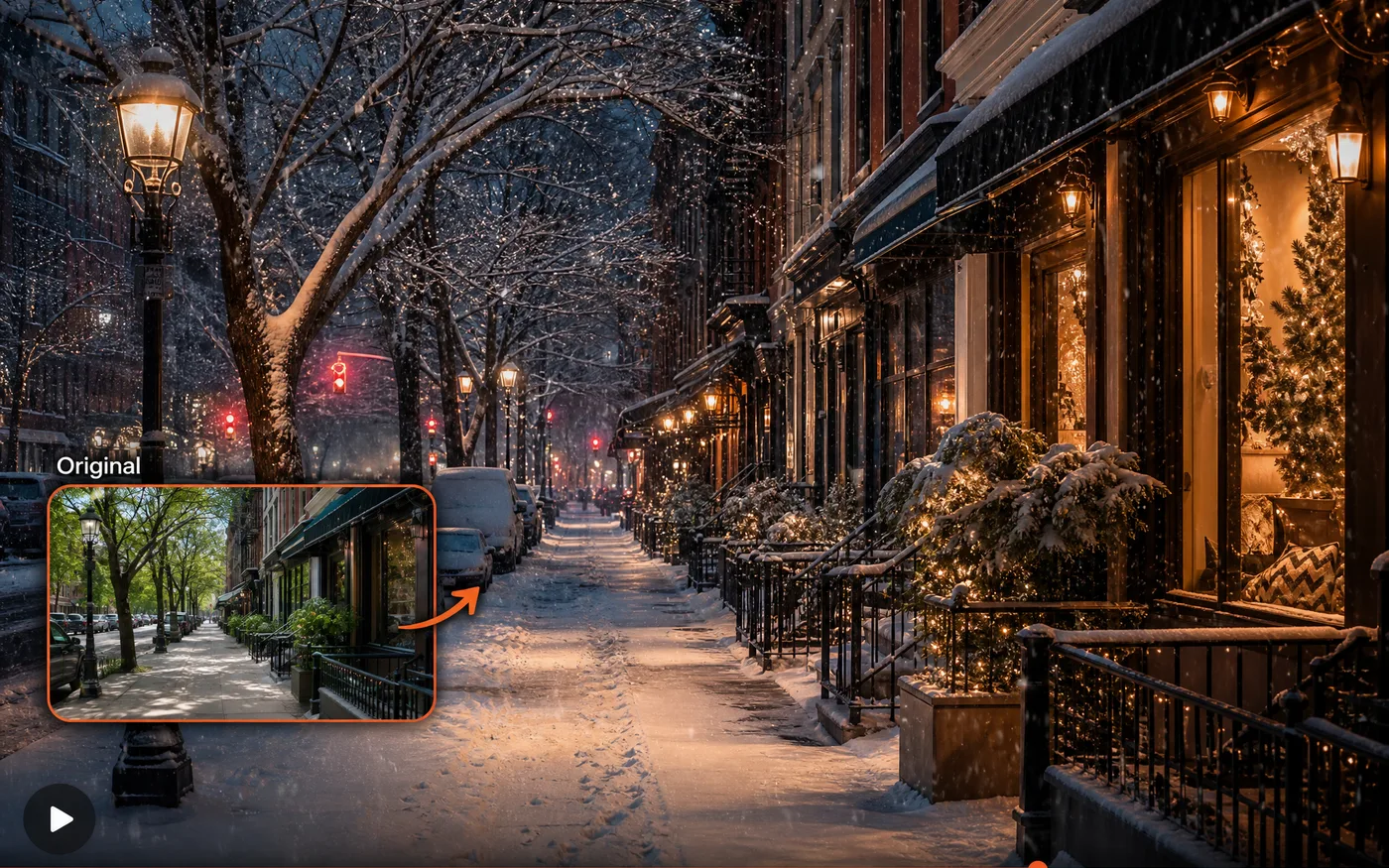
Change the Setting or Time
Move a shot from day to night, from summer to winter, from a street to a soundstage — without going back and filming it again.
- Relight a scene — Change the hour without a reshoot.
- New environment — Same action, different world.
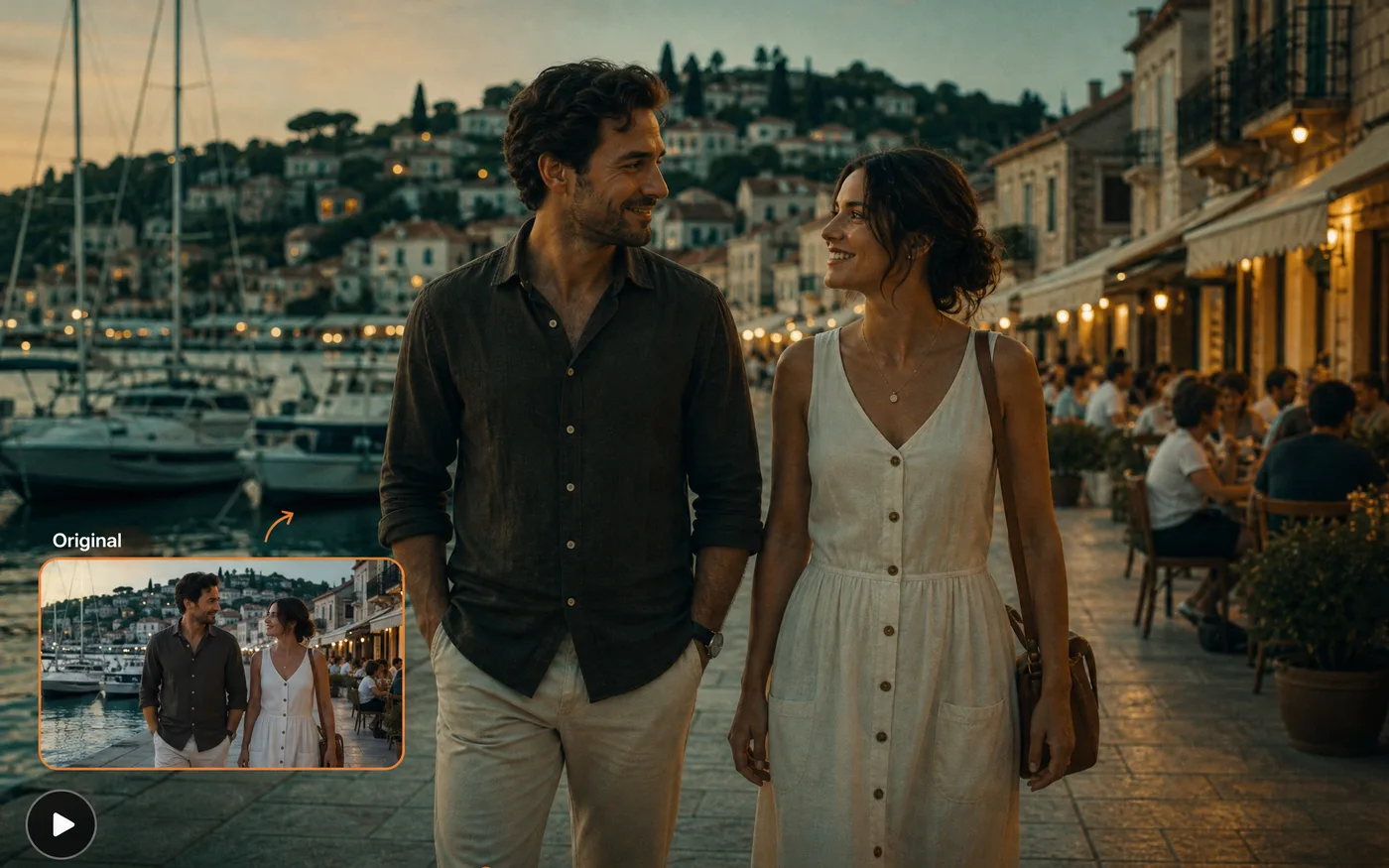
Video to Video for a Reference Look
Feed in a style image and have your footage take on its palette and texture, so a series of clips ends up visually consistent.
- One reference, many clips — Keep a whole series on-model.
- Palette and texture — Colour and grain carry over.
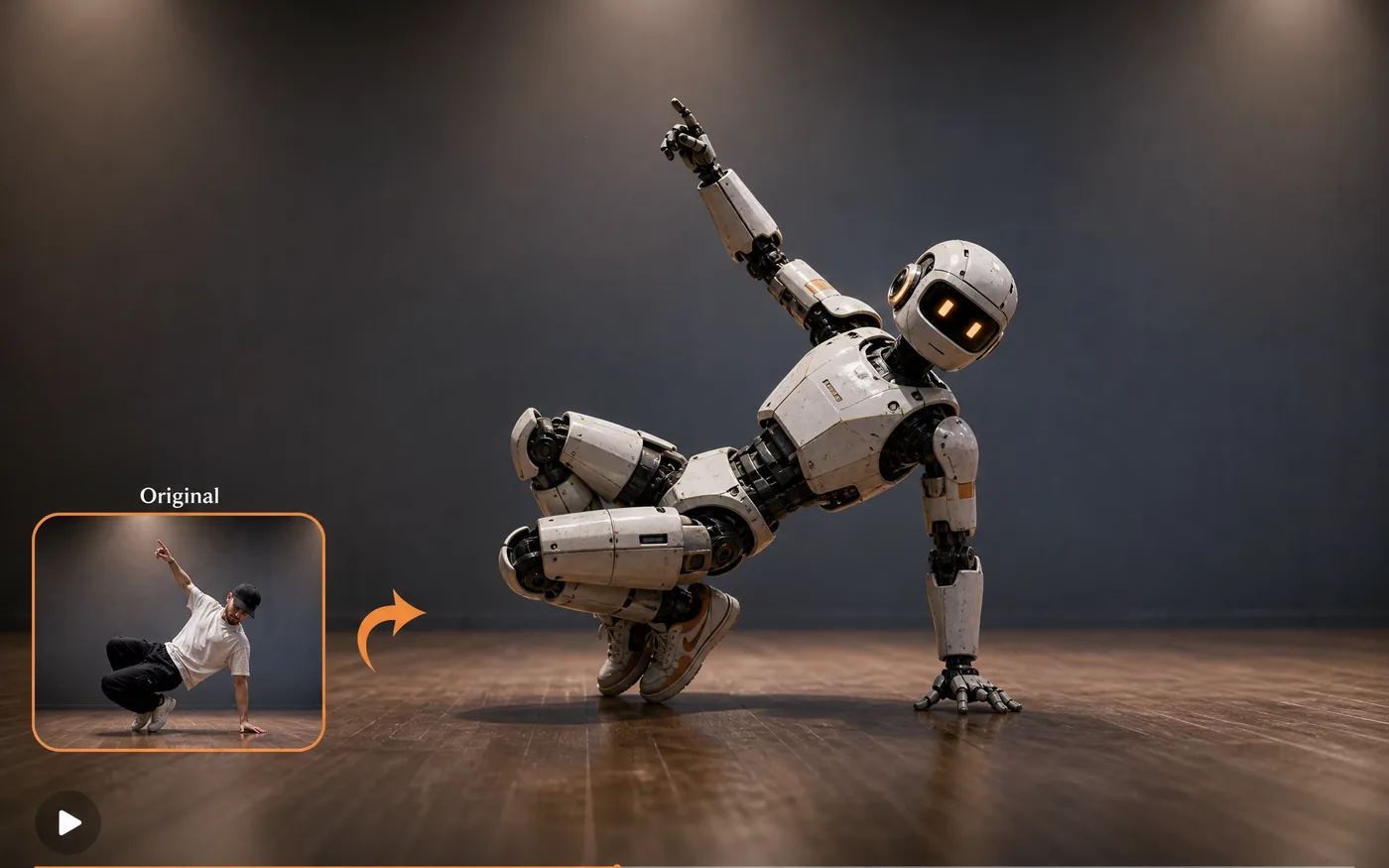
Transfer Motion to a Subject
Take the movement from your clip and drive a different character with it — useful for animating a still subject with real, recorded motion.
- Real motion, new subject — Recorded movement, different character.
- From one still — Your subject doesn't need to be filmed.
How to Use Our Free AI Video to Video Generator
Three steps to your first restyle, free to start:
 01
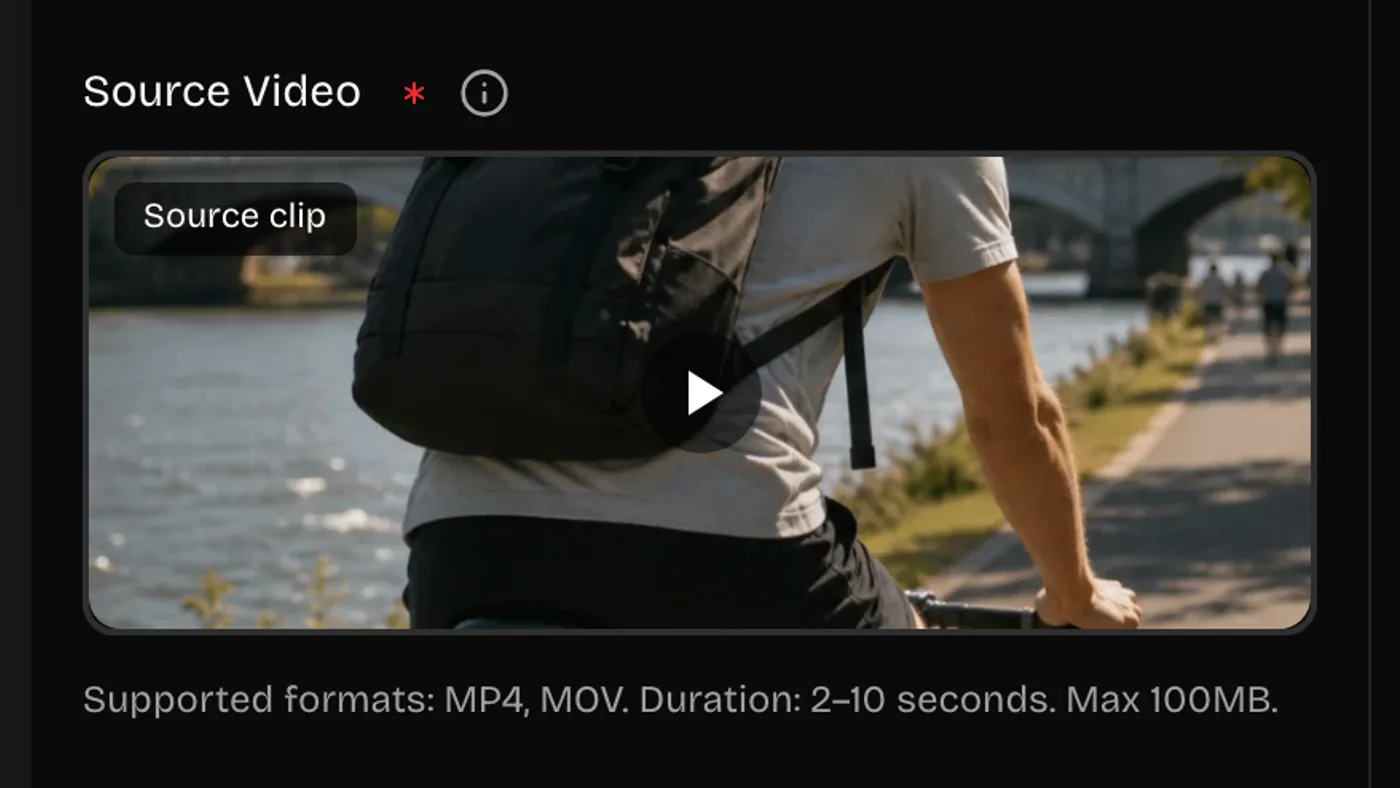
01Upload Your Clip
Drop in an MP4. Short clips restyle fastest, and steady, well-lit footage holds its detail best through the pass.
 02
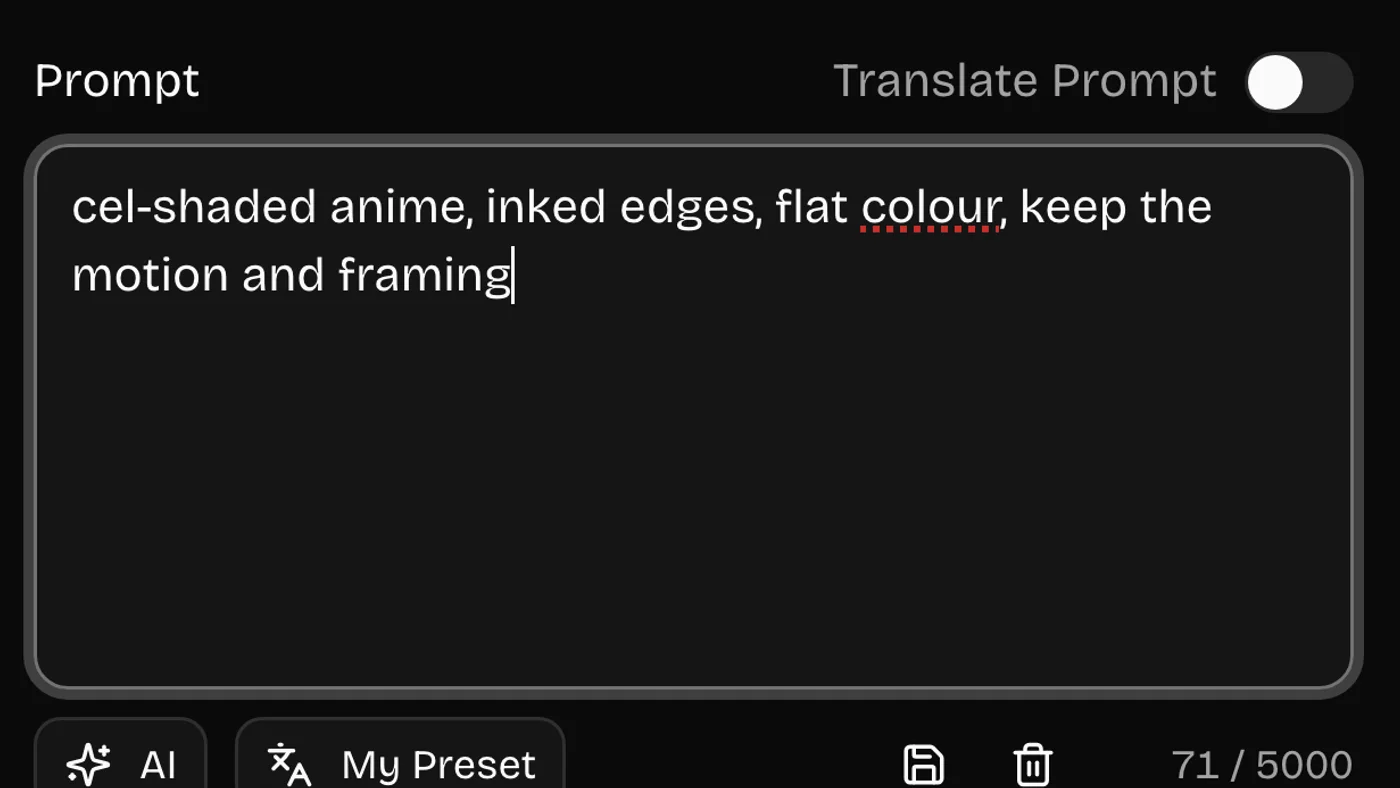
02Describe the New Look
Say the style, palette, and lighting you want — and what should stay the same. A style reference image helps if you have one.
 03
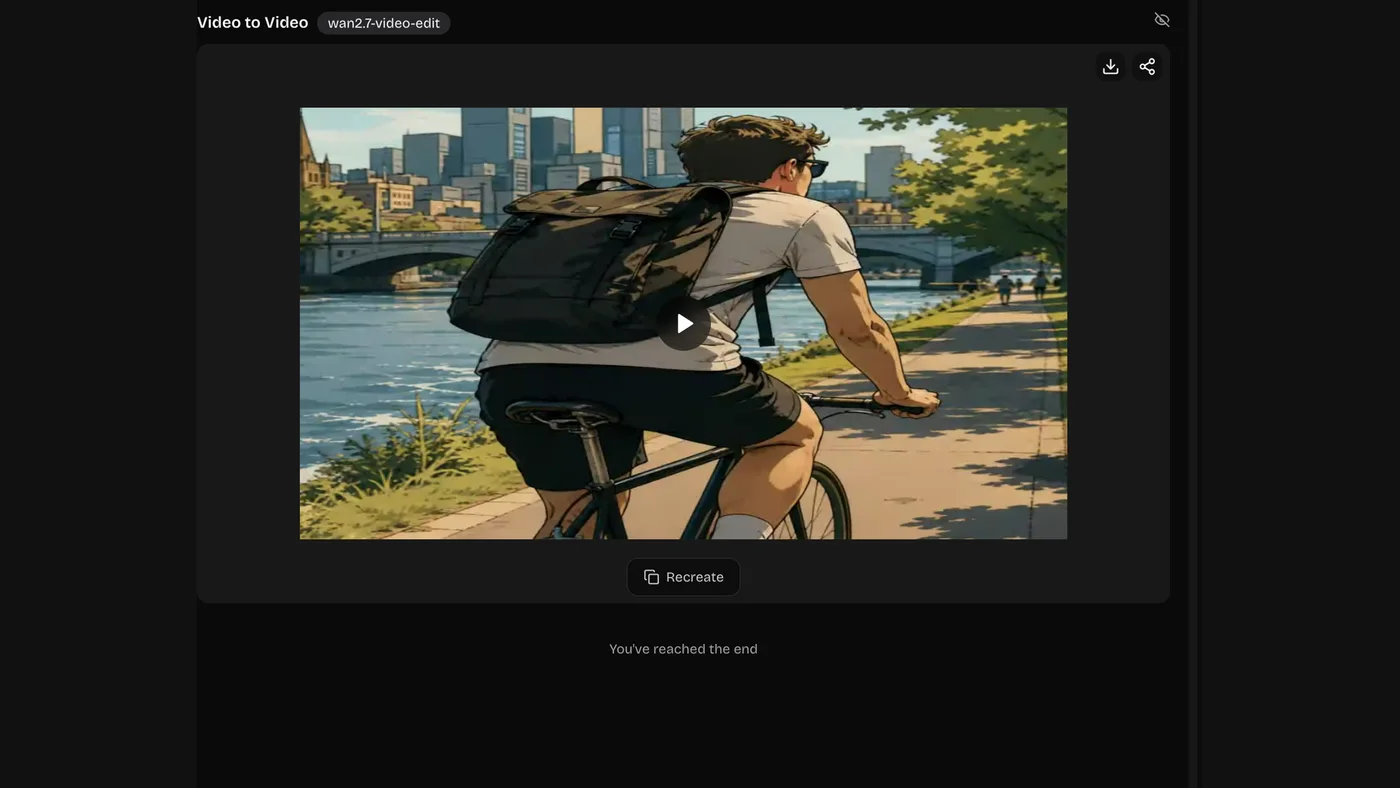
03Generate and Download
Render it, compare against your original, and download the MP4. Every version stays in your history.
Video Style Transfer Looks You Can Ask For
The motion stays yours. What you are choosing is the surface it gets rendered in.
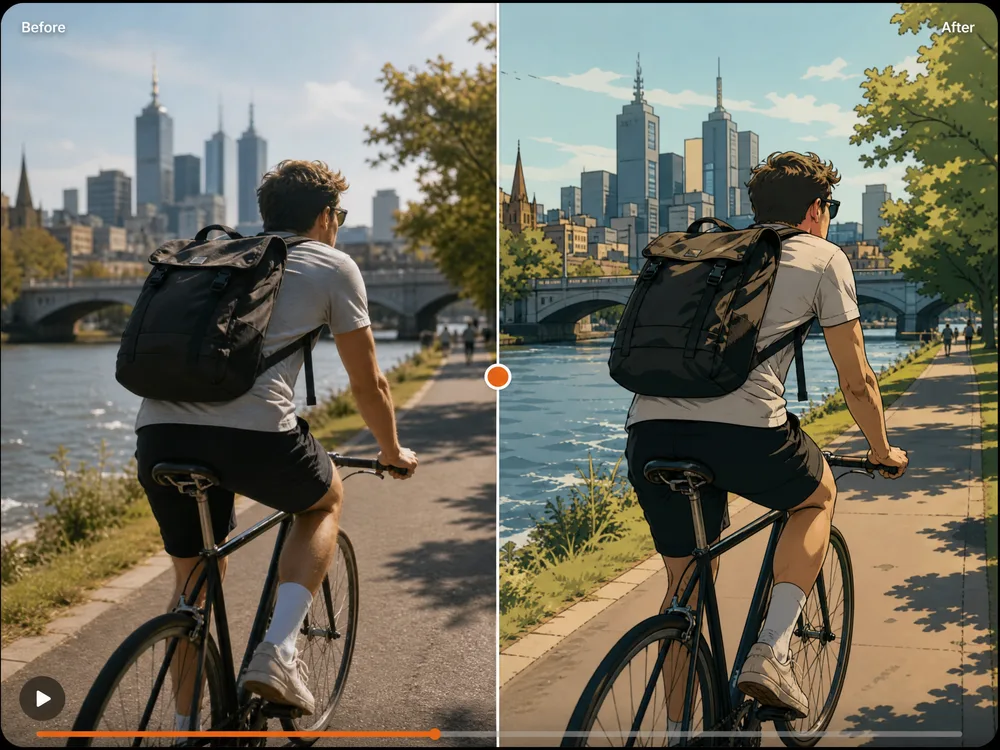
Anime Style Transfer
Flat colour and inked edges over your original motion.
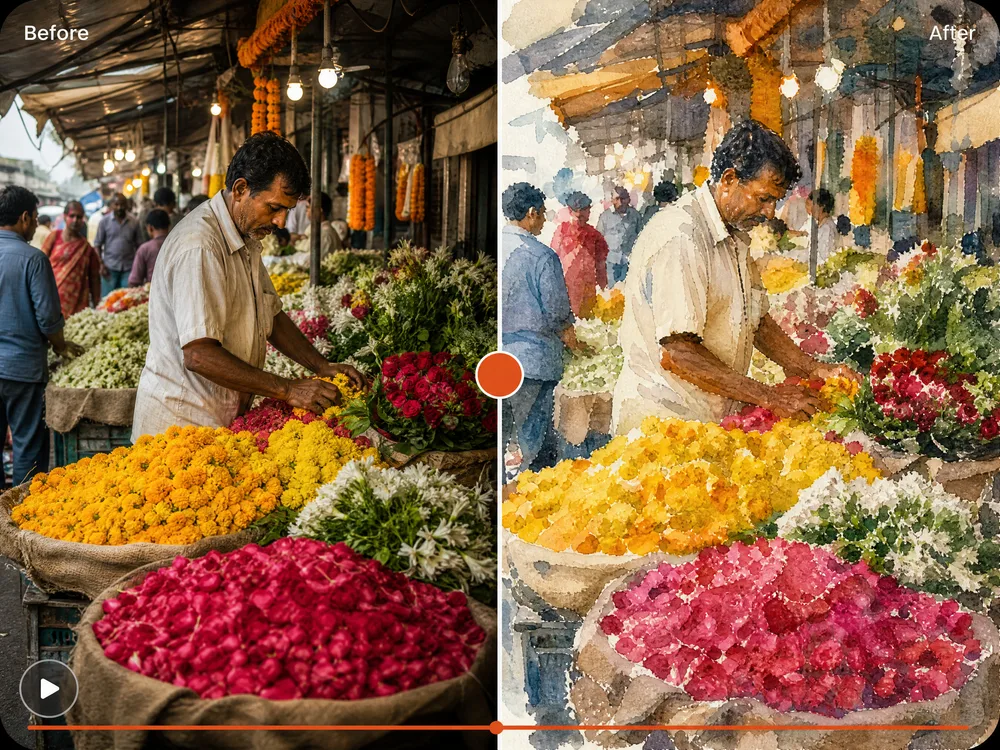
Painterly and Watercolour
Visible brushwork and soft, bleeding edges.
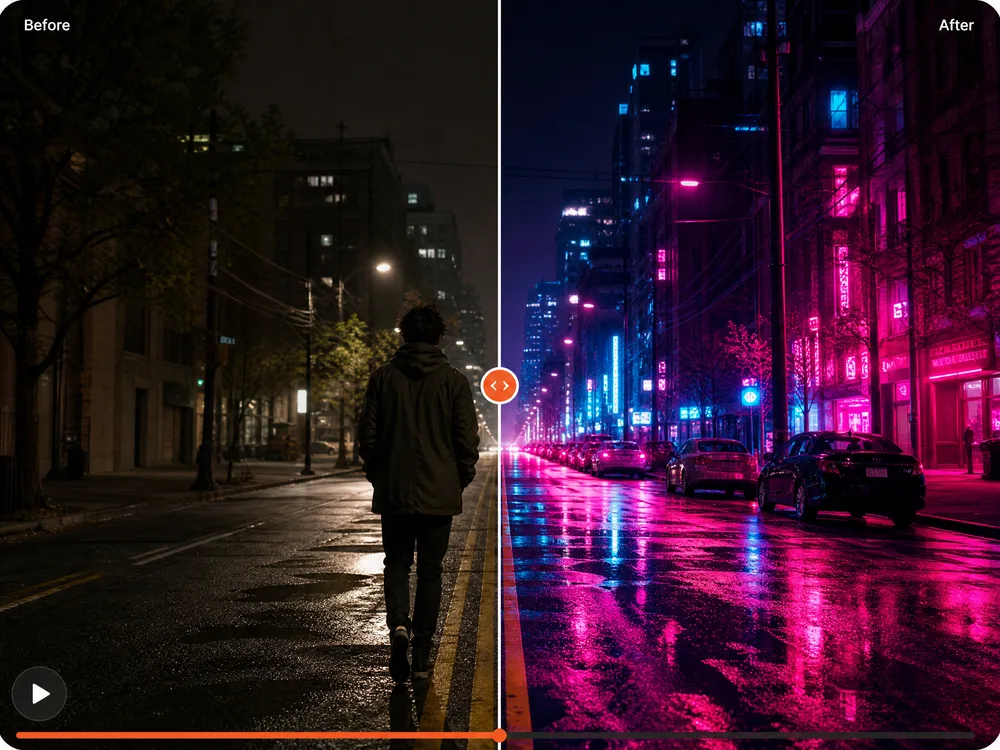
Cyberpunk and Neon
Wet streets, hard rim light, saturated signage.
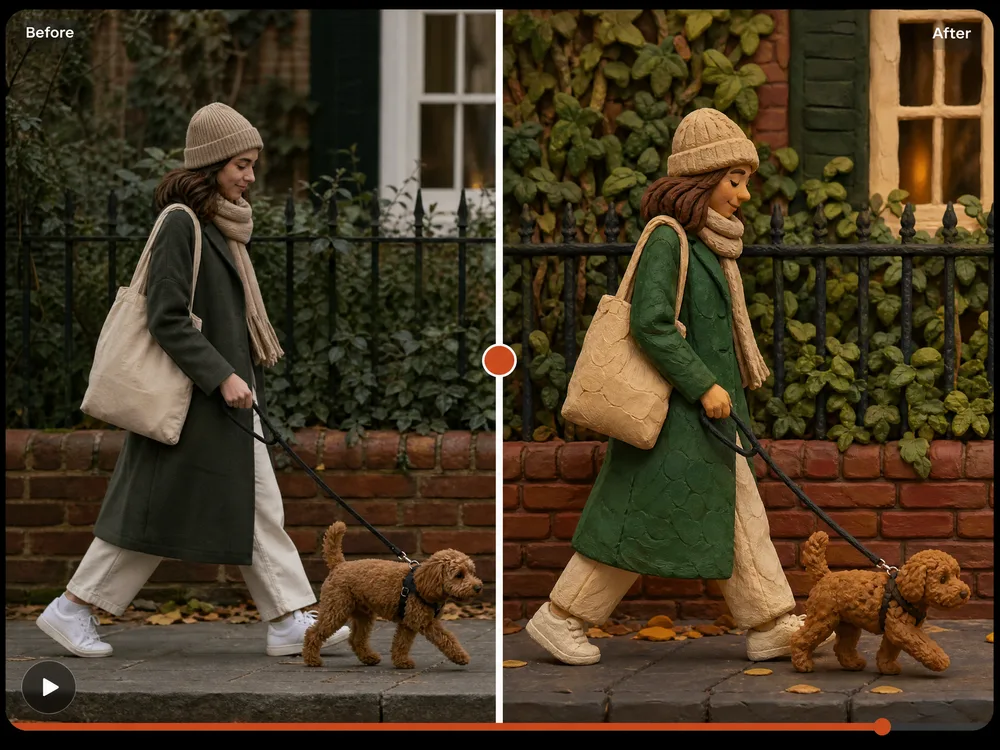
Claymation and 3D
Chunky forms and material you can almost feel.
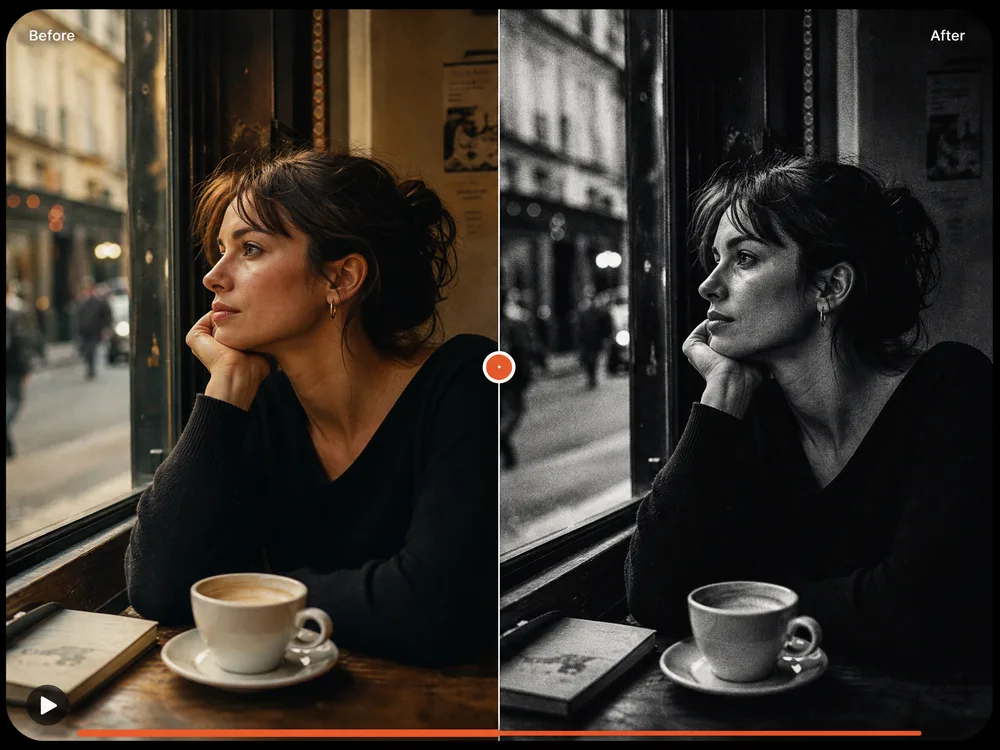
Black and White Noir Style Transfer
Hard shadows, high contrast, period grain.
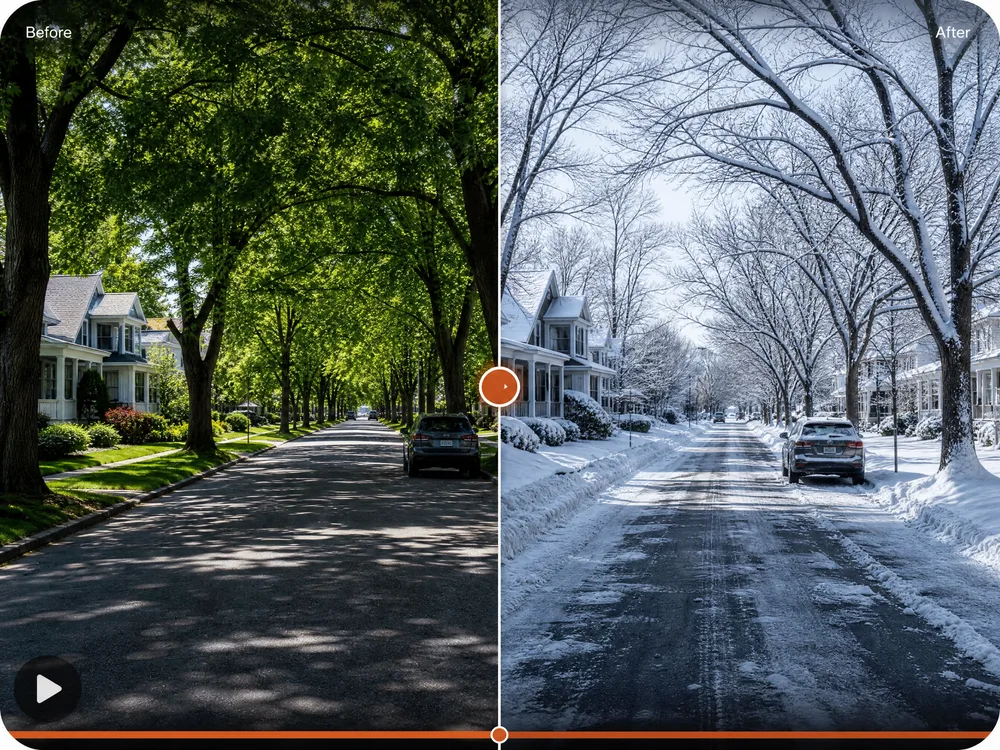
Season and Time Shift
Same street, different month or hour of the day.
How to Describe a Video Style Transfer
Your footage already sets the action, so the wording only needs to handle the look.
Good wording covers four things
- 1Target style — anime, oil painting, claymation, 35mm film
- 2Palette — two or three colours beats "colourful"
- 3Light — time of day, direction, hard or soft
- 4What stays — faces, clothing, background layout, timing
make it anime
Cel-shaded anime look, bold outlines, cool blue and pink palette, keep the original faces, clothing and camera movement
A bare style name lets the model reinvent everything. Say which parts of the original must survive the pass.
night
Relight as a night scene under warm street lamps, cool shadows, wet reflective pavement, same action and framing
"Night" alone tends to just darken the picture. Naming the light sources is what makes it read as a night shot.
better colours more cinematic higher quality
Teal and orange grade, soft film grain, slightly lifted blacks, keep skin tones natural
Quality words do nothing. Describing the grade does.
Why Use Our AI Video Style Transfer
Anyone can give footage a new look by describing it — faster, sharper, and without touching a timeline.
Your Motion Is Preserved
The restyle follows your footage frame by frame, so performance, timing, and camera movement all survive.
No Rotoscoping
Describe the look in a sentence. No masking, no frame-by-frame work, no compositing software to learn.
Style References Welcome
Point at an image and your clip picks up its palette and texture — the practical way to keep a series consistent.
Motion Transfer Built In
One model can lift the movement out of your clip and drive a different subject with it.
Test Cheap, Render Well
Check a look on a faster model, then re-run the winner on a higher-fidelity one.
Credits Back on Failure
If a restyle fails, the credits return to your balance, so a long clip that doesn't finish costs you nothing.
AI Video to Video Generator FAQ
It changes how your footage looks without changing what happens in it. You upload a clip, describe a new style, and the AI restyles it frame by frame — the movement, timing, and camera work all stay as you shot them.
New accounts come with free credits, so you can try it before paying anything. After that you top up or subscribe, whichever suits how often you generate.
Yes — that's the point of this tool rather than generating a new clip. It follows your footage frame by frame, so performances and camera moves survive. Say explicitly what should stay if a look is drastic.
Short, steady, well-lit clips with a clear subject. Very dark, shaky, or heavily compressed footage gives the model less to work with, and fine detail can soften through the pass.
Yes. Some models accept a style reference image alongside your prompt, which is the most reliable way to keep a series of clips looking like one another.
Some models preserve your original audio track; others return picture only. If a model returns silent video, your original audio can be laid back over it.
Usually 30 to 90 seconds. Longer clips and higher resolutions take proportionally longer.
Heavy restyles pull hardest on faces. Name them as something to protect — "keep the original faces and clothing" — and choose a less extreme target style.
Ready to Restyle Your First Clip?
No rotoscoping, no timeline, no card needed. Upload footage, describe the look, and see it restyled in a couple of minutes.