Free AI Audio to Text Converter
Upload a recording and this audio to text converter returns a clean transcript in seconds — with speaker labels, timestamps, and punctuation already in place. Works on interviews, meetings, lectures, and voice memos. New accounts include free credits, so you can try it at no cost.
- Yes
- Speaker labels
- Seconds
- Usually takes
- None
- Watermarks
What You Can Do With an Audio to Text Converter
A few of the things people transcribe here every day.
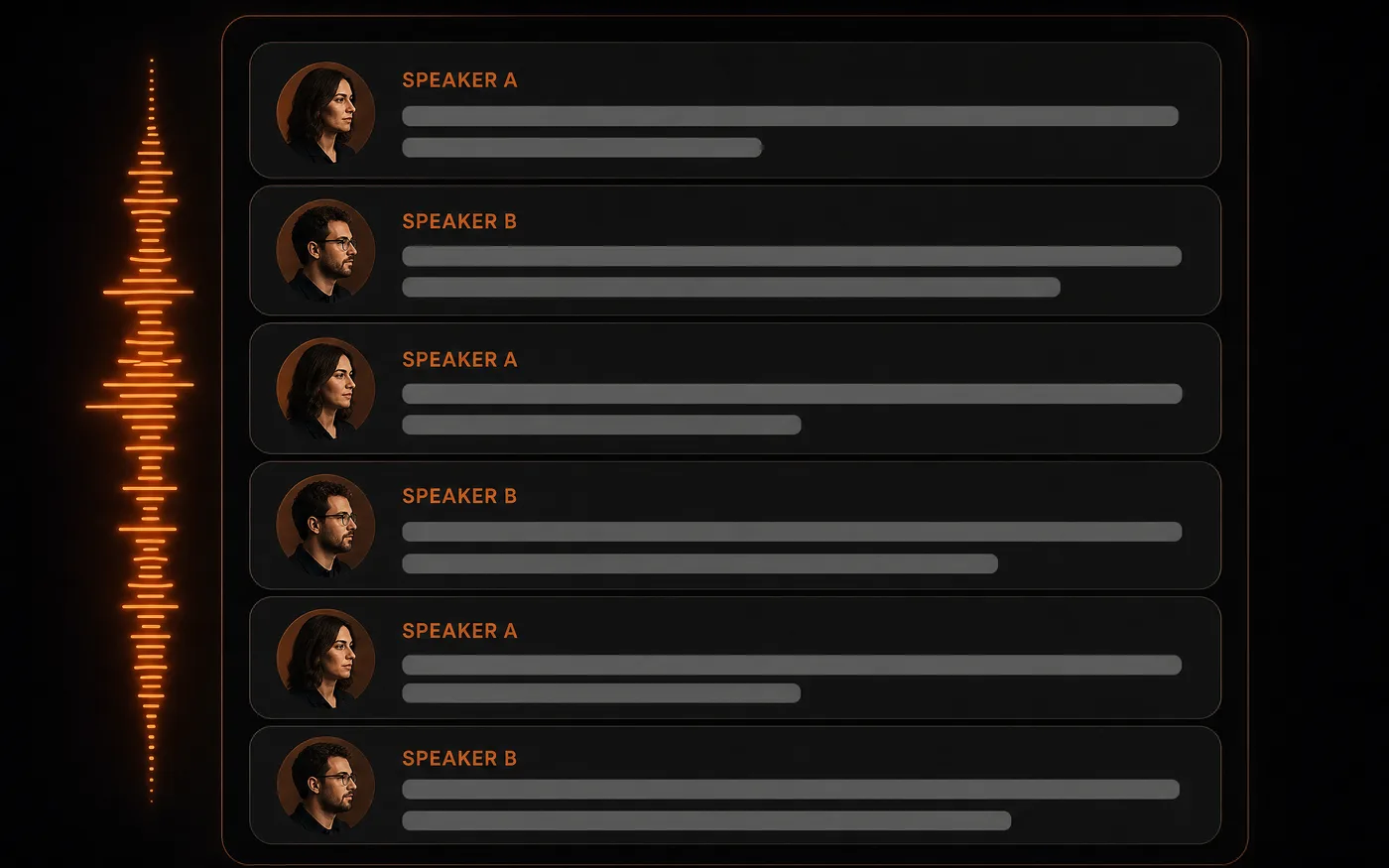
Interviews and Meetings
Turn a recording into a readable transcript with each speaker labelled, so you can quote accurately and find the moment you half-remember.
- Who said what — Speaker labels throughout.
- Searchable — Find a quote without scrubbing.
Audio to Text for Subtitles and Captions
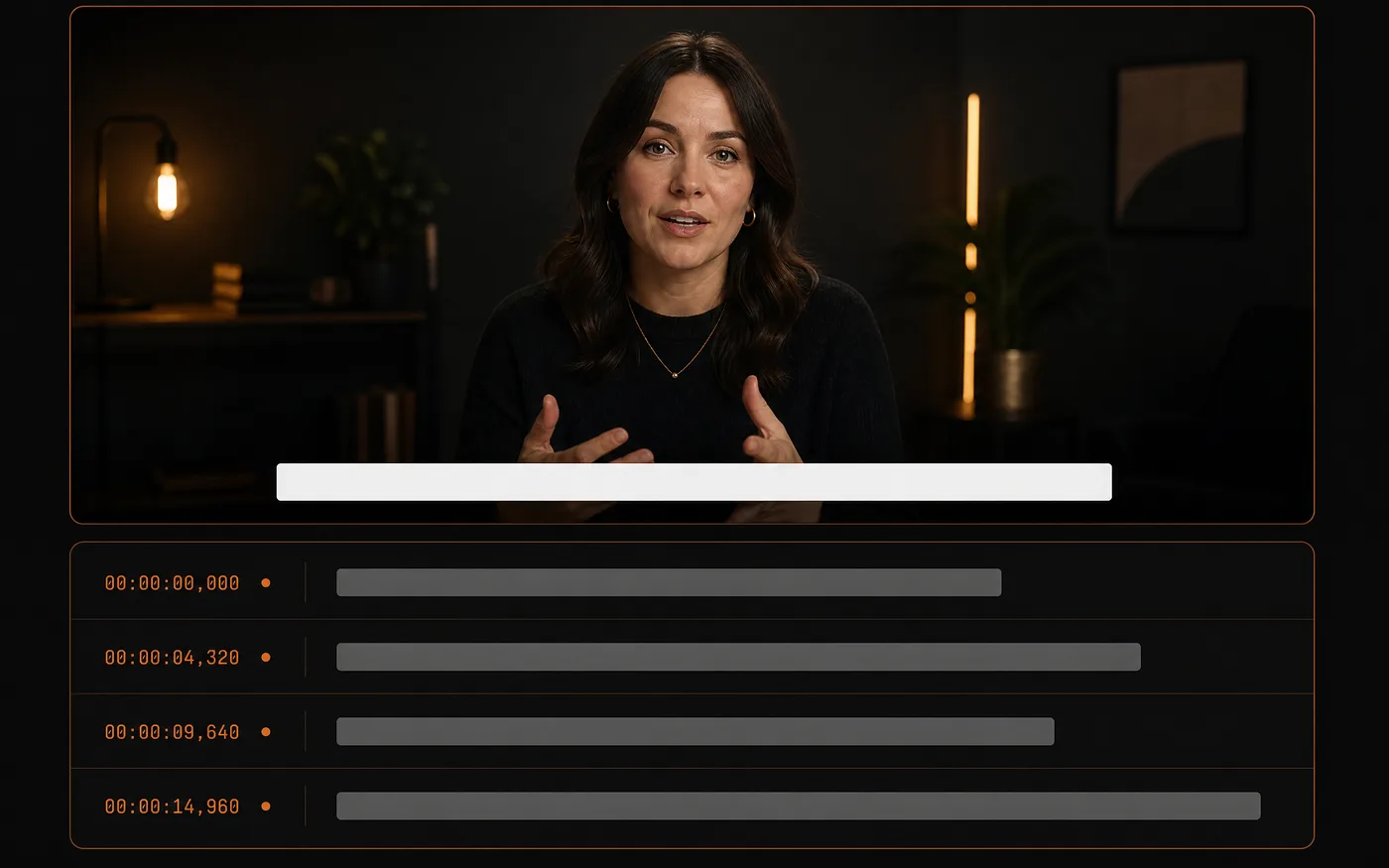
Get the spoken text out of a clip so you can caption it — needed for accessibility, and for the large share of people who watch on mute.
- Caption-ready text — The words, ready to time.
- Works from any clip — Upload the audio track.
Notes From Voice Memos
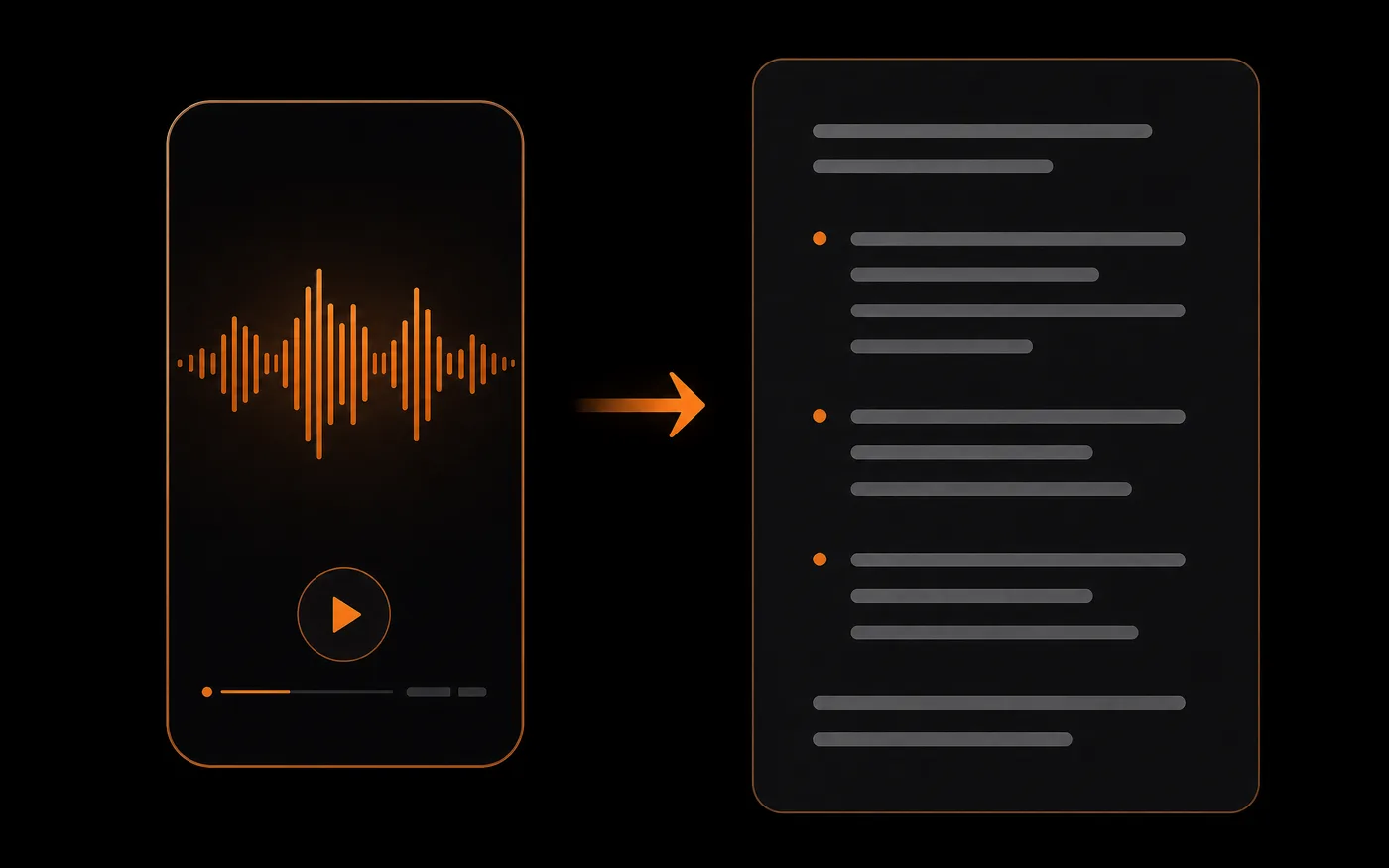
Talk through an idea and get it written down.
- Think out loud — Speak it, read it later.
- Nothing lost — Every detail captured.
Turn Recordings Into Written Content
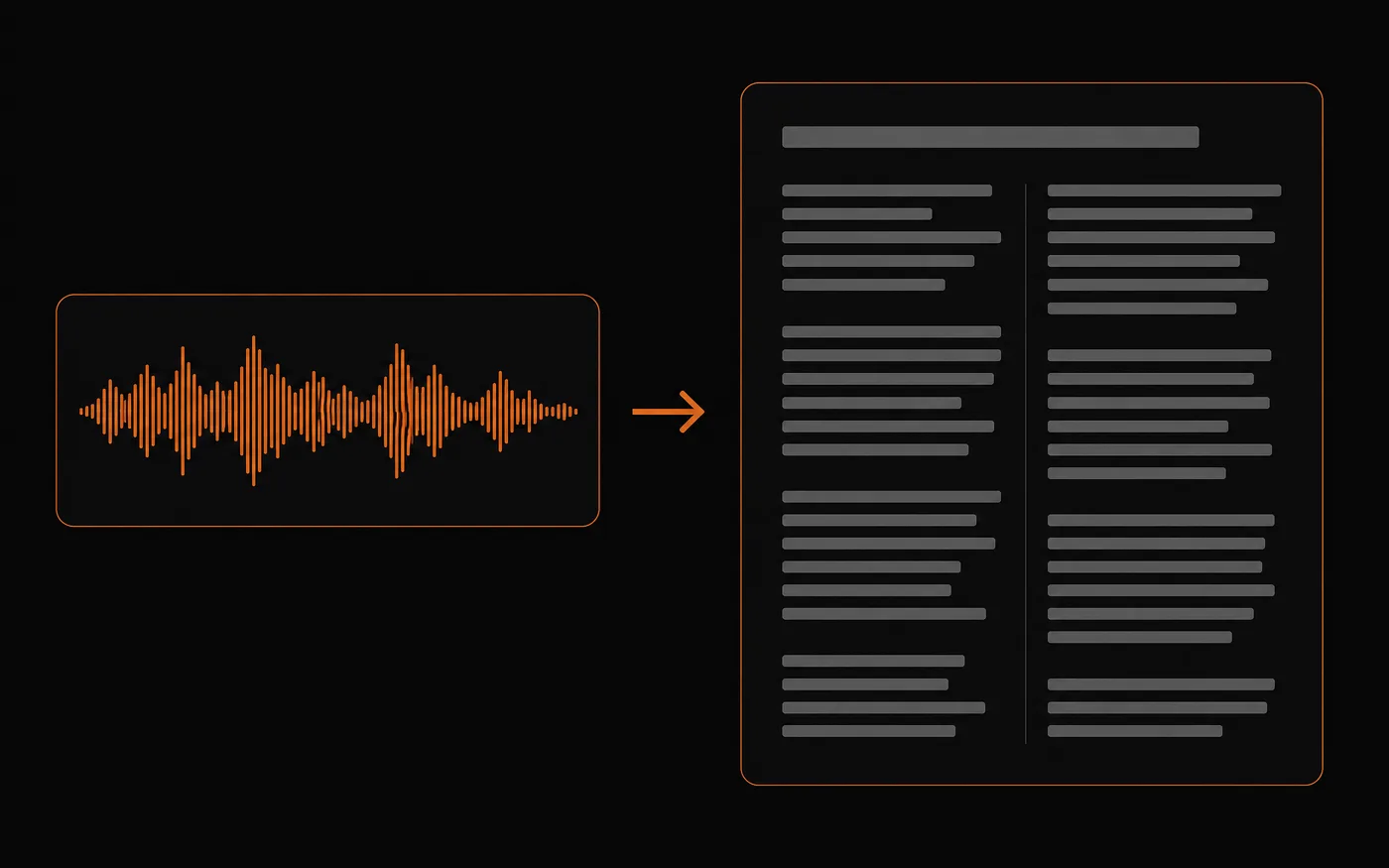
Reuse what you already said: turn a talk, a podcast, or a webinar into an article, a summary, or show notes.
- One recording, many uses — Repurpose spoken content.
- Full text to edit — Start from a complete draft.
How to Convert Audio to Text
Three steps to your first transcript, free to start:
 01
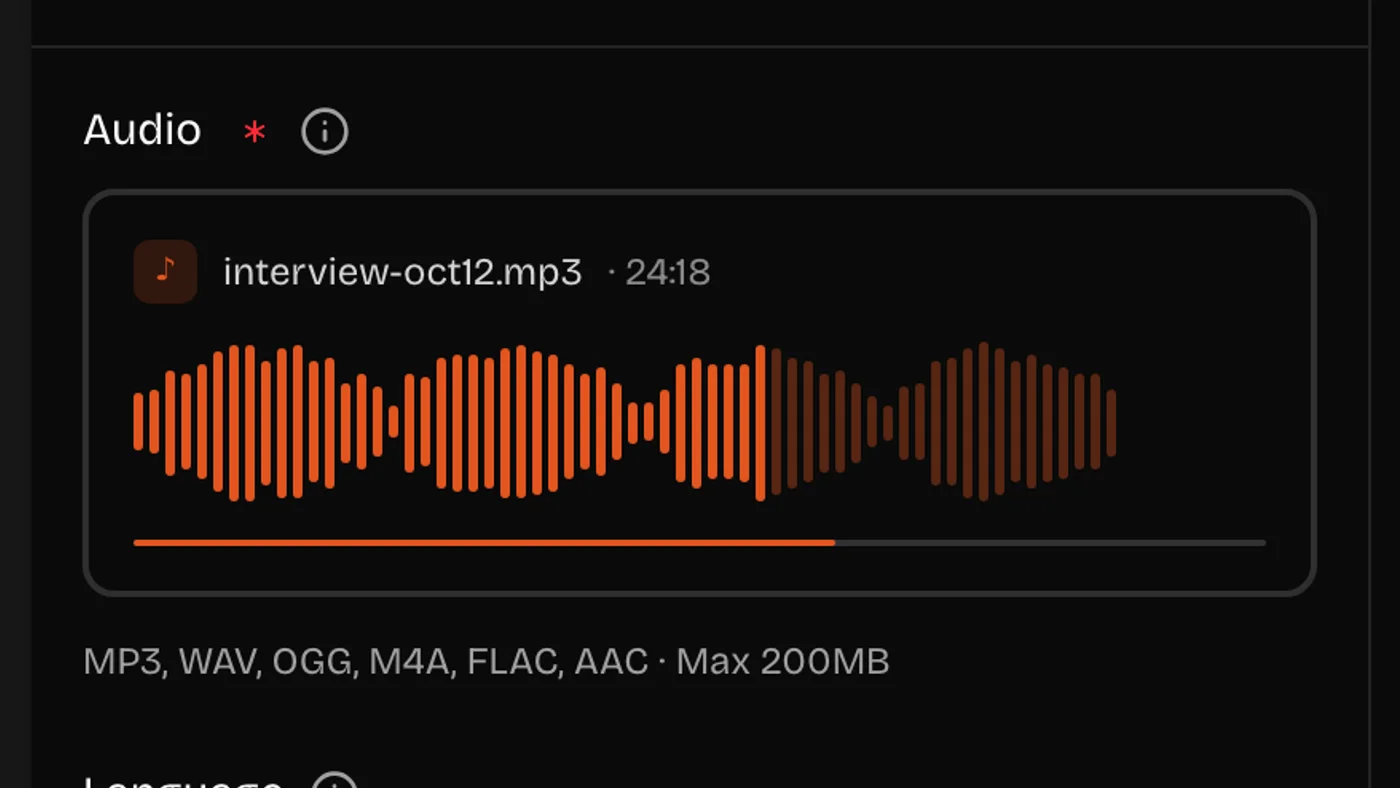
01Upload Your Audio or Video
Drop in an audio file. Clear recordings with little background noise transcribe most accurately — noisy ones can be cleaned up first.
 02
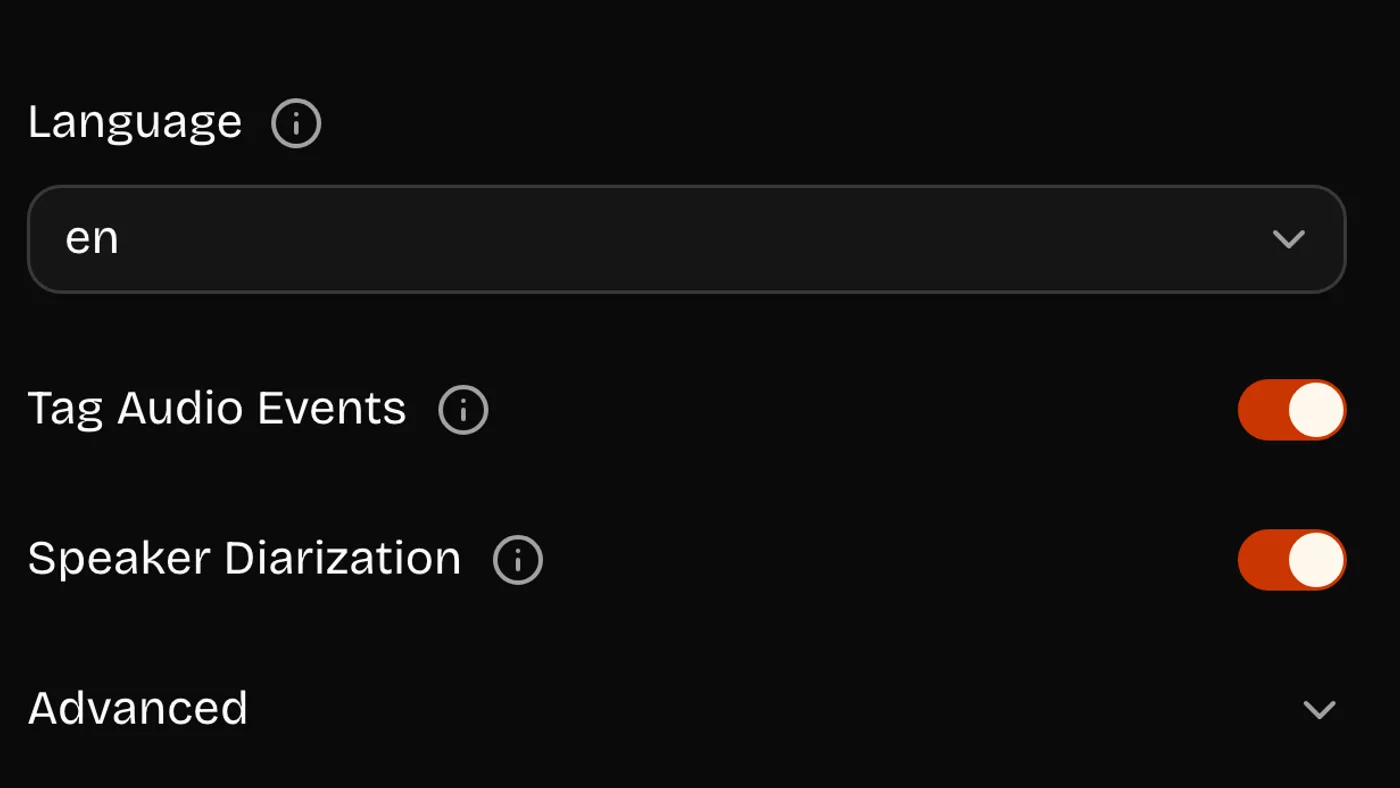
02Choose Your Options
Set the language, and turn on speaker labels if more than one person is talking or audio event tags if you want the sounds marked too.
 03
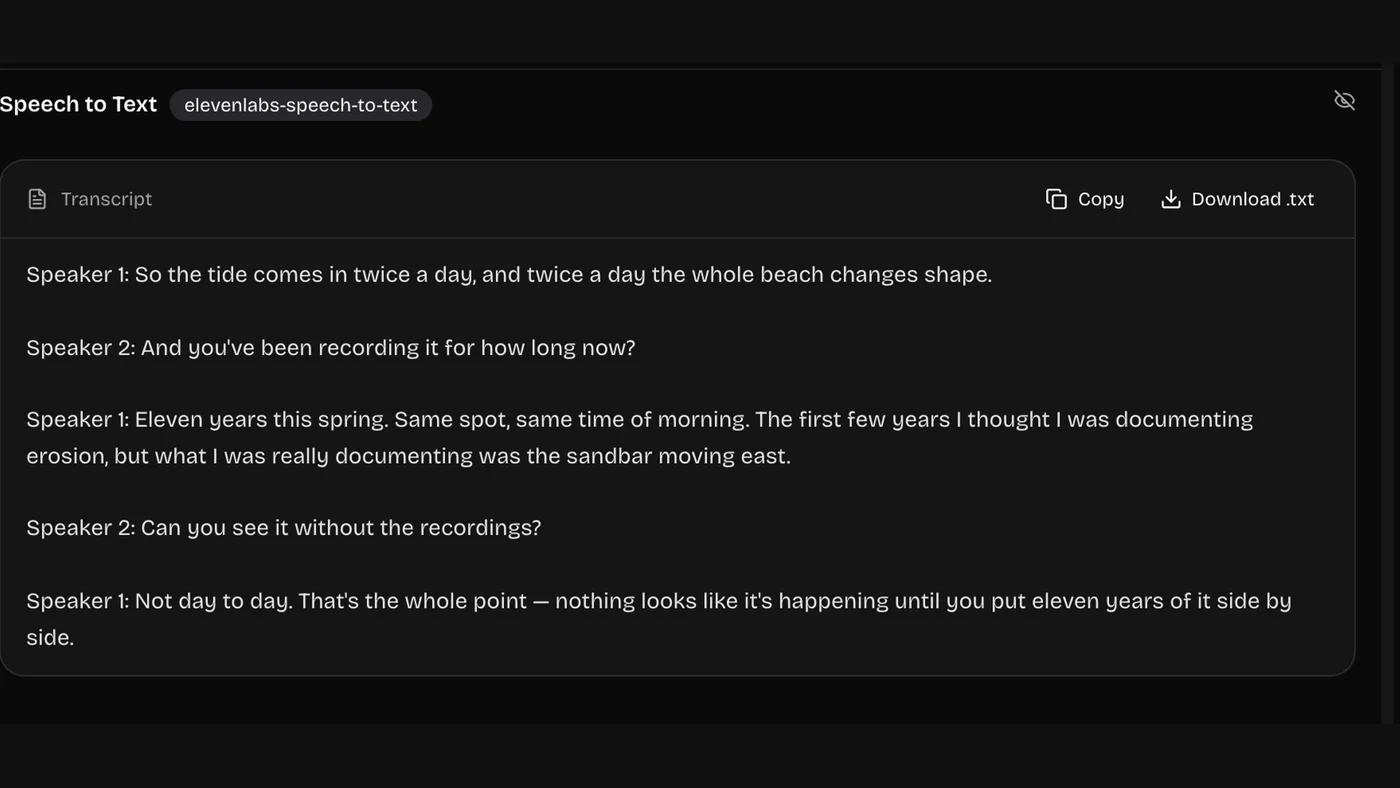
03Generate and Copy
Read the transcript, then copy or download the text. Every run stays in your history.
What Our Audio to Text Converter Handles
Recording quality decides accuracy more than anything else. Here is where it stands up.
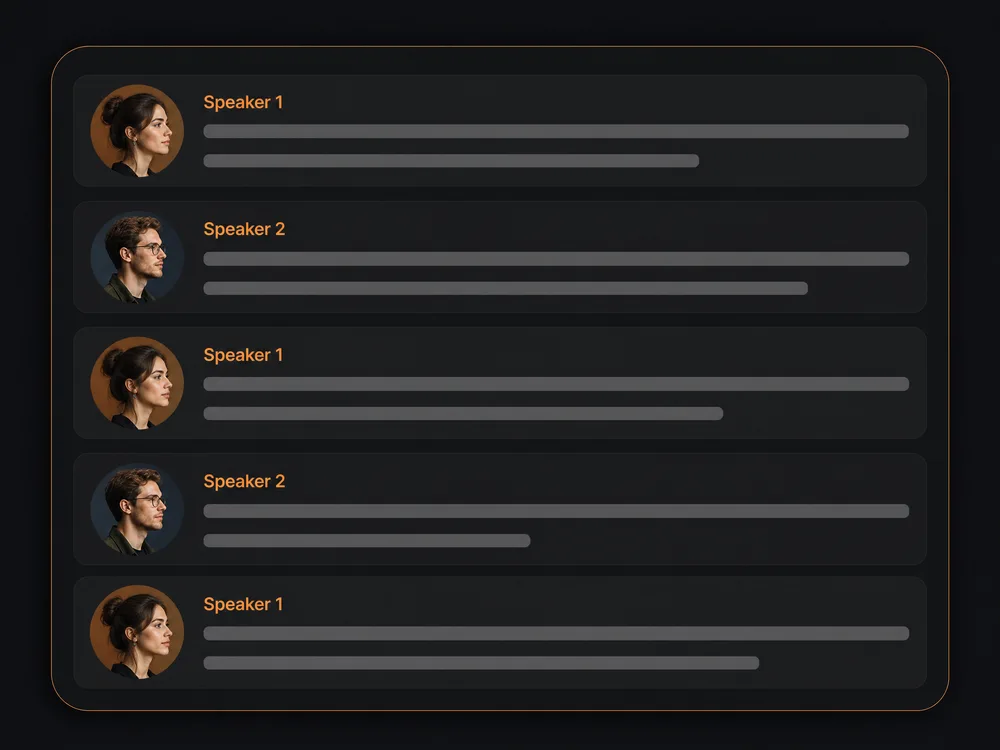
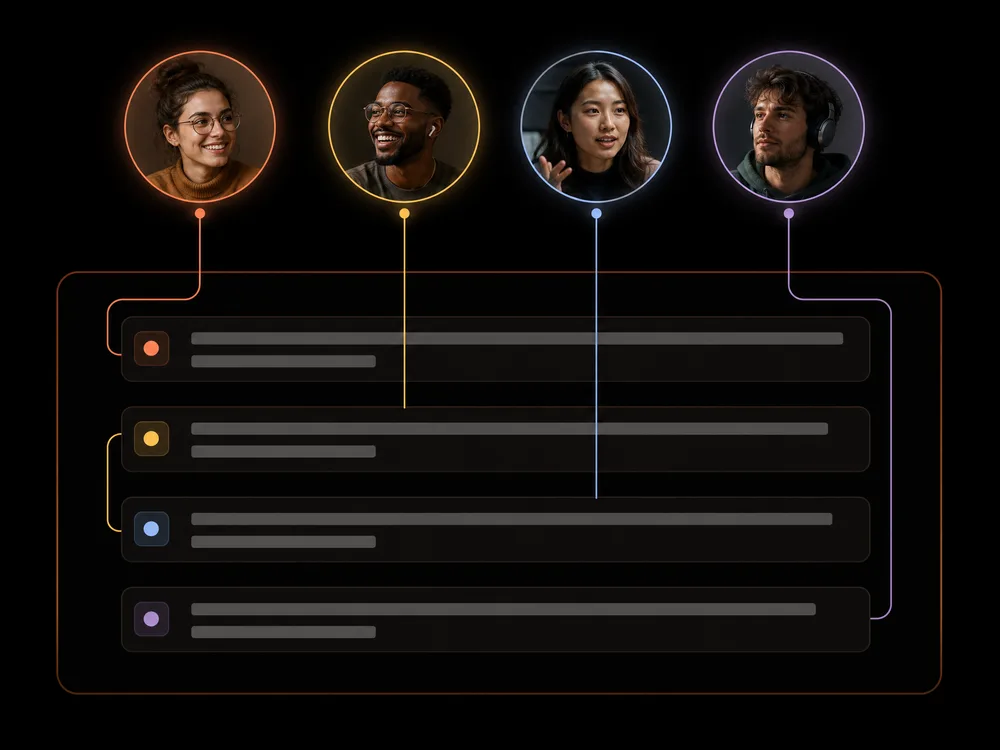
Two-Speaker Interviews to Text
Speaker labels split the transcript so it reads as a conversation.
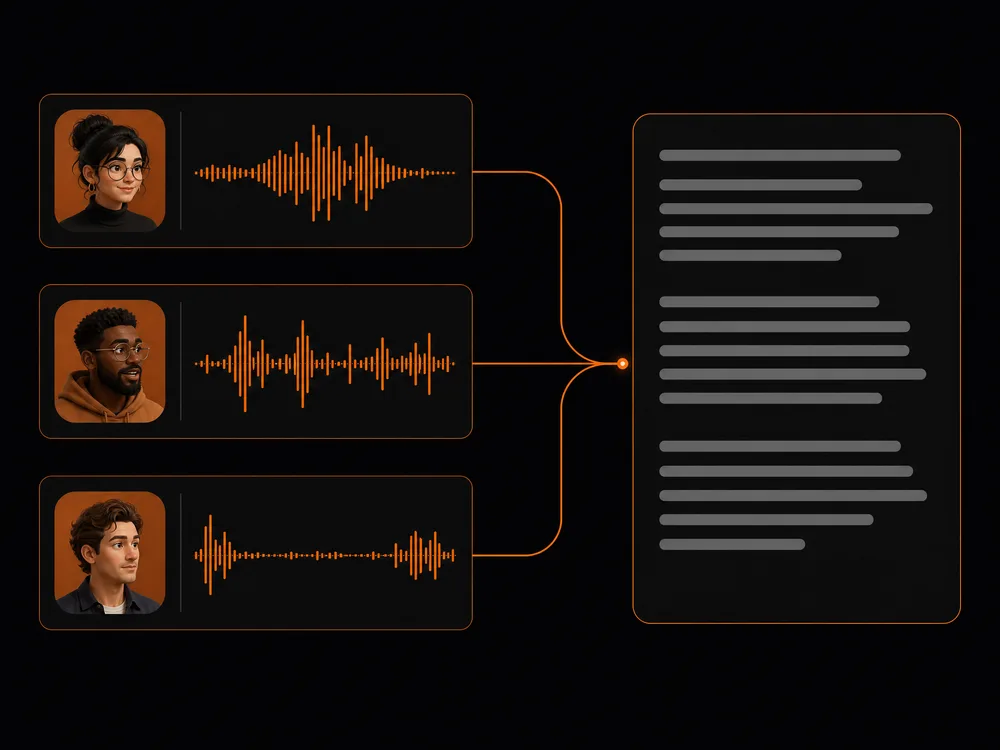
Meetings and Group Calls
Several voices get separated, including people on a speakerphone.
Accents and Second Languages
Trained on a wide spread of accents, not just one.
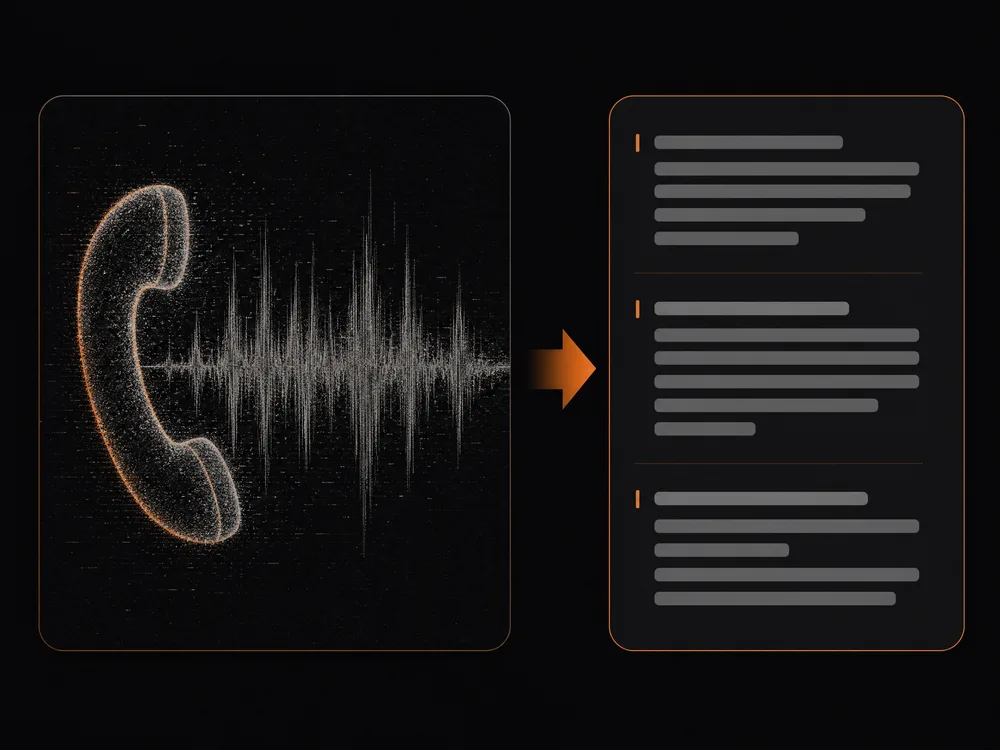
Noisy and Phone Recordings
Usable even from a phone in a pocket — clean it first for the best result.
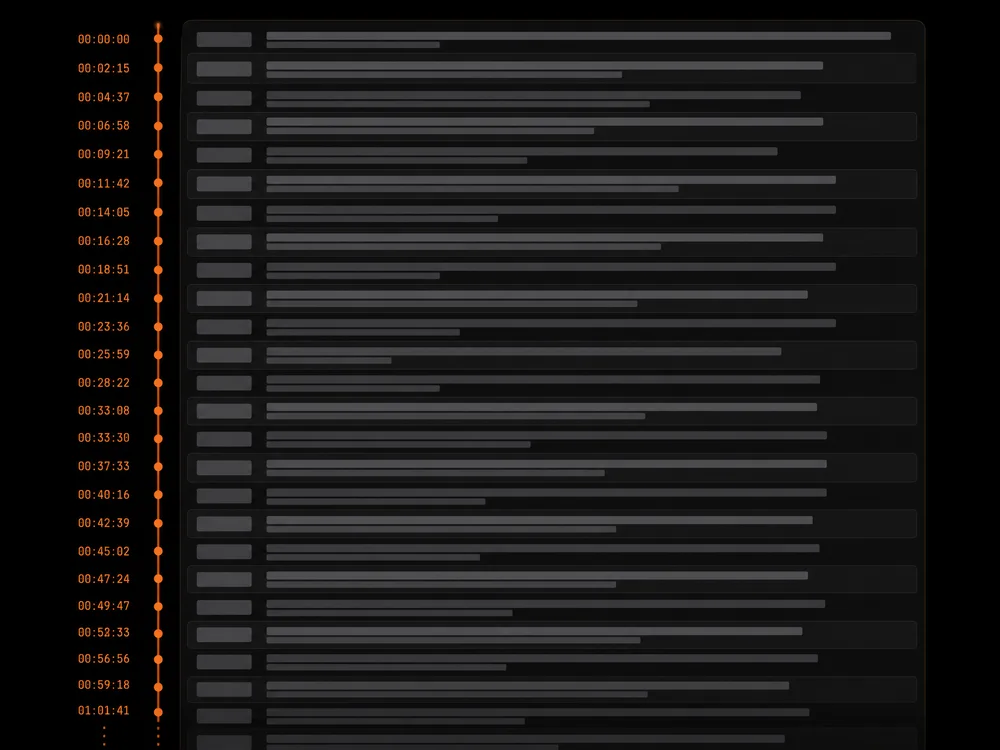
Long Lectures and Talks
Hour-long files come back in one pass with timestamps.
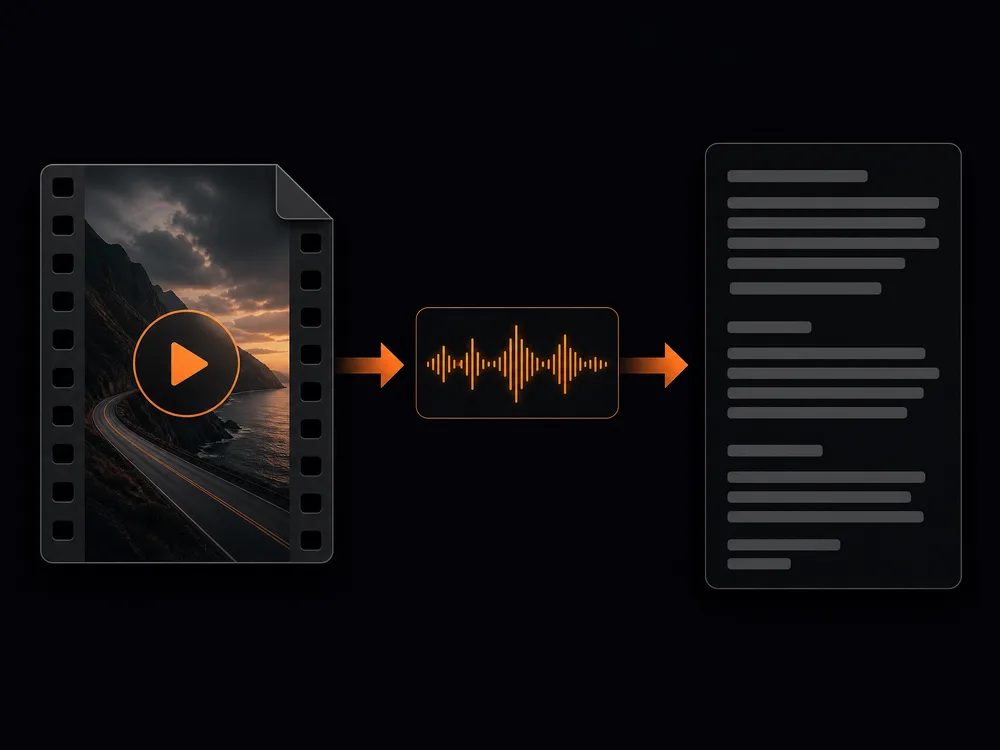
Video Files Directly
Drop in the video itself; the audio gets pulled out for you.
Why Use Our AI Audio to Text Converter
Anyone can turn a recording into text they can read, search, and edit — no typing it out, no timestamps by hand.
Speaker Labels Included
It marks who said each line, so interviews and meetings come back readable instead of one unbroken block.
Low Cost Per Transcript
The cheapest tool here. Transcribing a batch of recordings costs very little.
Many Languages
Transcribe recordings in the language they were spoken in, not just English.
Audio Events Tagged
Optionally mark the non-speech sounds too, which helps when you're captioning rather than just quoting.
Nothing to Install
It runs in your browser, and every transcript stays in your history next to the file it came from.
Batch It via the API
With a lot of recordings, submit them through the API with your key instead of uploading them one by one.
Audio to Text Converter FAQ
It writes out what was said in a recording. You upload audio, and it returns the text — optionally with each speaker labelled and the non-speech sounds tagged.
New accounts come with free credits, so you can try it before paying anything. After that you top up or subscribe, whichever suits how much you transcribe.
Yes. Turn on speaker labels and it marks who said each line. Accuracy is best when people take turns — heavily overlapping speech is the hard case.
Background noise, by a wide margin. A close microphone in a quiet room beats any setting. If a recording is noisy, run it through the voice isolator first and then transcribe the cleaned audio.
Many, not just English. Setting the language explicitly before you run it is more reliable than leaving it on auto, especially with strong accents.
You get the spoken text, which is what captions are built from. Turning on audio event tags helps if you're captioning for accessibility rather than just quoting.
Seconds for most files — transcription runs many times faster than real time. Hour-long recordings are split and processed in parallel, so they finish quickly too.
Ready to Transcribe Your First Recording?
No typing it out, no timestamps by hand, no card needed. Upload audio and read it back in seconds.