Free AI Music Generator
Describe a mood, a genre, and an instrument or two, and this AI music generator writes and performs an original track in about a minute. Bring your own lyrics or let it write them. Every track is yours. New accounts get free credits — try it before you pay.
- Original
- Every track
- ~1 min
- Usually takes
- None
- Watermarks
What You Can Make With Our AI Music Generator
A few of the things people score here every day.
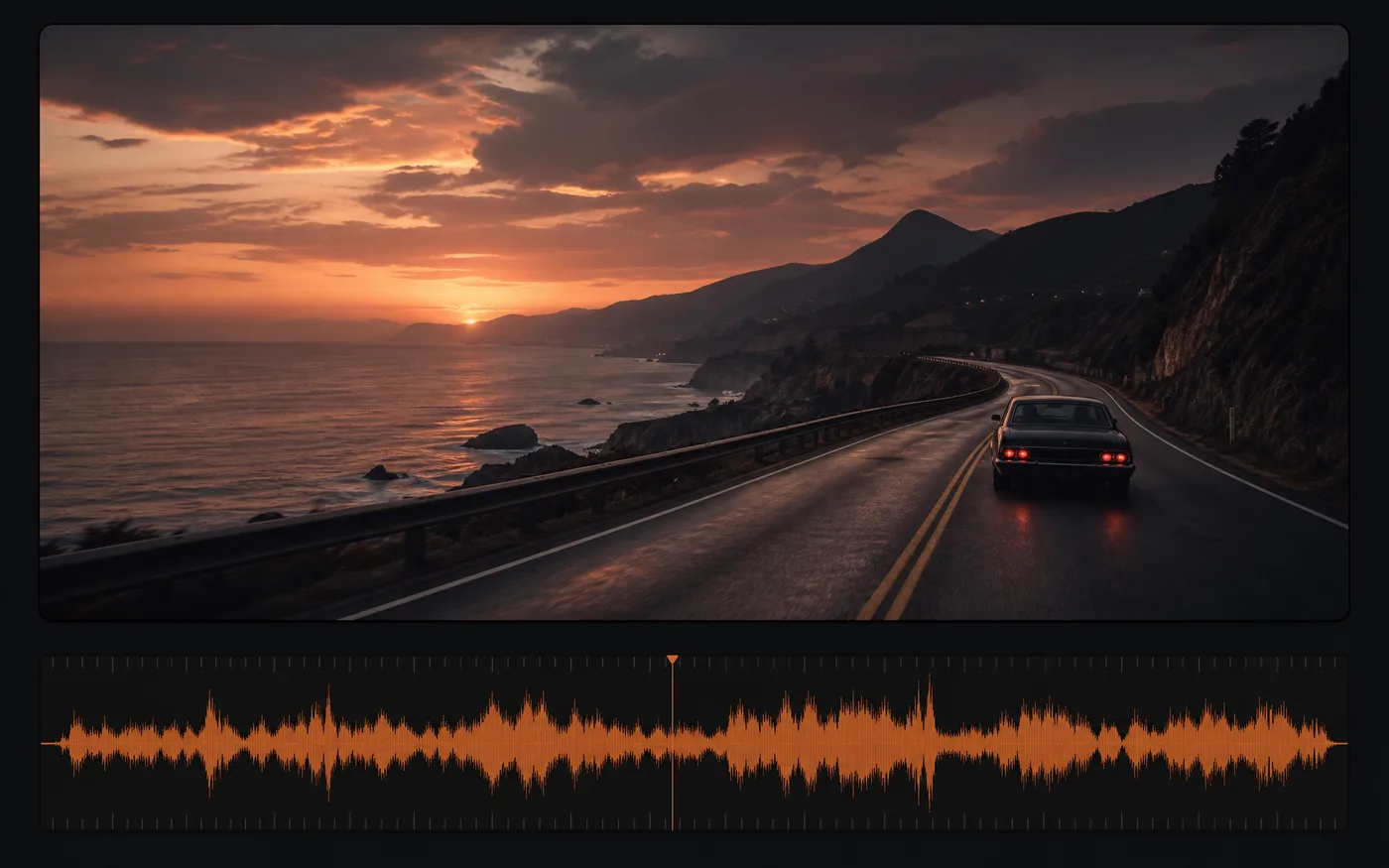
AI Music Generator for Video Backing Tracks
Score a video without licensing a library track — describe the mood and length you need and get something that fits the edit.
- No library licence — Royalty-free from the start.
- Fits your edit — Ask for the mood the scene needs.
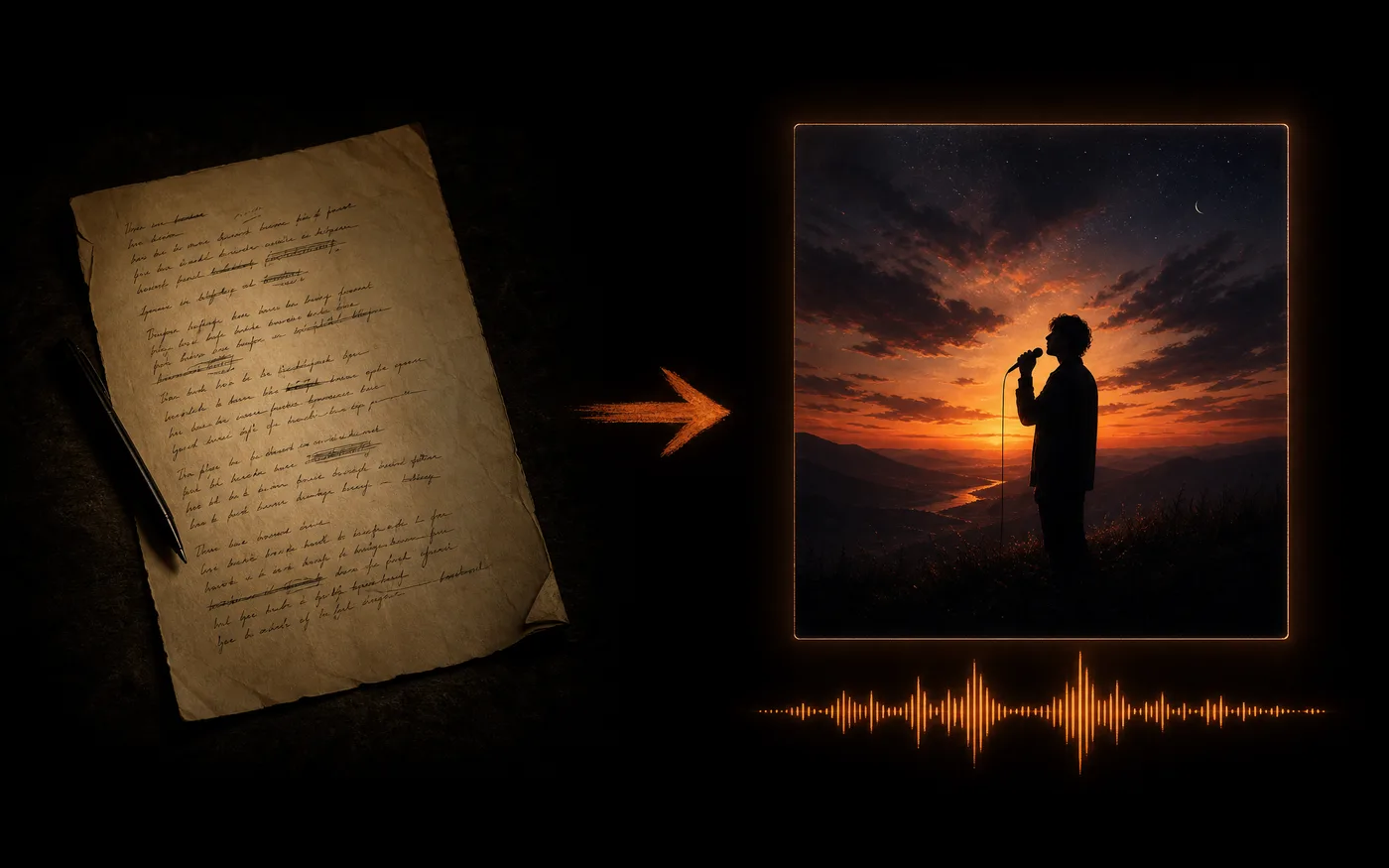
Songs From Your Own Lyrics
Paste the words you wrote, choose a genre and a vocal style, and hear them performed as a full track with melody and arrangement.
- Your words, sung — Bring lyrics or have them written.
- Choose the voice — Vocal style is yours to pick.
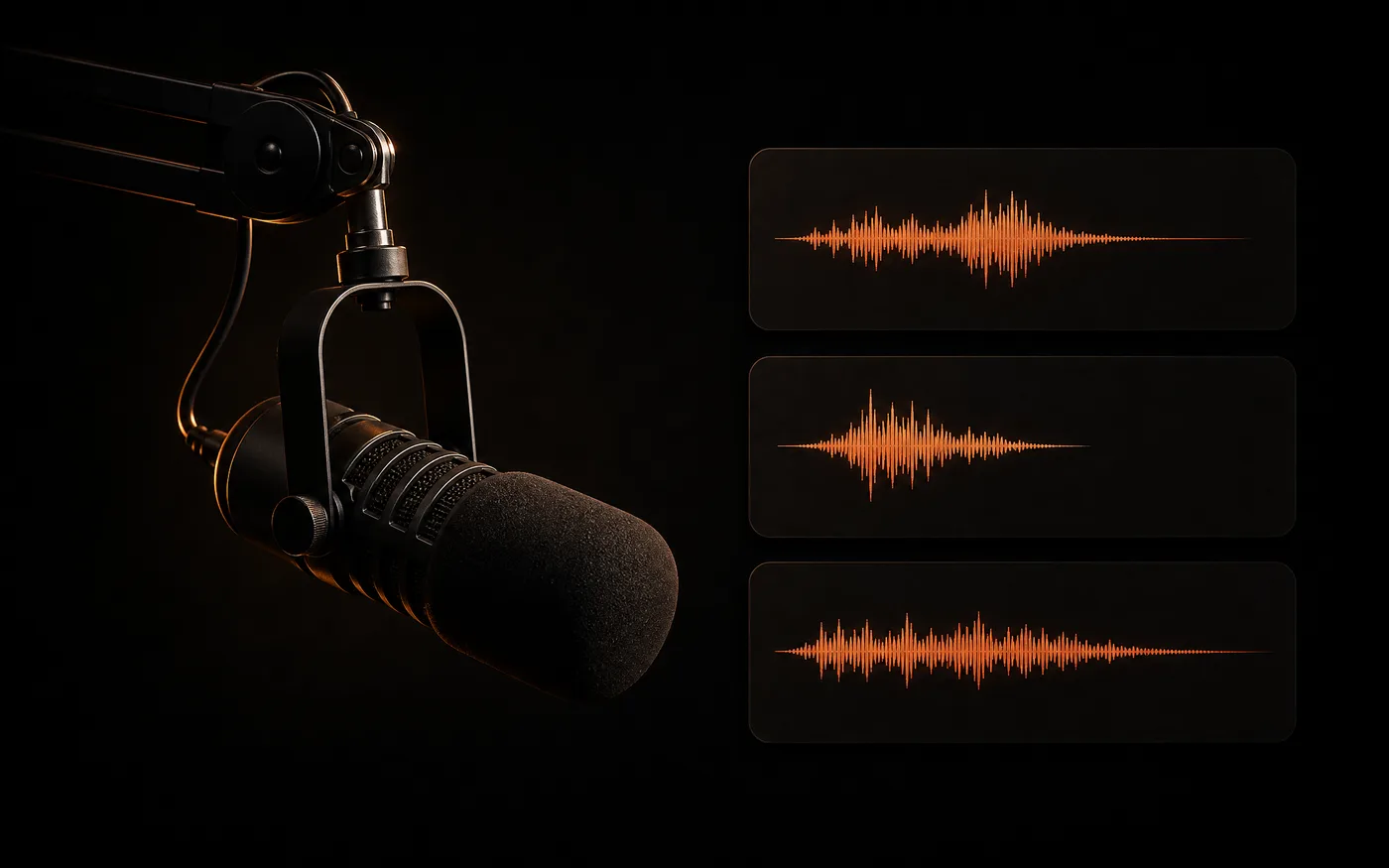
Podcast and Stream Audio
Make intros, outros, stingers, and loops that all sound like the same show — same palette of instruments, different lengths.
- A consistent sound — One brief, many pieces.
- Any length — Short stings or long beds.
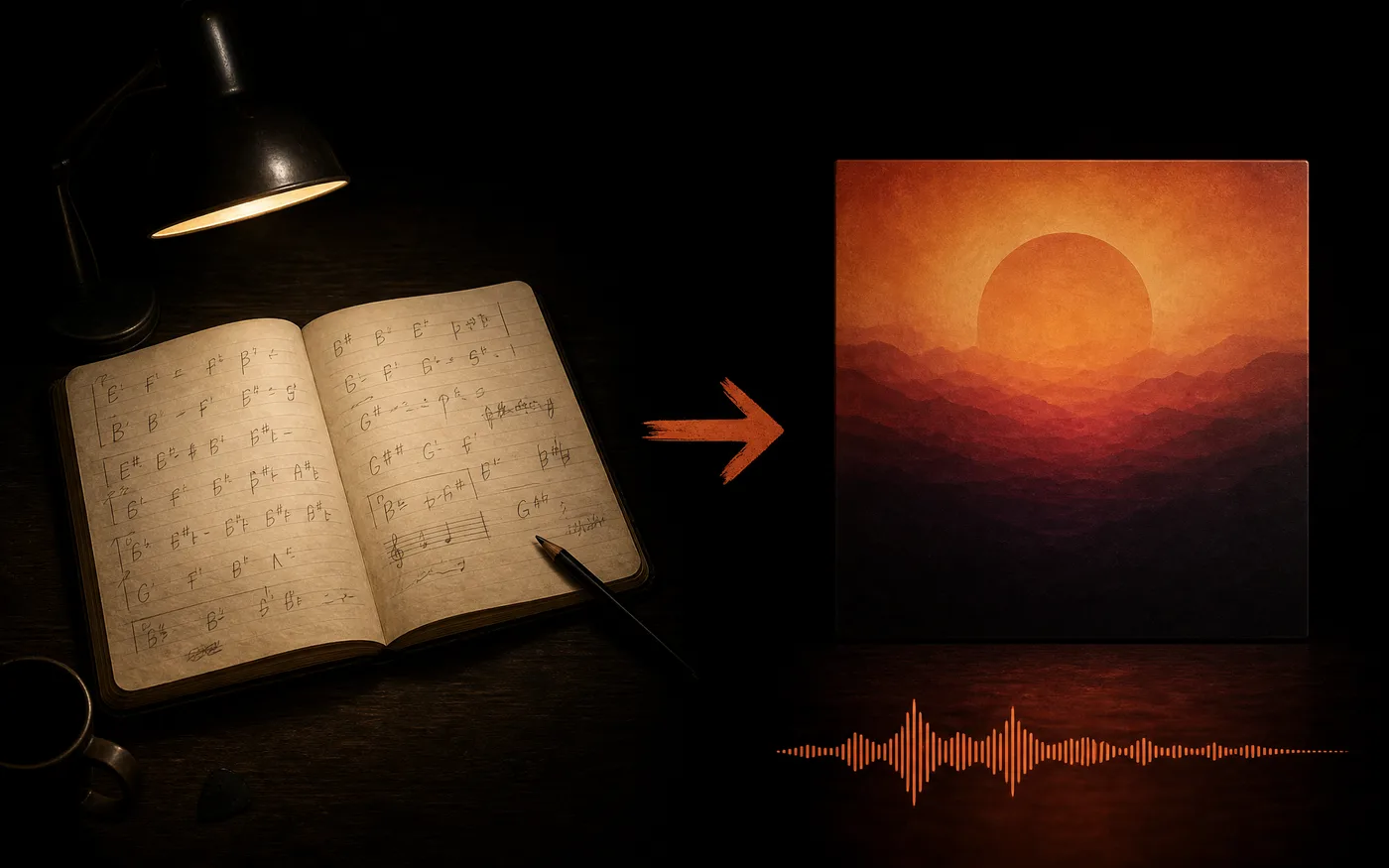
Demos and Song Sketches
Hear an idea as a finished arrangement before you commit studio time — useful for testing a hook or a chorus.
- Ideas in minutes — Hear it before you record it.
- Try variations — Same brief, different takes.
How to Use Our Free AI Music Generator
Three steps to your first track, free to start:
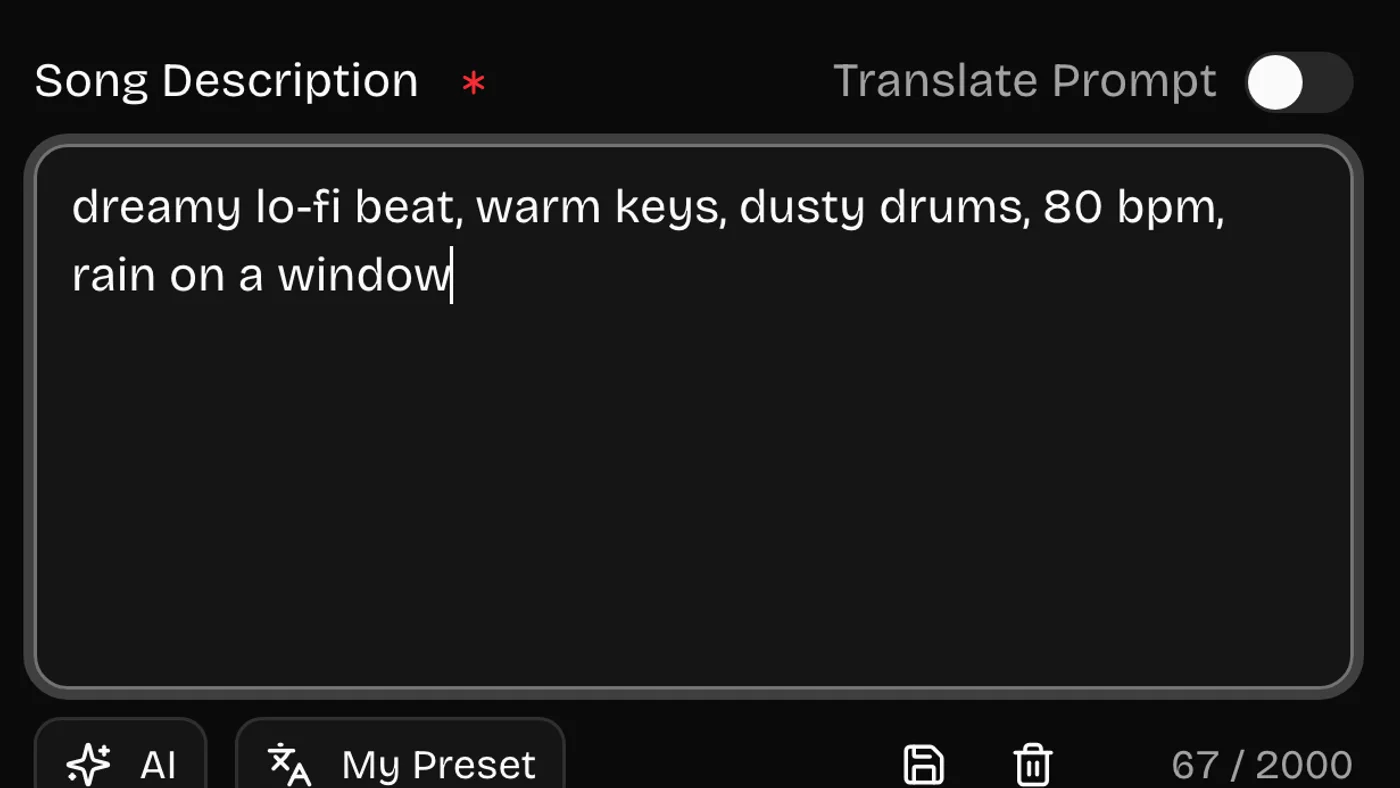 01
01Describe the Track
Name the genre, mood, tempo, and the instruments you want up front. Reference feels work better than adjectives.
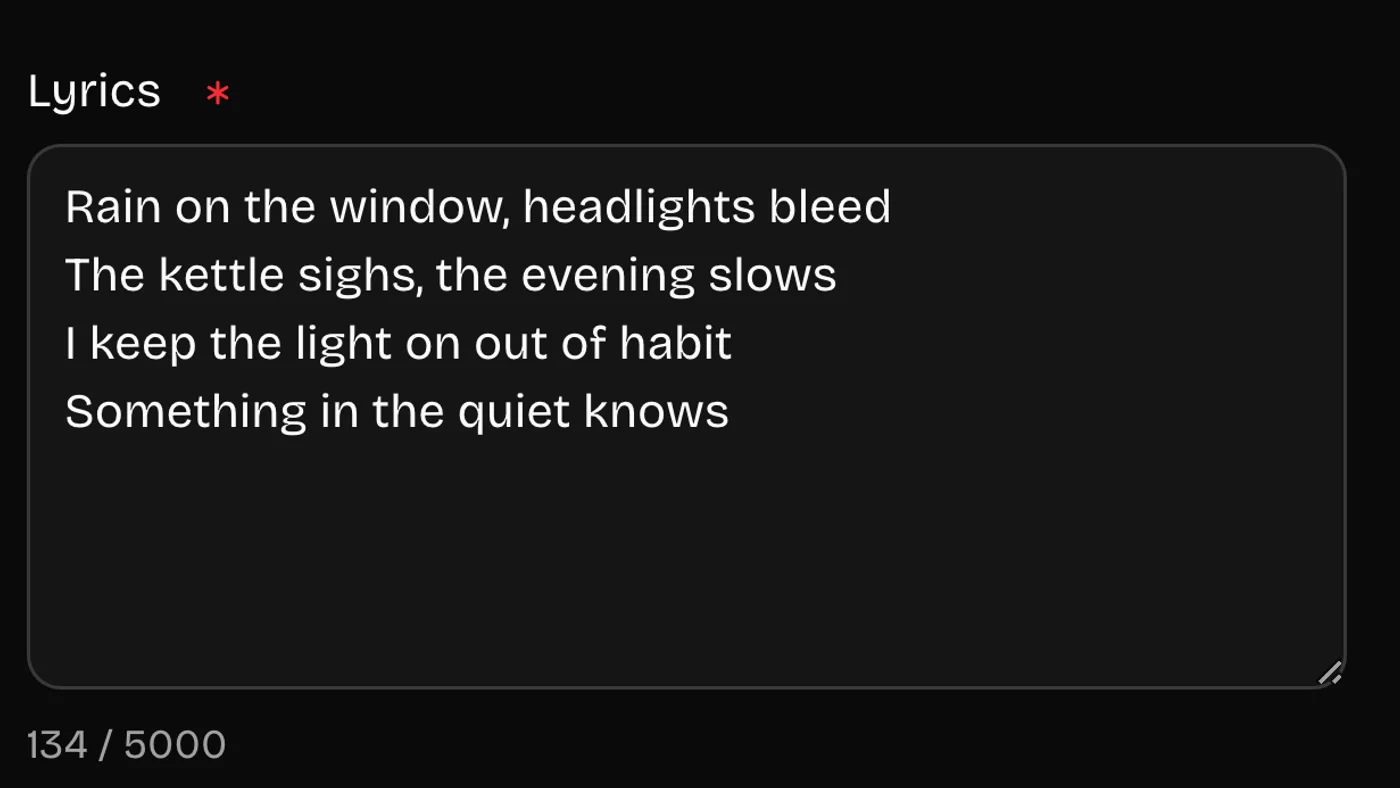 02
02Add Lyrics or Skip Them
Paste your own words, ask for lyrics on a theme, or make it instrumental. Then pick a vocal style if you want vocals.
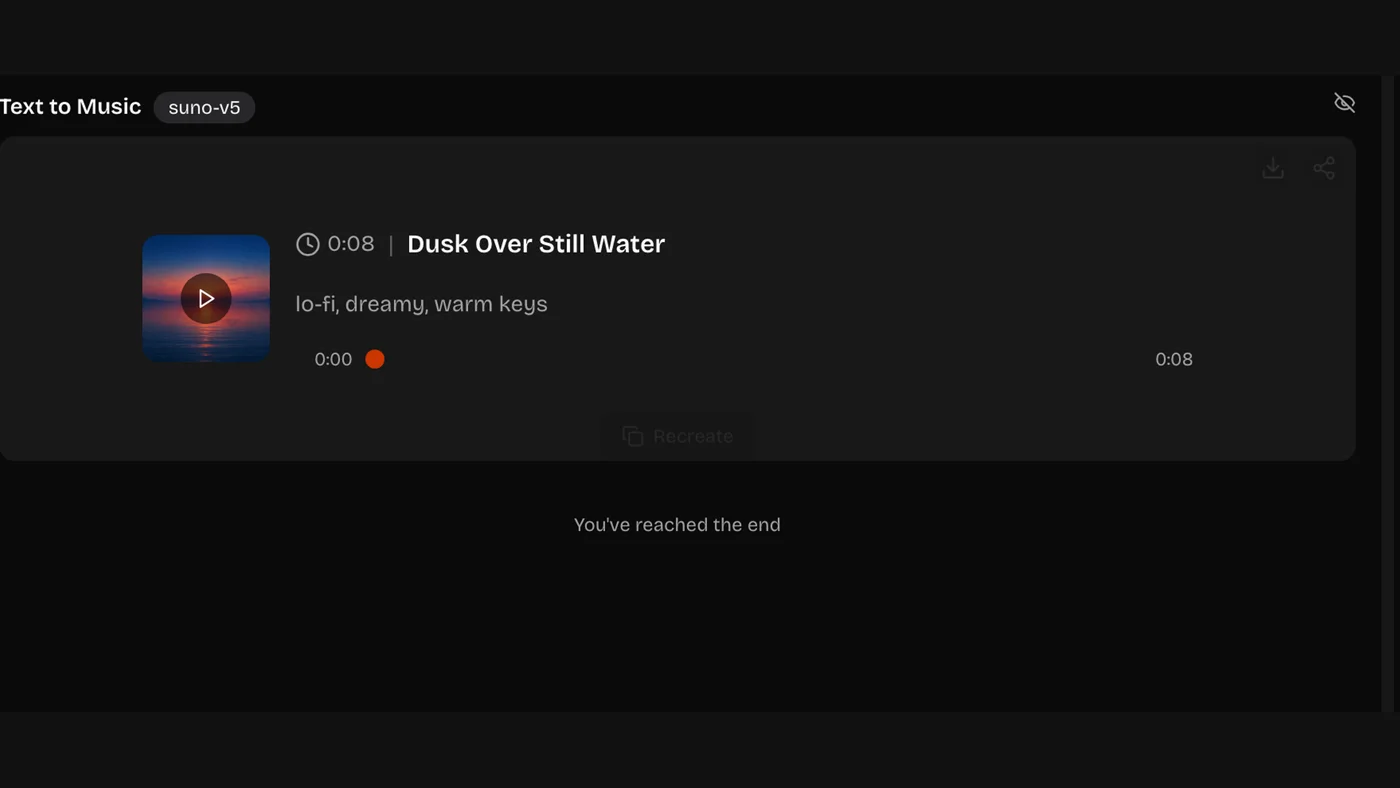 03
03Generate and Download
Listen back and download the audio. Every track stays in your history with the brief that made it, so you can adjust and re-run.
Music Styles the AI Music Generator Handles
Name a genre, a mood, and two instruments. That trio does more than any adjective pile.
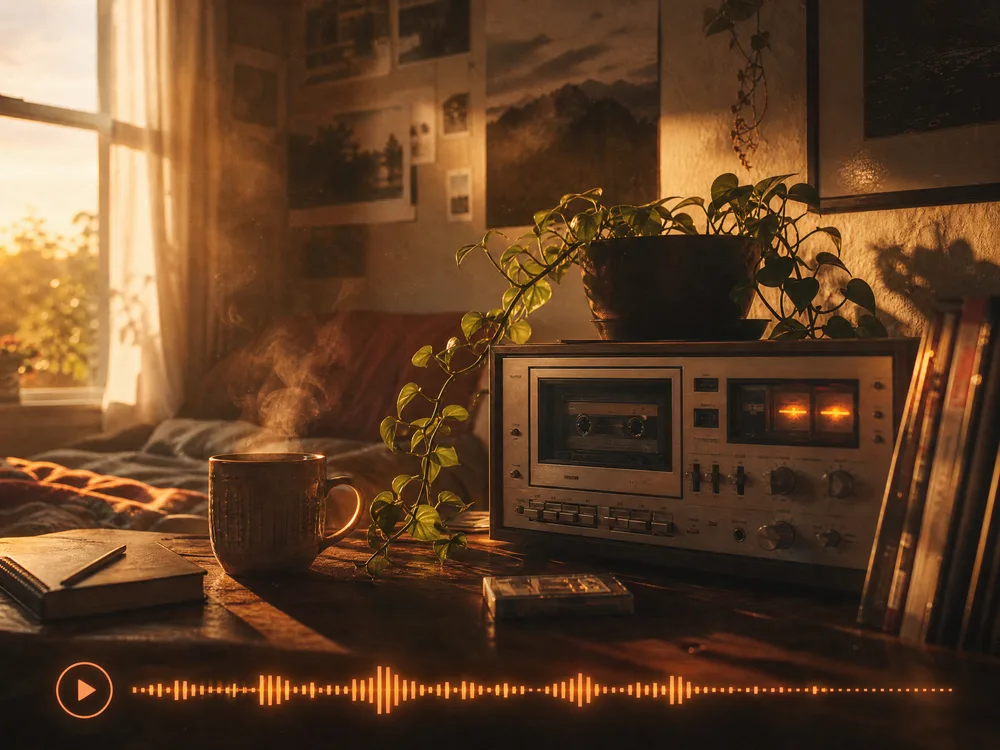
Lo-Fi and Chillhop
Dusty drums, warm keys — the safe bet under a voiceover.
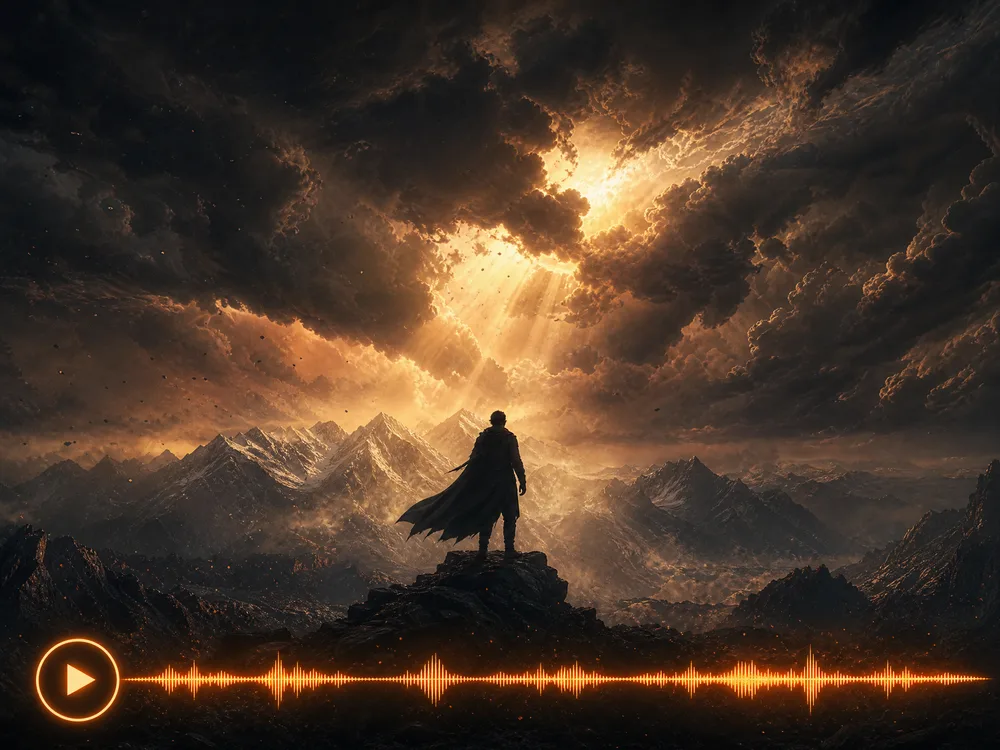
Cinematic and Trailer
Strings, big percussion, and a build you can time a cut to.
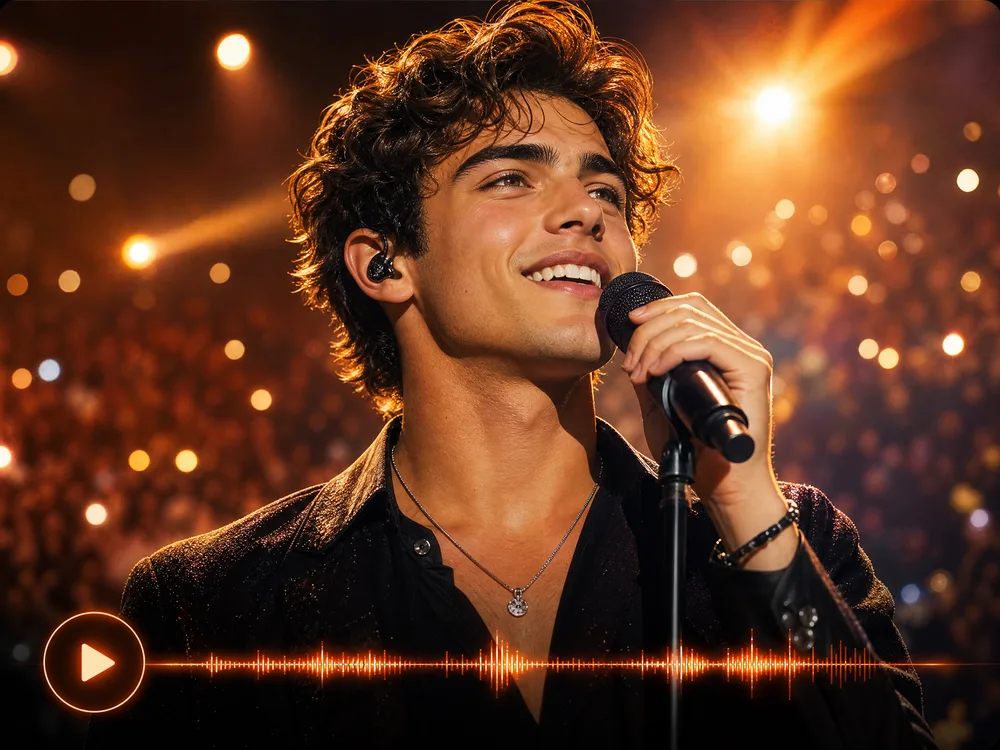
Pop and Singer-Songwriter
Verse-chorus structure with a vocal, from your lyrics or its own.
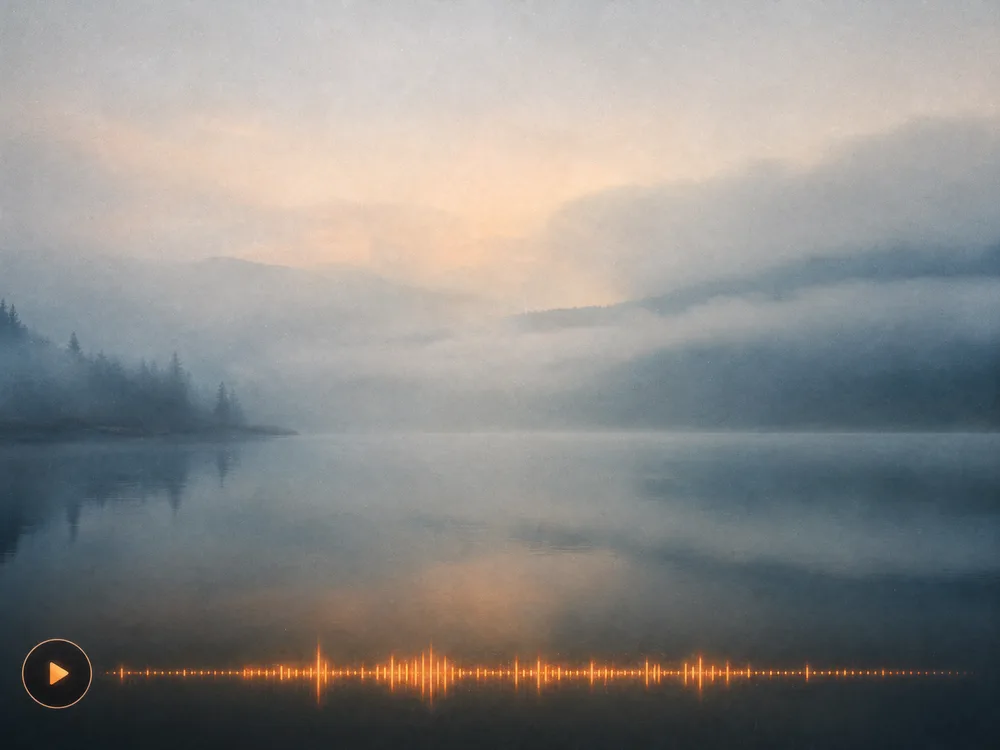
Ambient and Drone
Slow, textural beds for focus, meditation, or long shots.
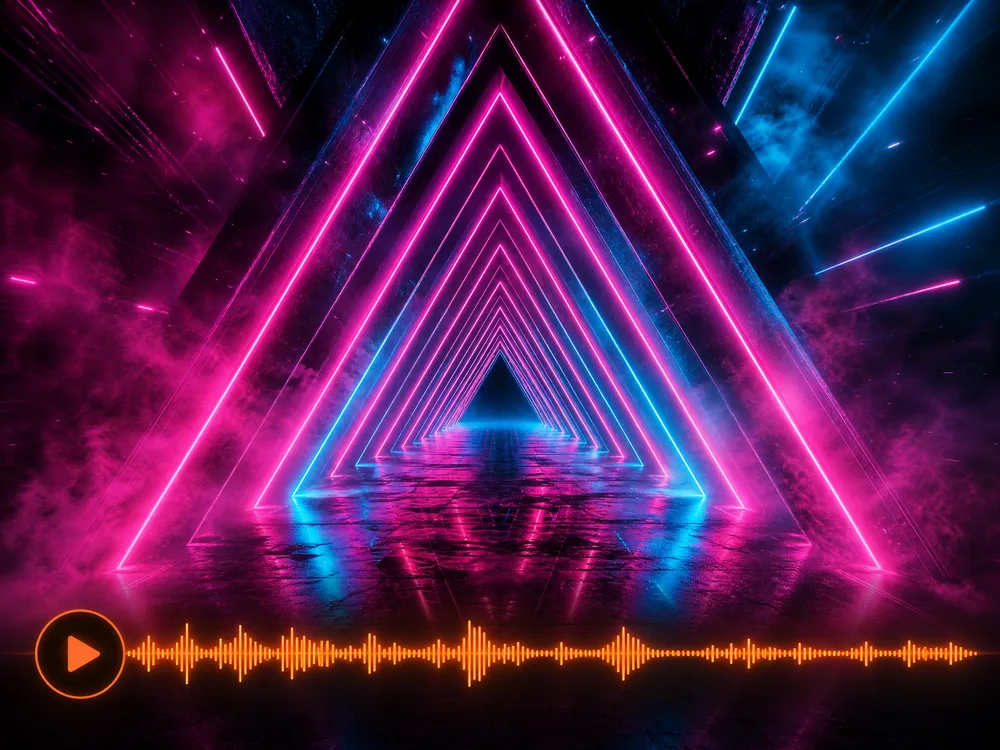
Electronic and EDM
Four-on-the-floor, synth leads, and a drop where you ask for it.
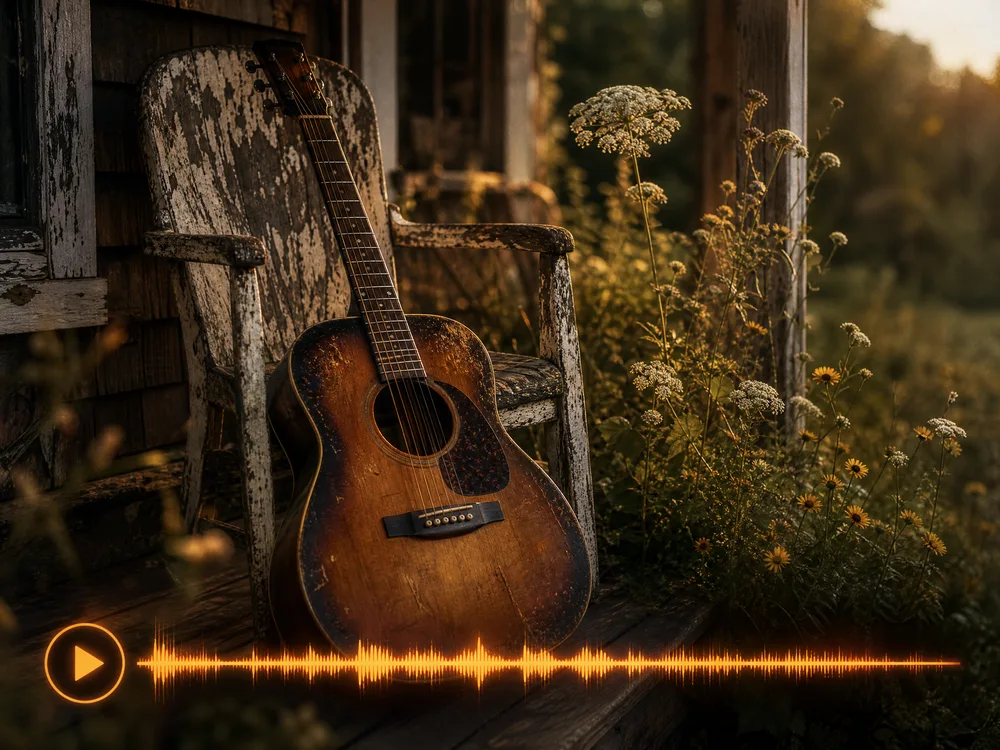
Acoustic and Folk
Guitar, brushed drums, and room sound instead of a grid.
How to Write Better AI Music Generator Prompts
Music briefs work like a brief to a session player: name the reference, not the vibe.
Good wording covers five things
- 1Genre — indie folk, drum and bass, lo-fi hip hop, orchestral
- 2Mood — hopeful, tense, melancholy, triumphant
- 3Tempo and feel — slow and spacious, driving, swung
- 4Instruments — the two or three that should lead
- 5Vocals — male, female, choral, or instrumental only
happy song
Upbeat indie folk at around 120 bpm, acoustic guitar and hand claps leading, warm male vocal, bright and hopeful
"Happy" could be a hundred things. Genre, tempo, and the lead instruments are what make a track land where you meant.
epic emotional cinematic beautiful masterpiece
Slow orchestral build, solo cello over sustained strings, timpani entering halfway, melancholy turning resolute
Adjective stacking gives the model nothing to play. Describing the arrangement and where it changes does.
music for my video
Ambient lo-fi bed, soft electric piano and vinyl crackle, no drums, calm and unobtrusive, loops cleanly
Say what the music has to do in the edit — sit under dialogue, loop, stay out of the way.
Why Use Our AI Music Generator
Anyone can score a project by describing the track they hear in their head — no instruments, no session, no library licence to buy.
Royalty-Free From the Start
Every track is generated from scratch rather than pulled from a catalogue, so there is no library licence to buy and no per-use royalty to report.
No Instruments Needed
Describe the track in a sentence. No DAW, no recording setup, nothing to learn first.
Your Lyrics or Ours
Paste words you've written, ask for lyrics on a theme, or skip vocals entirely and keep it instrumental.
Finished Arrangements
You get a full track — melody, instrumentation, and vocals — rather than a loop you have to build around.
Ideas in About a Minute
Hear a brief performed while it's still fresh, and run it again with one change if it's not right.
No Charge for Failed Runs
If a generation fails, the credits are returned automatically — you don't pay for a track that never arrived.
AI Music Generator FAQ
It writes and performs original music from a written brief. You describe the genre, mood, and instruments — and optionally supply lyrics — and it returns a finished track with melody, arrangement, and vocals.
New accounts come with free credits, so you can try it before paying anything. After that you top up or subscribe, whichever suits how often you generate.
Yes. Paste the words you wrote and pick a vocal style, and they'll be performed as part of the arrangement. You can also ask for lyrics on a theme, or skip vocals and keep it instrumental.
Long enough to use as a full piece rather than a loop — typically a couple of minutes, depending on the brief. Ask for a shorter piece if you need a sting or an intro.
You choose a vocal style — the register and character of the voice — rather than a named performer. Describing the delivery you want in the brief gets you closer.
Usually about a minute. More elaborate arrangements can take a little longer.
Usually the brief was adjectives rather than references. Name the genre, the tempo, and the two or three instruments that should lead, and it lands much closer.
Ready to Write Your First Song?
No instruments, no studio, no card needed. Describe the track, add lyrics if you want them, and hear it in about a minute.