Free AI Image to Video Generator
Upload a photo and this AI image to video generator gives it motion in 30 to 60 seconds — a camera move, a breeze, a look to camera. Photo to video with no editing software and nothing to install. You get free credits when you sign up — try it before paying.
- 1080p
- Max resolution
- 30-60s
- Usually takes
- None
- Watermarks
What You Can Make With Our AI Image to Video Generator
A few of the things people animate here every day.
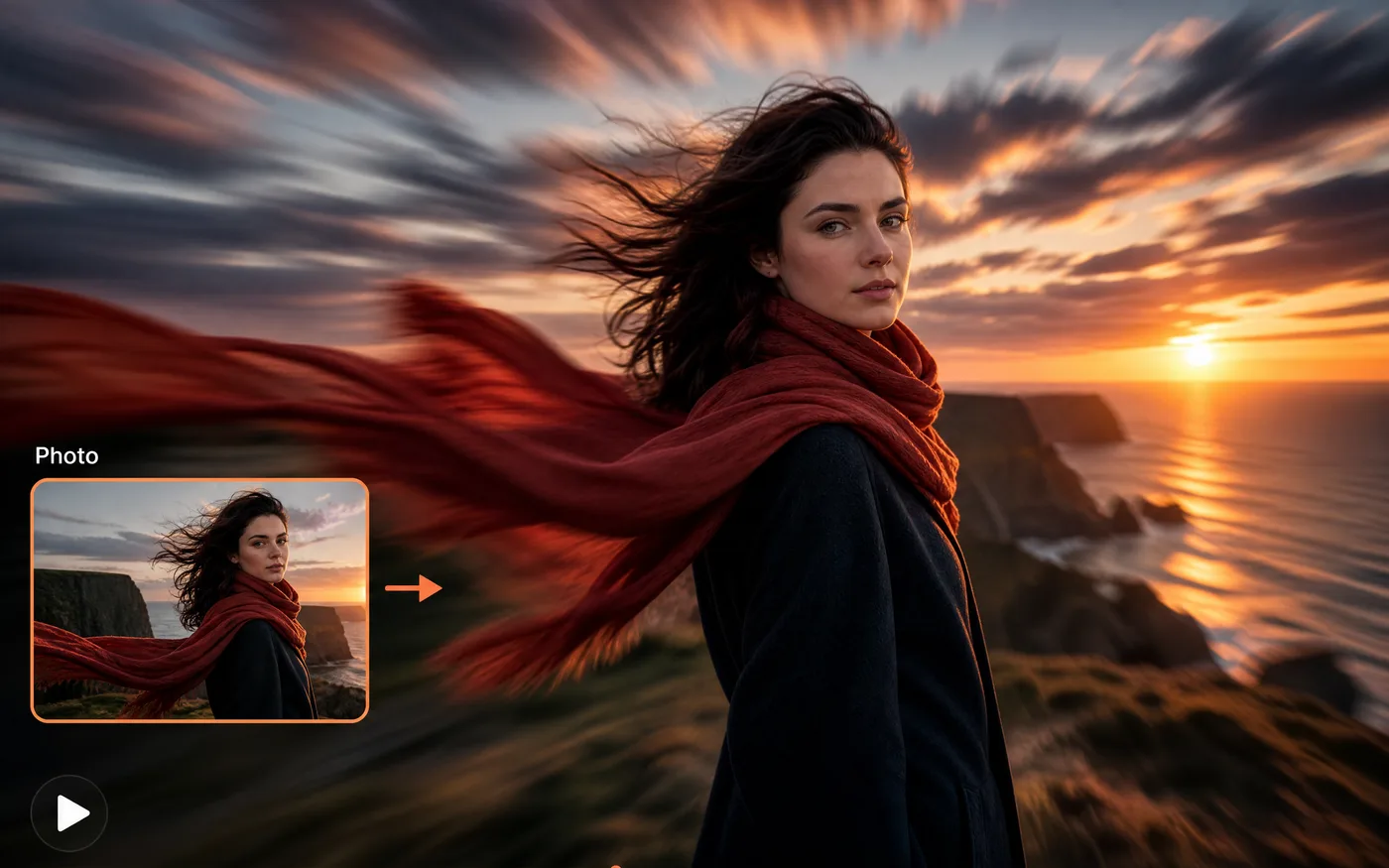
Photo to Video in One Click
Add gentle, believable motion to a portrait or a landscape — drifting clouds, moving hair, a slow blink.
- Your photo, first frame — The clip starts exactly where your image did.
- Subtle or dramatic — You choose how much moves.
Product Videos From One Shot
Turn a single product photo into an orbit, a push-in, or a slow reveal — motion for a listing or an ad without a second shoot.
- Camera moves you name — Orbit, push-in, pan, tilt.
- One photo, many clips — Different moves from the same still.
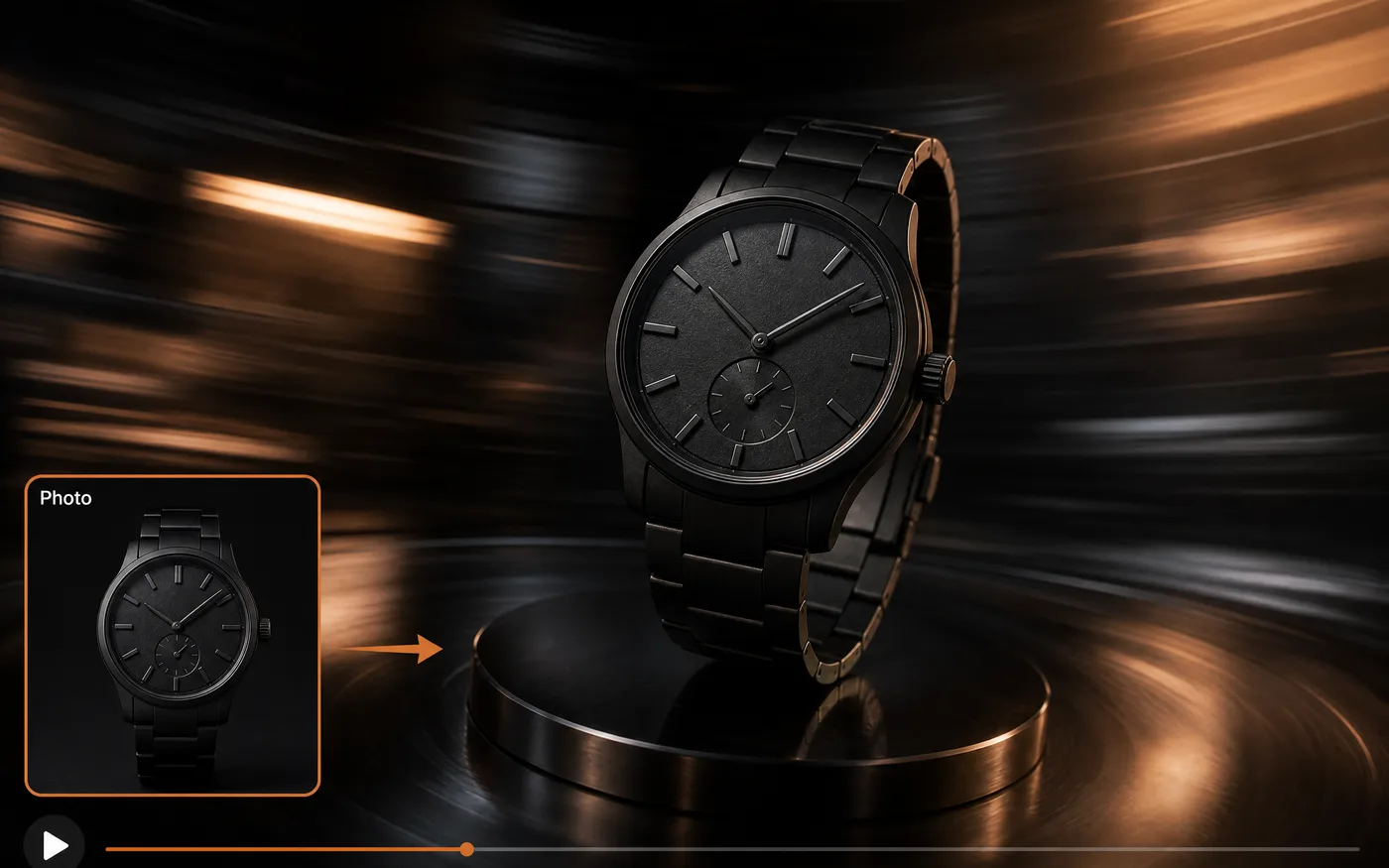
Image to Video for Art and Illustration
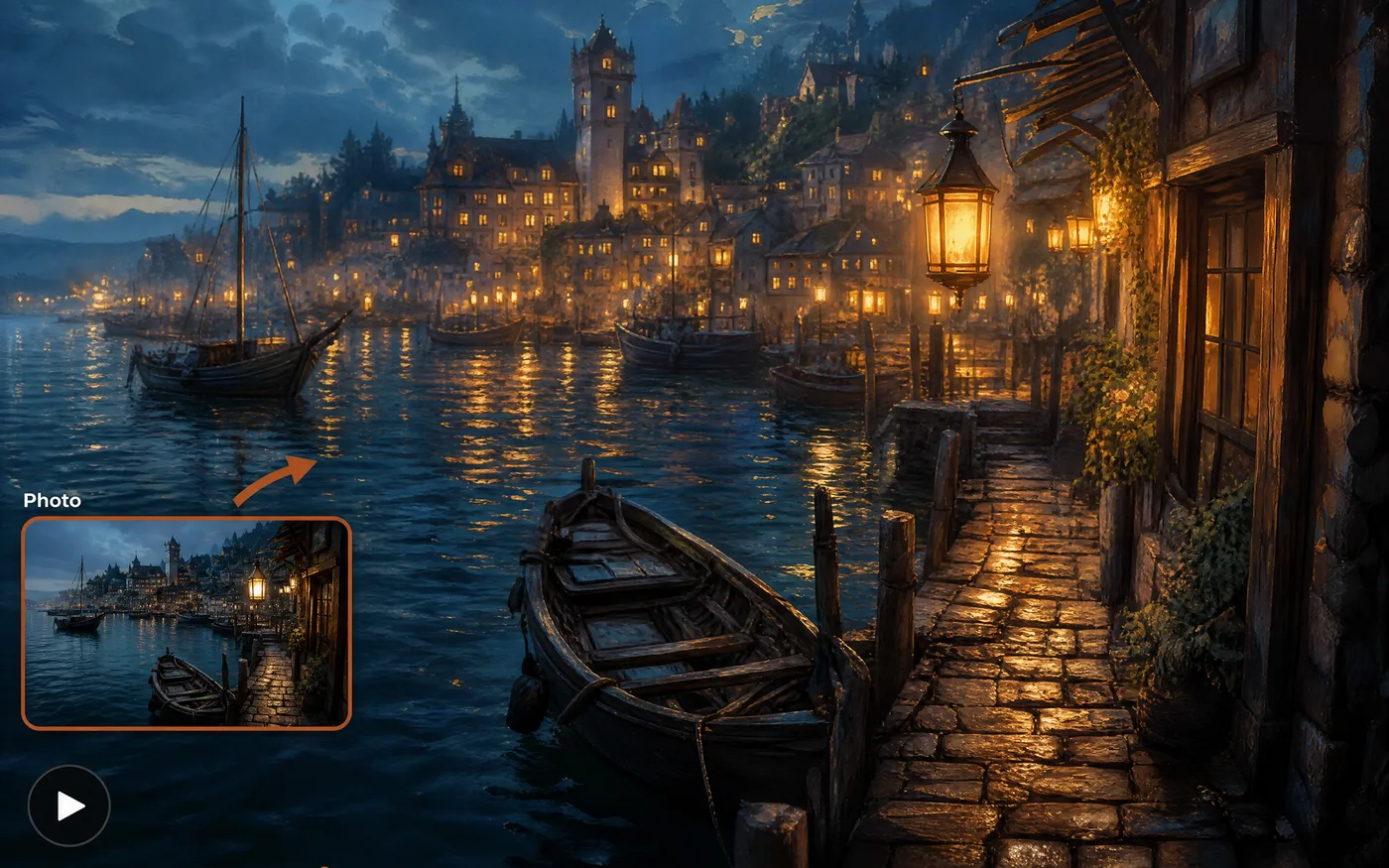
Give a drawing, poster, or AI-generated image movement — parallax, drifting light, a character shifting weight.
- Keeps your style — Line and colour survive the animation.
- Great for AI stills — Animate what you just generated.
Talking and Music Clips
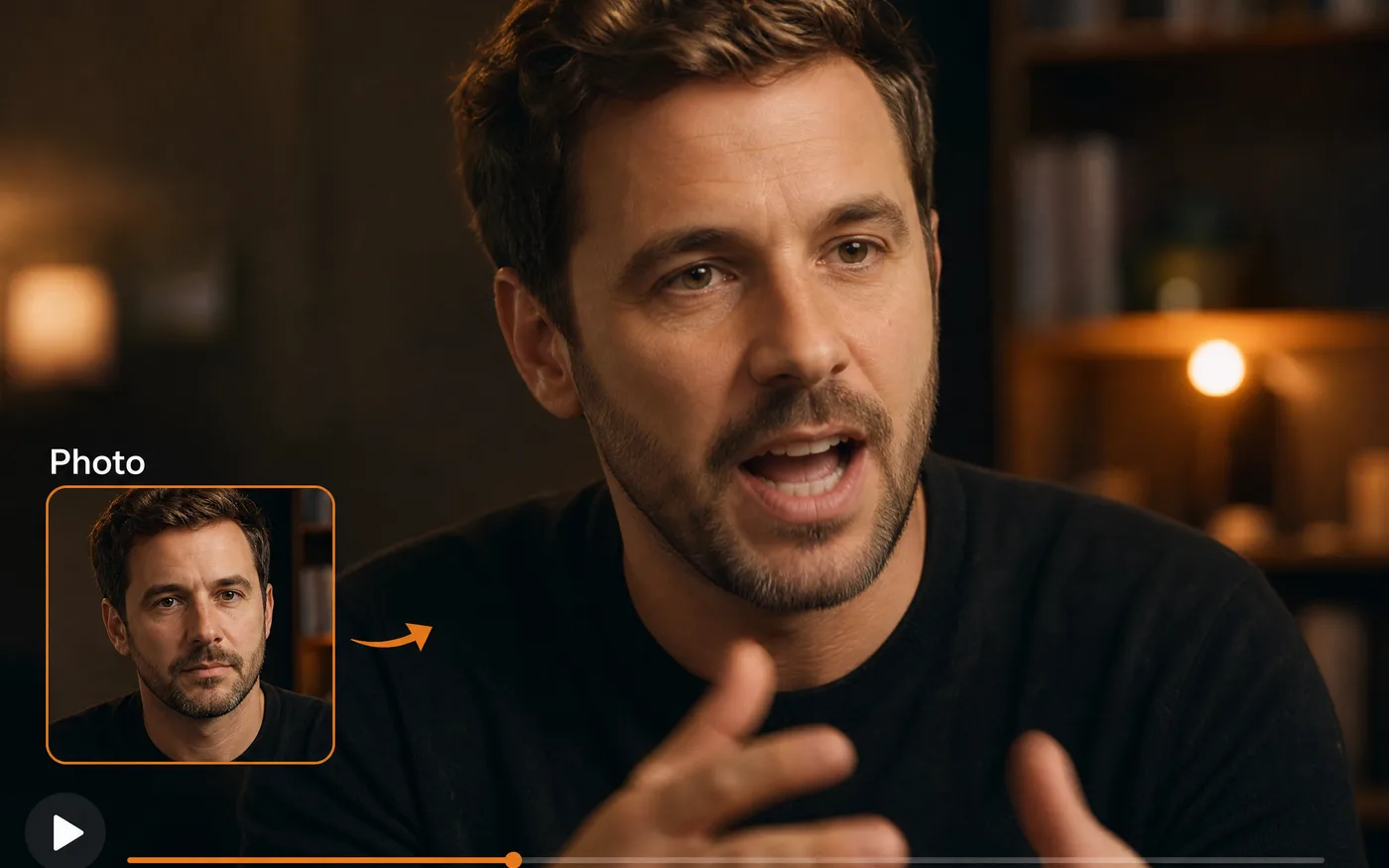
Upload audio alongside your image and get a clip that follows it — a talking portrait or a music-video moment.
- Follows your audio — Motion tracks the track you upload.
- Simple to set up — One image, one audio file.
How to Use Our Free AI Image to Video Generator
Three steps to your first clip, free to start:
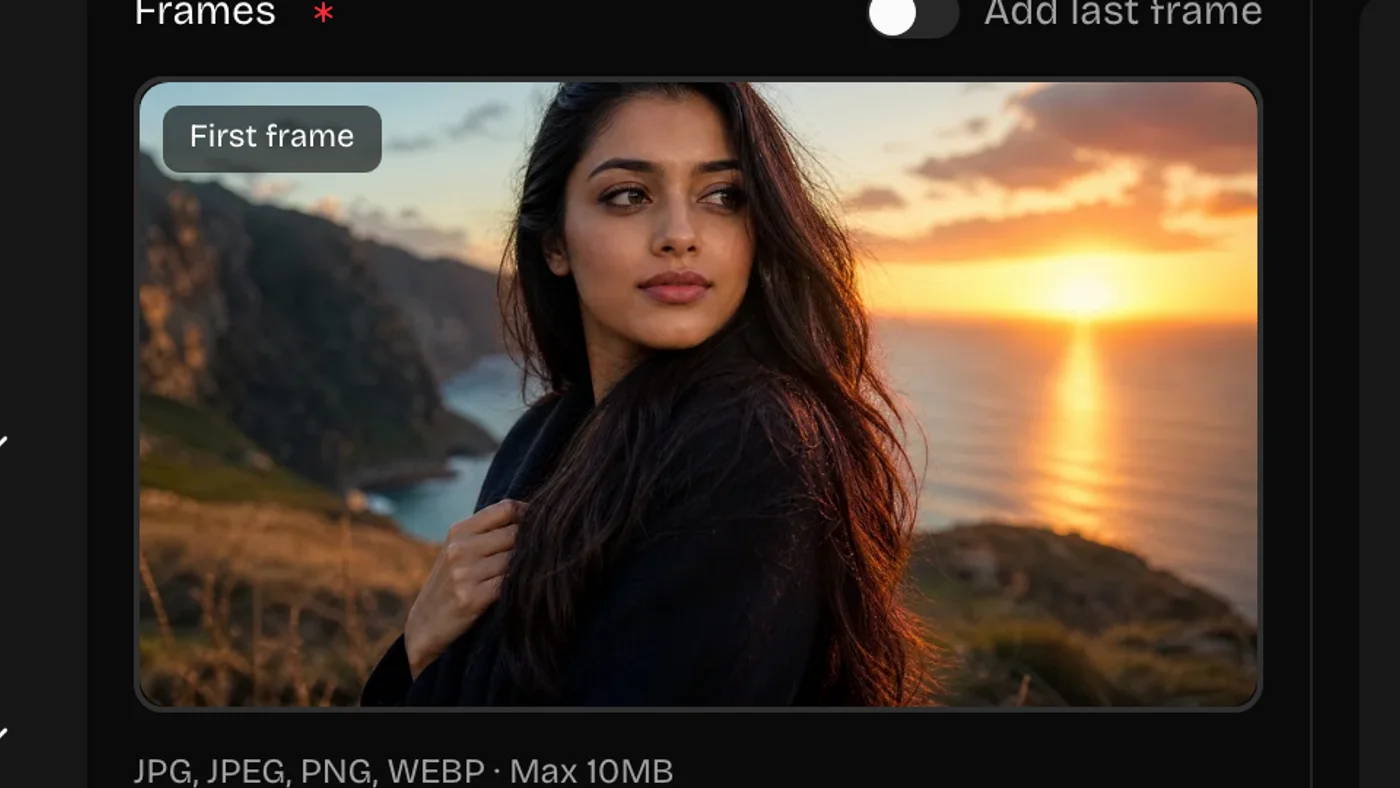 01
01Upload Your Image
Drop in a JPG or PNG. It becomes the first frame, so a sharp, well-composed still gives the best result.
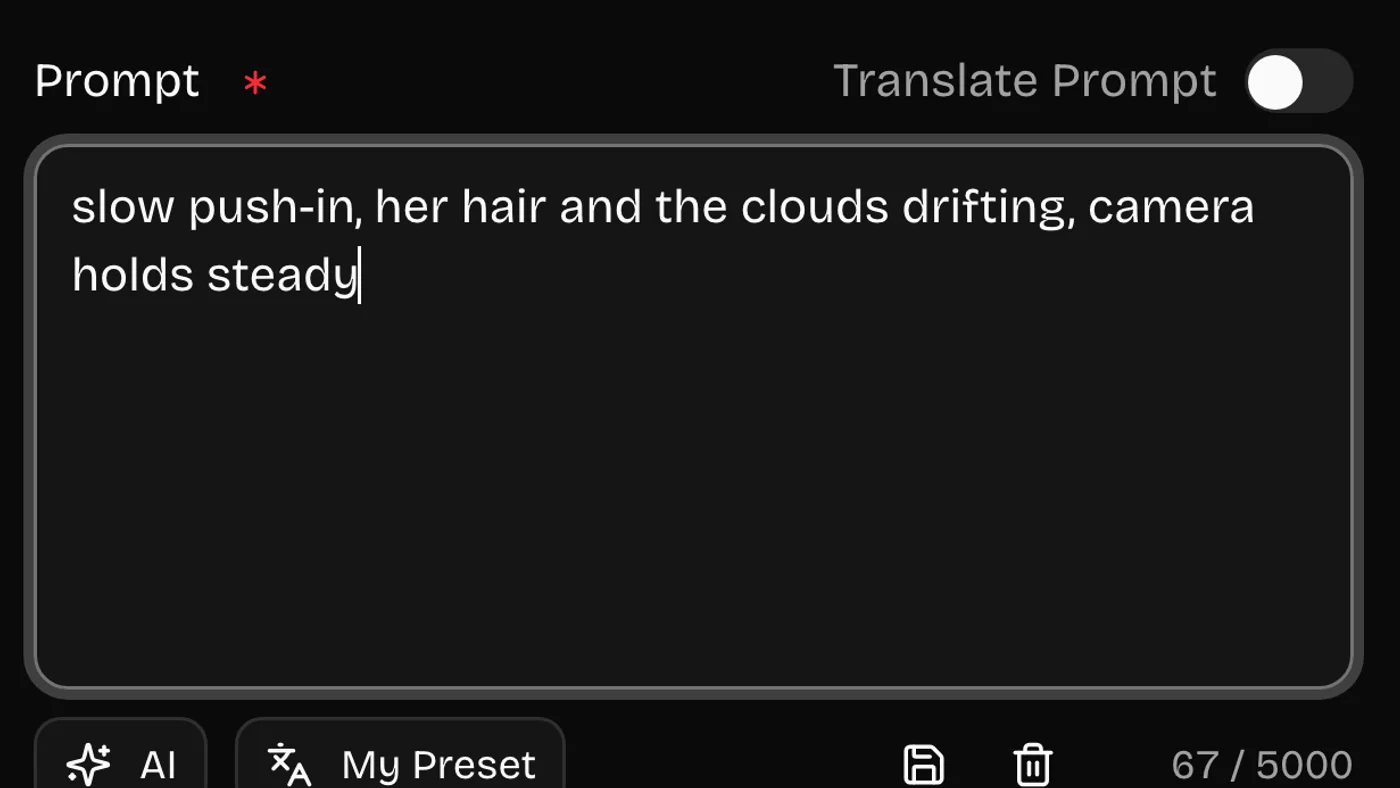 02
02Say How It Should Move
Describe the motion and the camera: what moves, how fast, and whether the camera drifts, orbits, or holds still.
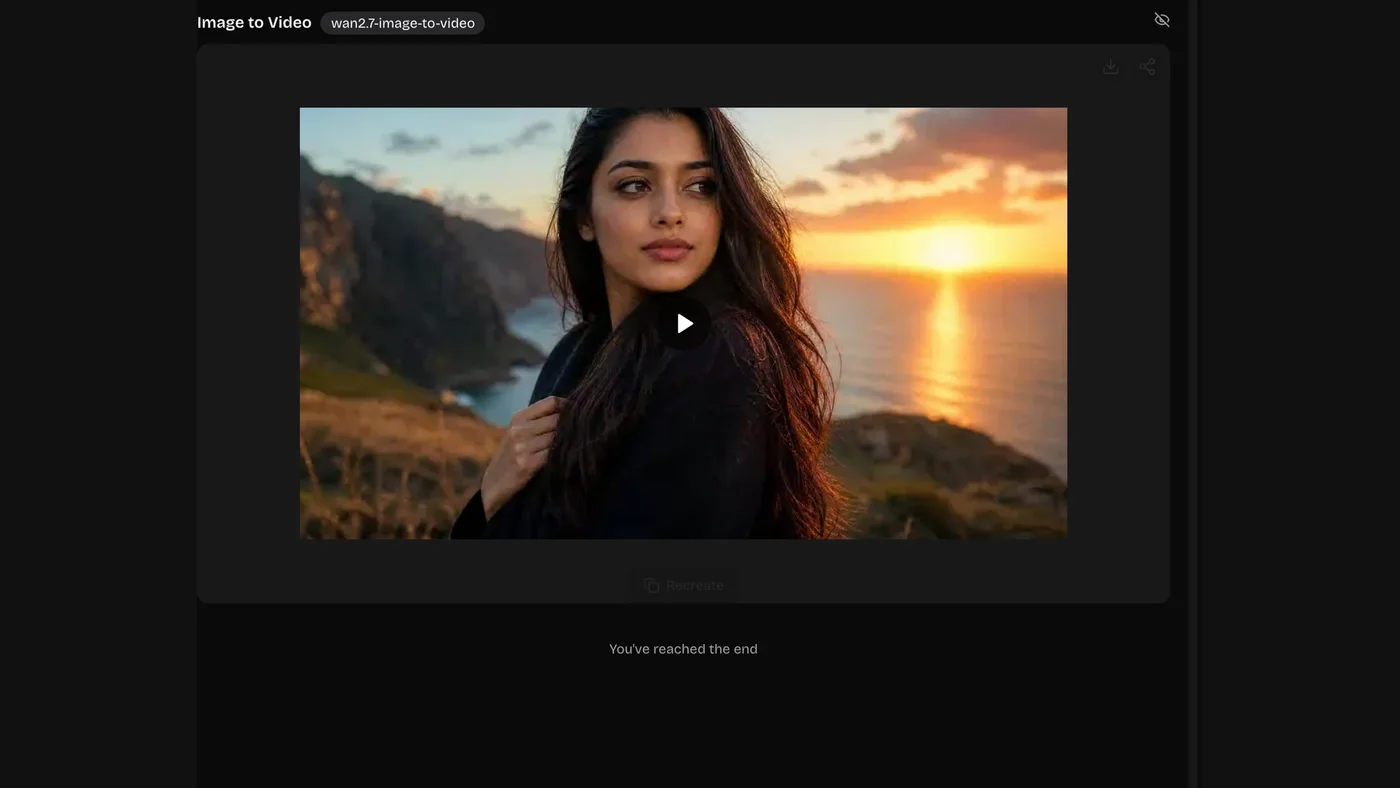 03
03Generate and Download
Render it, watch it back, and download the MP4. Every clip stays in your history with the wording that made it.
Camera Moves for Image to Video
Movement is the whole prompt here. Name one move and let the rest of the frame hold still.
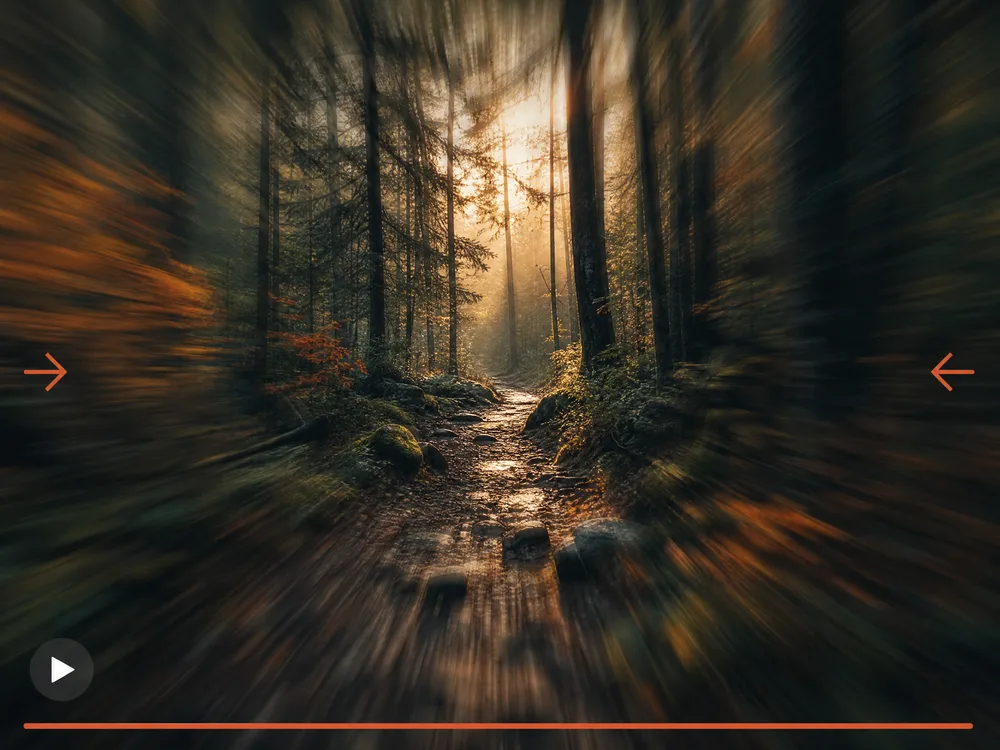
Slow Push In
The safest move — it adds life without breaking the frame.
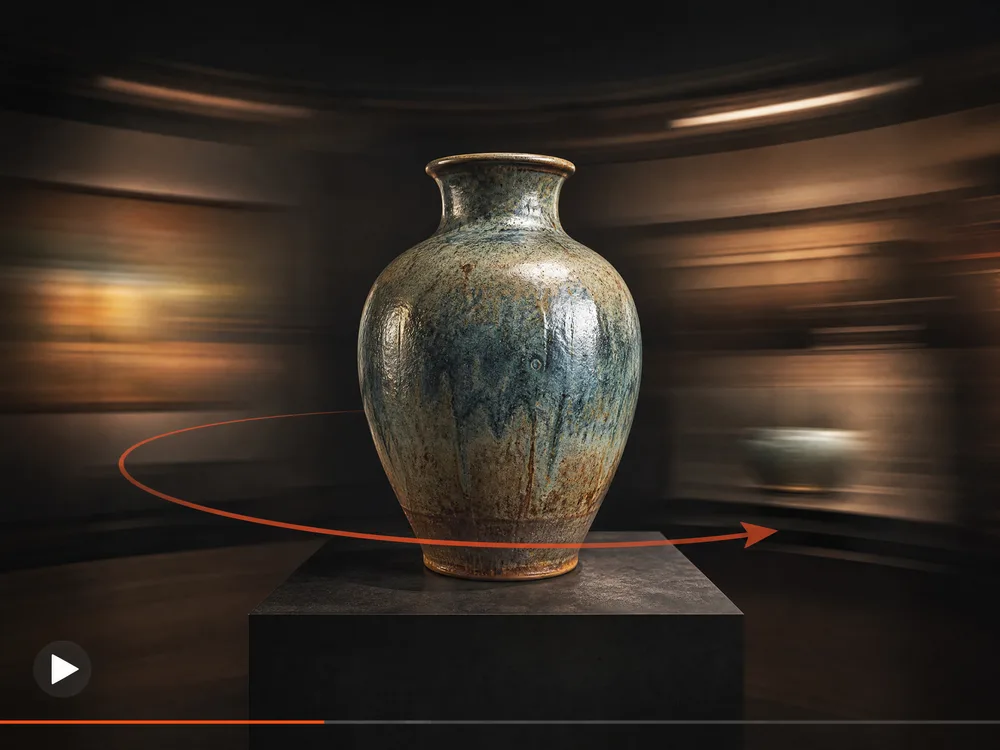
Orbit and Parallax
Circle the subject so the background separates from it.
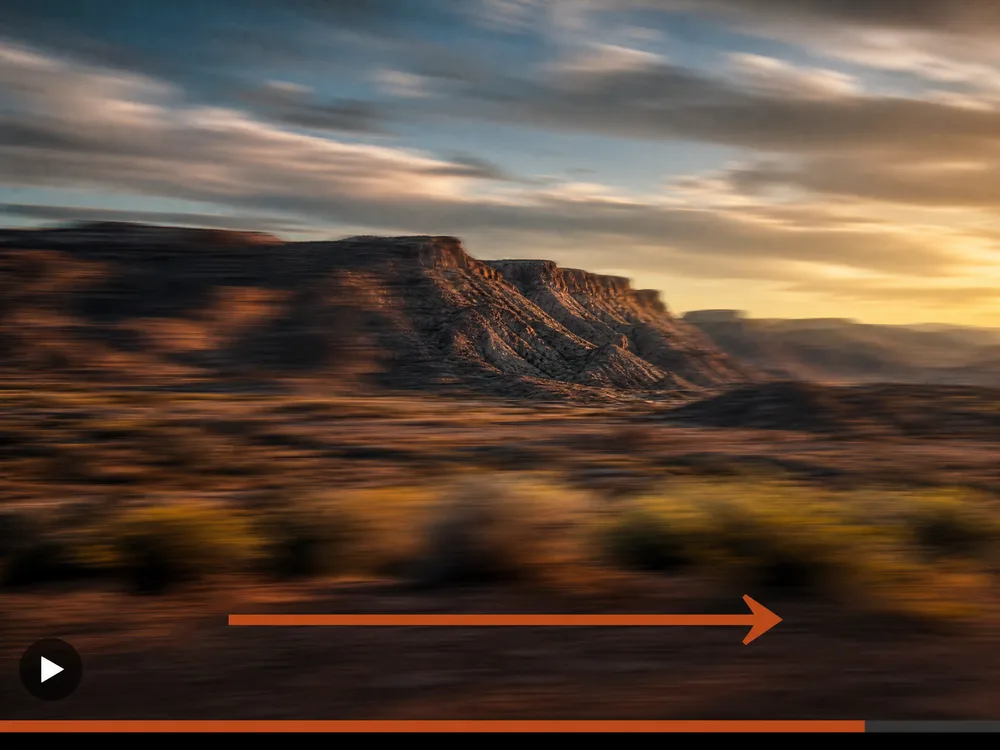
Pan and Tilt
Reveal what sits just outside the original crop.
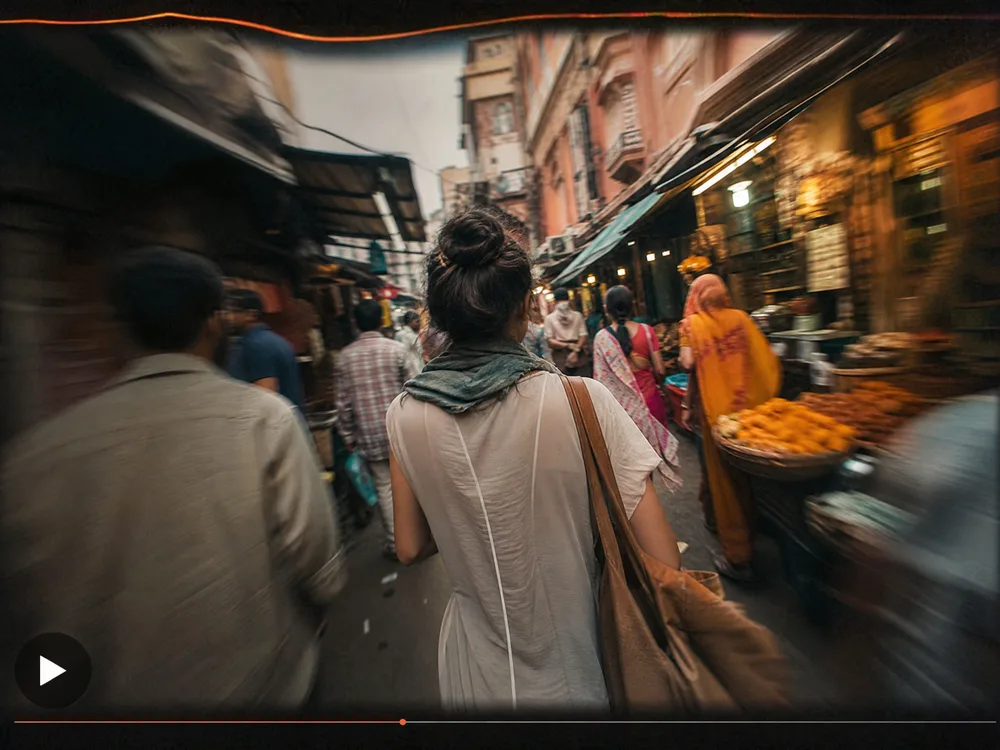
Handheld Drift
A little sway reads as a real camera in someone's hands.
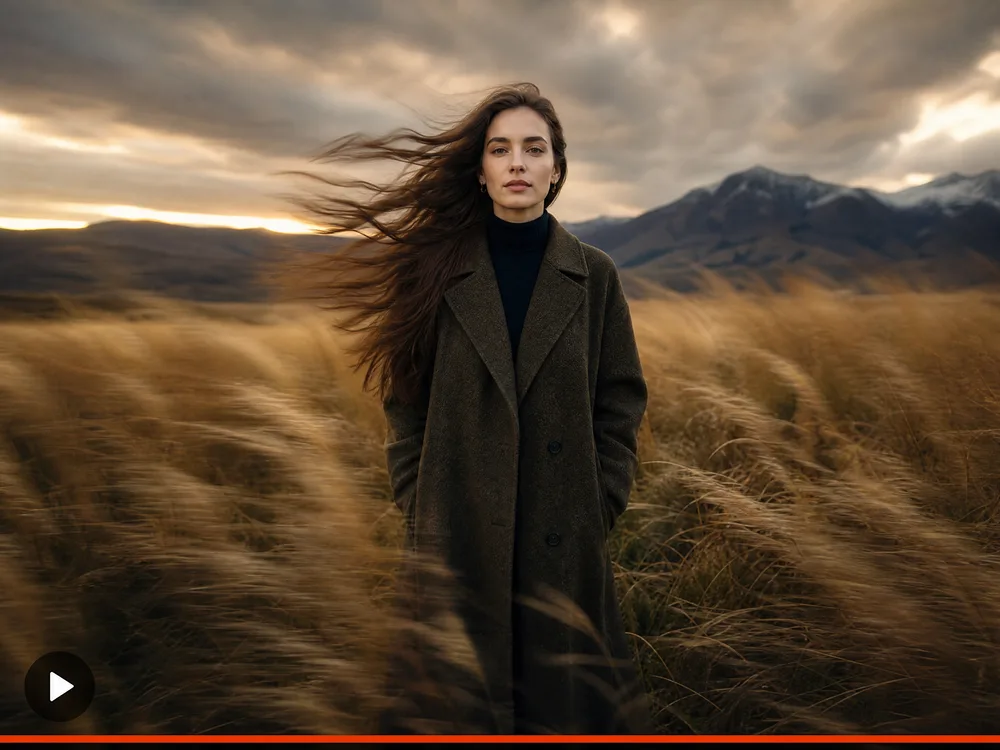
Subject Motion Only
Keep the camera still and move hair, water, or cloth.
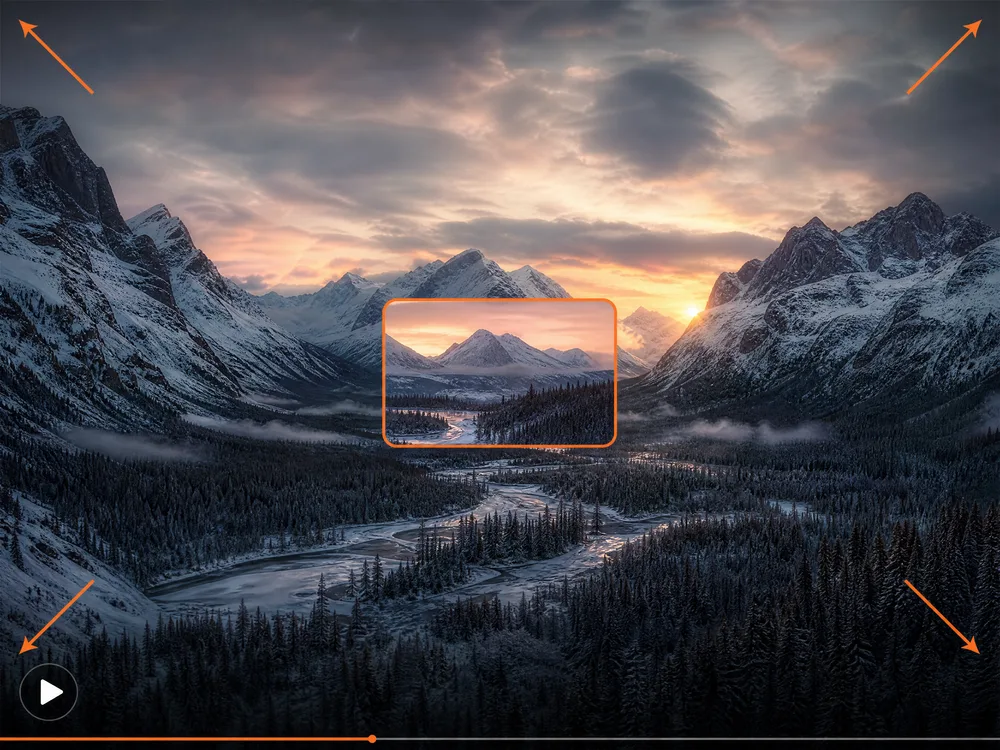
Zoom Out to Reveal
Start tight, pull back, and let the scene explain itself.
How to Describe Motion for Image to Video
The image sets the look, so your wording only needs to handle one thing: what moves.
Good wording covers four things
- 1What moves — the subject, the background, or just the camera
- 2How much — a subtle drift or an obvious action
- 3Camera — hold still, slow push-in, orbit, handheld
- 4Pace — slow and steady, or quick and lively
make it move
Slow push-in on the subject, hair and scarf drifting in a light breeze, background stays still
"Move" leaves everything to chance. Naming what moves — and what holds still — is what keeps the clip looking like your photo.
she turns around and walks away and waves
Subject slowly turns her head towards the camera, everything else holds still
A still image can't support a three-part action. One clear movement per clip, then chain clips if you need the sequence.
cinematic camera motion epic
Camera orbits slowly to the left around the product, steady speed, no cuts
Say which way the camera goes and how fast. "Cinematic" doesn't tell it anything.
Why Use Our AI Photo to Video Generator
Anyone can animate a picture by describing the movement — faster, sharper, and true to the photo they started with.
Your Image Leads
The still you upload becomes the first frame, so the clip stays recognisably yours instead of drifting into something else.
No Animation Skills
Describe the motion in a sentence. No keyframes, no timeline, no software to learn.
Many Models, One Upload
Try the same still across several models and keep whichever motion looks best. They all work from the same place.
Low Cost Per Clip
Testing a motion idea is cheap. You only reach for a pricier model once the movement is right.
Audio-Driven Clips
Upload a track and a model can follow it, so talking portraits and music moments work from one image.
Every Version Kept
Each clip stays in your history with the image, prompt, and model that made it, so a good one is easy to run again.
AI Image to Video Generator FAQ
It turns a still photo into a short video. You upload an image, describe how it should move, and the AI animates it — your picture becomes the first frame, so the clip keeps the look you started with.
New accounts come with free credits, so you can try it before paying anything. After that you top up or subscribe, whichever suits how often you generate.
Sharp, well-lit stills with a clear subject. Very dark, blurry, or busy images give the model less to work with, and heavy motion on a low-detail photo tends to look soft.
A few seconds each. For something longer, animate several stills and cut them together — one clear movement per clip works far better than a long sequence.
Yes. Some models take an uploaded audio track and follow it, which is how talking portraits and music clips work. Others return silent video you can score yourself.
Usually 30 to 60 seconds. The cheapest models are quicker; higher-detail models and longer clips take a little longer.
Usually the prompt asked for too much movement for a single still to support. Ask for less — a slow push-in or a small head turn — and keep the background still.
Ready to Animate Your First Photo?
No animation software, no timeline, no card needed. Upload a still, describe the motion, and see it move in 30 to 60 seconds.