Free AI Voice Generator and Text to Speech
Paste a script into this AI voice generator, assign a voice to each speaker, and get natural-sounding audio back in about half a minute. Text to speech that handles real dialogue, not just one narrator reading a paragraph. Free credits come with signup, so you can try it first.
- Multi
- Speakers per script
- ~30s
- Usually takes
- None
- Watermarks
What You Can Make With Our AI Voice Generator
A few of the things people voice here every day.
AI Voice Generator for Video Voiceover
Narrate an explainer, a tutorial, or an ad without booking a booth.
- Re-record instantly — Fix a line without a new session.
- Consistent delivery — Same voice across every video.
Multi-Speaker Dialogue
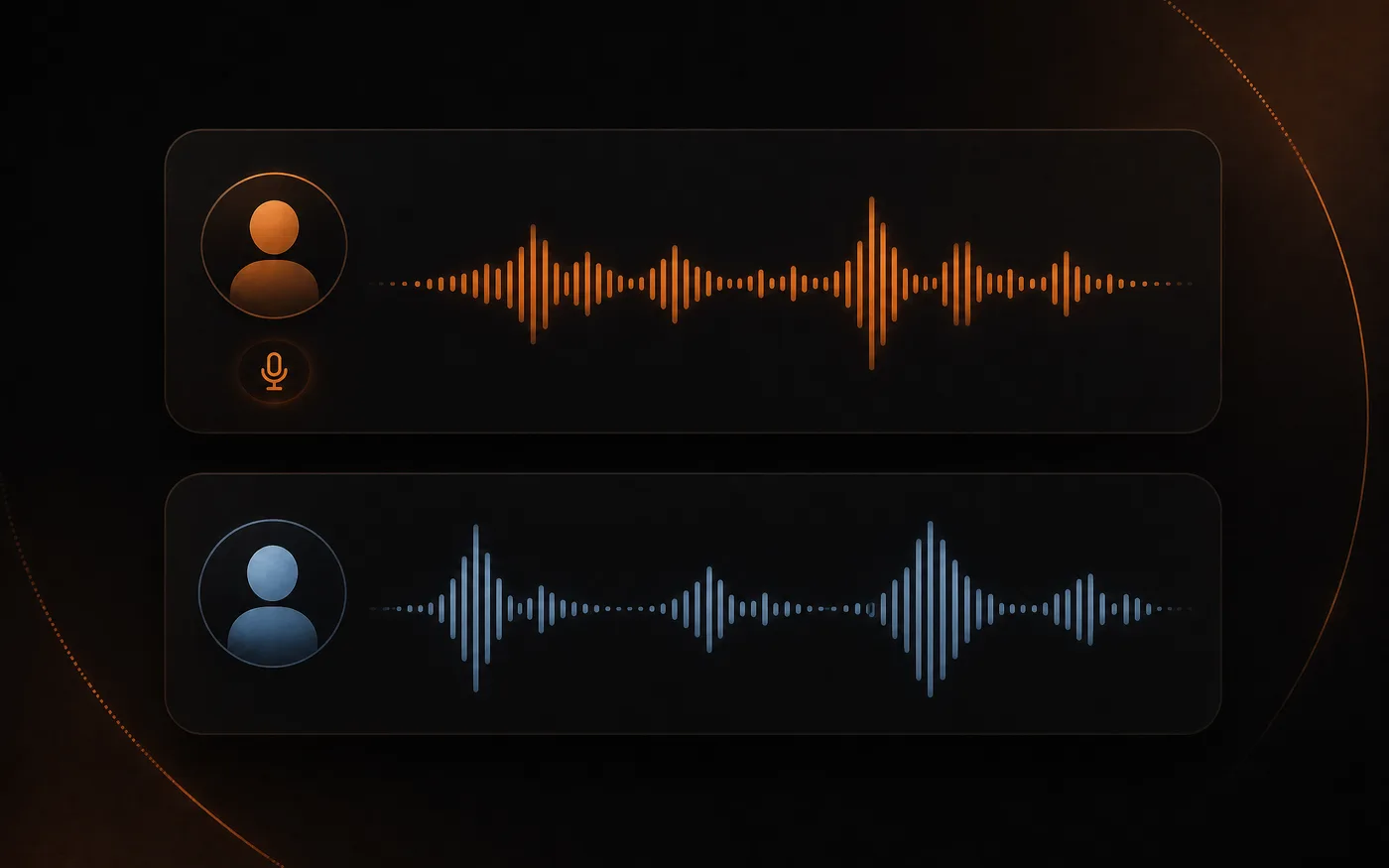
Write a conversation and give each speaker a distinct voice — useful for scripted scenes, language examples, and character work.
- A voice per speaker — Real back-and-forth, not one narrator.
- Natural turns — Pacing that sounds like a conversation.
Podcast and Audio Content
Produce intros, segments, and ad reads that match your show's sound, or voice a whole episode from a written script.
- One consistent host — The same voice every episode.
- Any length — Short reads or full segments.
Accessibility and Learning
Give written content a spoken version — course material, articles, instructions — so people can listen instead of read.
- Listen instead of read — Turn any text into audio.
- Clear pronunciation — Built for being understood.
How to Use Our Free Text to Speech Tool
Three steps to your first voiceover, free to start:
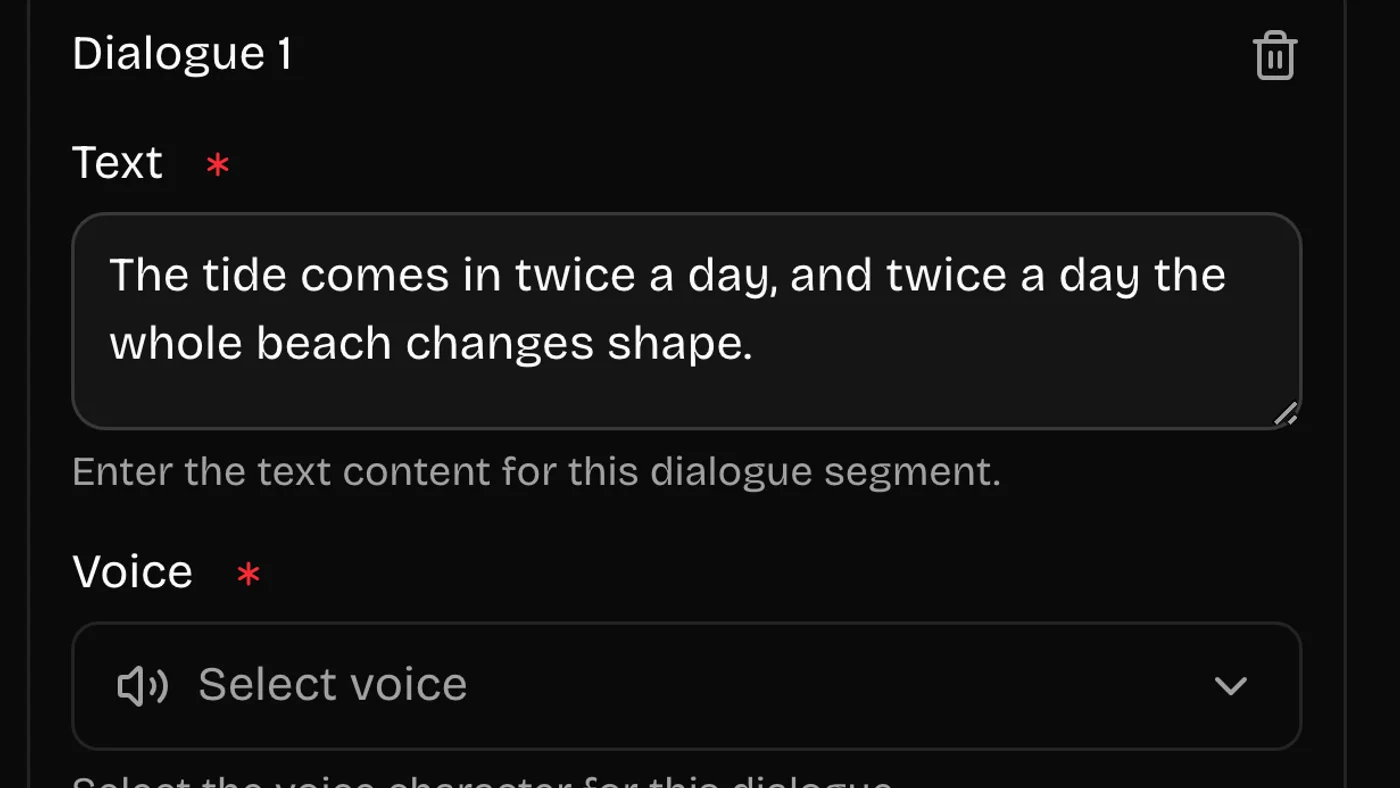 01
01Write or Paste Your Script
Type the lines, or paste a script you already have. For dialogue, mark who says what so each part gets its own voice.
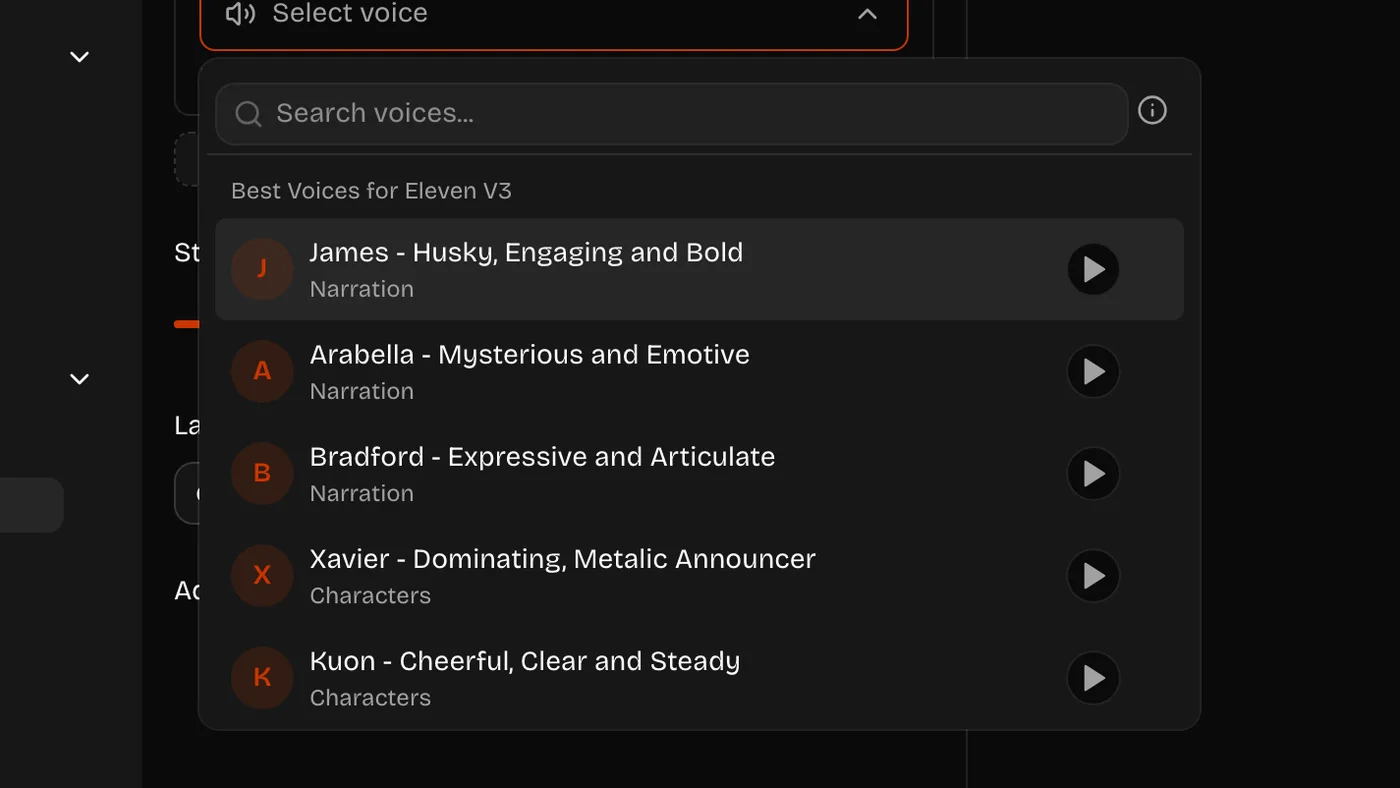 02
02Assign the Voices
Pick a voice for each speaker and set the delivery. Punctuation matters — commas and full stops shape the pacing.
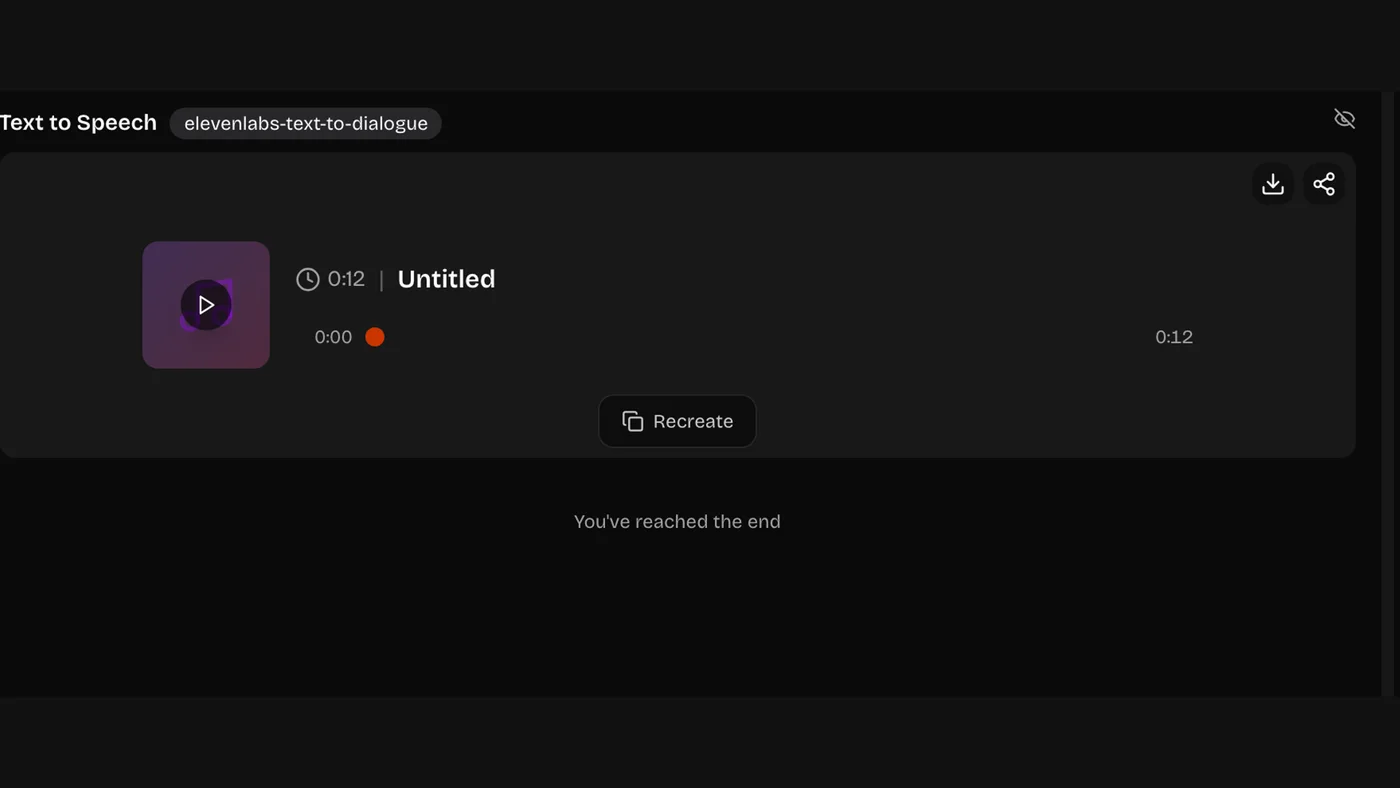 03
03Generate and Download
Listen back and download the audio. Every run stays in your history, so you can fix one line and generate again.
Voice Styles the AI Voice Generator Covers
Say the delivery you want in the script direction, not just the words.
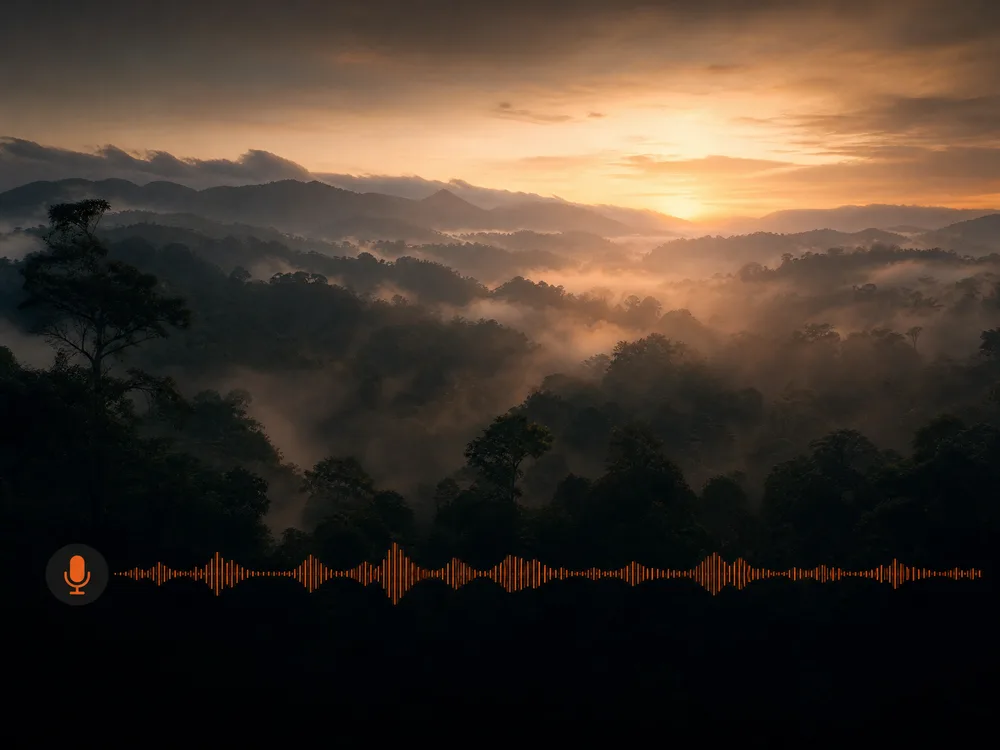
Narration and Documentary Voices
Measured pace, even tone — built to sit under picture.
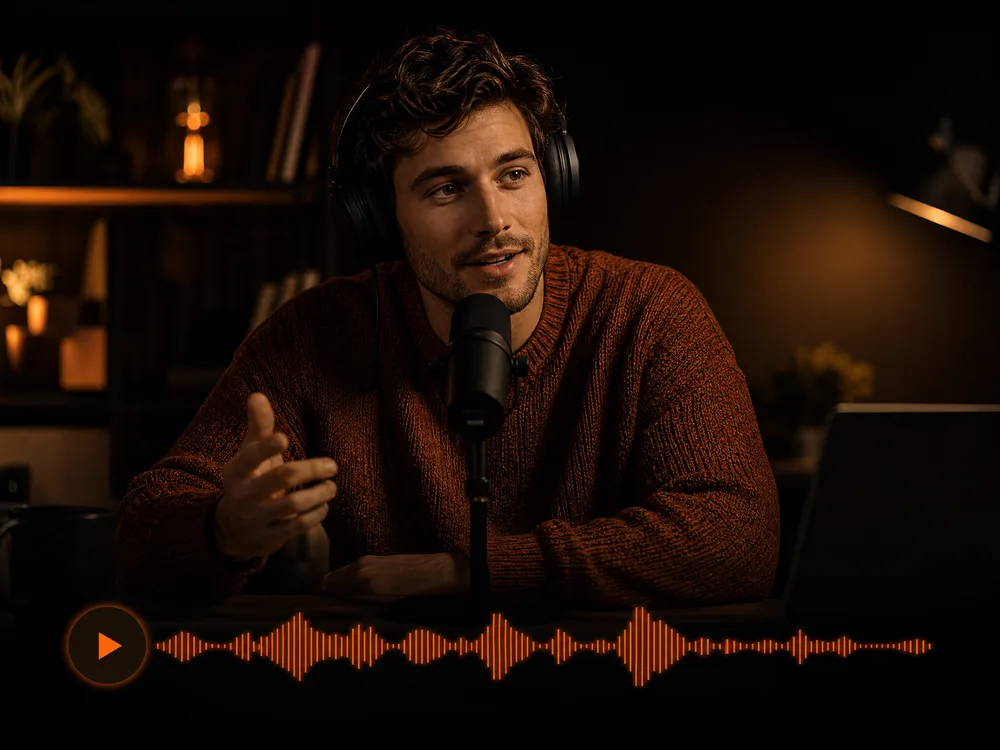
Conversational and Explainer
Lighter, closer to how someone actually talks.
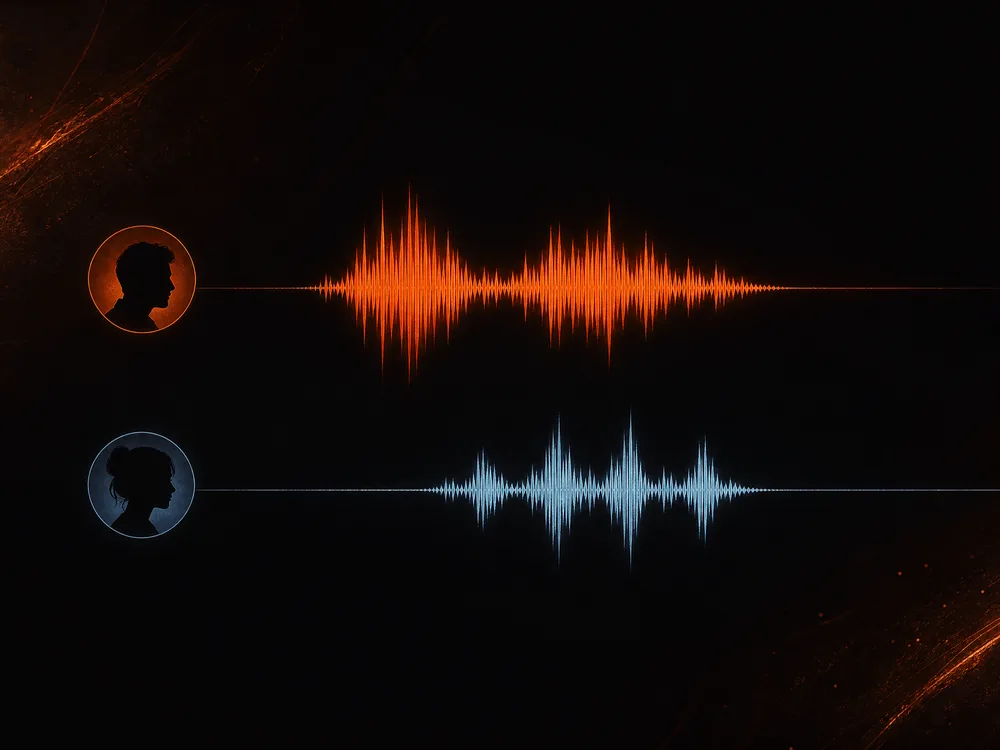
Two-Person Dialogue
Assign a different voice per speaker and they trade lines.
Ads and Announcer Voices
Higher energy, harder consonants, a clear call to action.
Calm and ASMR
Quiet, slow, close-mic delivery for sleep and focus audio.
Character and Cartoon
Push the pitch and pace for something that is not a narrator.
How to Write Scripts an AI Voice Generator Reads Well
Text to speech reads what you wrote, punctuation included — so the script is the performance.
Four things that shape delivery
- 1Punctuation — commas and full stops are your pauses
- 2Sentence length — short sentences breathe, long ones rush
- 3Numbers and acronyms — spell out how they should be said
- 4Speaker labels — mark who says each line in dialogue
Our Q4 ROI increased 24% YoY across EMEA & APAC.
Our fourth-quarter return on investment rose twenty-four percent year over year, across Europe and Asia Pacific.
Abbreviations and symbols get read literally or skipped. Write them the way you want them spoken.
This is a really long sentence that keeps going and adds another clause and then another one before it finally reaches a point which makes it hard to follow when spoken aloud.
This is one idea. Then the next one, clearly separated. Short sentences give the voice room to breathe.
A sentence that runs on will be read as a rush. Break it where you'd naturally pause.
A: hi B: hello how are you A: good thanks
Speaker 1: Hi. Speaker 2: Hello — how are you? Speaker 1: Good, thanks.
Label the speakers clearly and punctuate each line, and the dialogue gets real turns instead of one flat read.
Why Use Our AI Voice Generator
Anyone can voice a script the way they hear it — no booth, no microphone, no re-booking a session to fix a line.
Built for Dialogue
Give each speaker their own voice and get a real conversation, not one narrator reading every part.
Fix a Line in Seconds
Change a word and generate again. No scheduling, no re-recording, no matching room tone.
Natural Delivery
Pacing and emphasis follow your punctuation, so a well-written script reads like someone talking.
A Consistent Voice
The same voice across every video and episode, however far apart you make them.
Nothing to Install
It runs in your browser, and every take stays in your history with the script that produced it.
Available by API
For batch voiceovers, call it through the API with your key instead of clicking through one script at a time.
AI Voice Generator and Text to Speech FAQ
It reads written text aloud in a natural voice. You paste a script, choose a voice, and get an audio file back — no microphone, no recording booth, no editing software.
New accounts come with free credits, so you can try it before paying anything. After that you top up or subscribe, whichever suits how much you generate.
Yes — that's what it's built for. Mark who says each line and assign a voice per speaker, and you get a conversation with real turns rather than one narrator reading everything.
Through punctuation and sentence length. Commas and full stops become pauses, and short sentences give the voice room to breathe. Spell out numbers and acronyms the way you want them said.
Not on this page. You choose from the available voices and shape the delivery through your script rather than supplying a voice sample.
Usually around 30 seconds for a typical script. Long scripts take proportionally longer.
Unusual names, acronyms, and technical terms are the usual culprits. Write them phonetically — the way you want them said — and it will follow your spelling.
Ready to Voice Your First Script?
No booth, no microphone, no card needed. Paste a script, pick the voices, and hear it in about 30 seconds.